



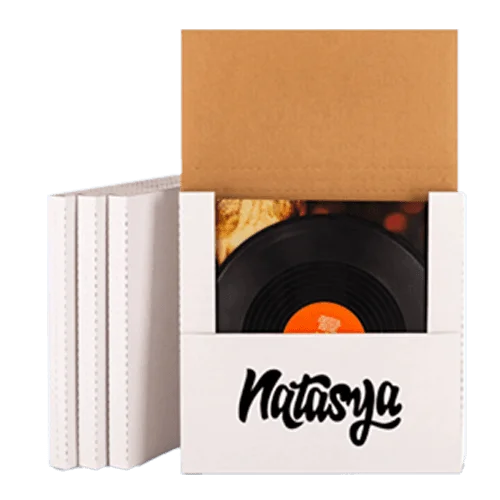


Free 3D Box Mockup Generator Design Your Box Online
Most buyers approve a box from a flat proof and only see the real shape when the first carton comes off the press. The free box mockup generator below shows you that finished box in 3D before you spend anything on printing. Pick a style and a size, add your artwork and watch the box fold closed on screen.
Talk to a real person Monday to Friday from 9am to 6pm EST.
How Does the 3D Box Studio Work?
- 1 SizeType length, width and height in mm, cm or inches.
- 2 MaterialPick cardstock, kraft or white or brown corrugated.
- 3 ArtworkUpload PNG, JPG, SVG or WEBP and drag it onto a panel.
- 4 PreviewOpen the 3D view and fold the box with the slider.
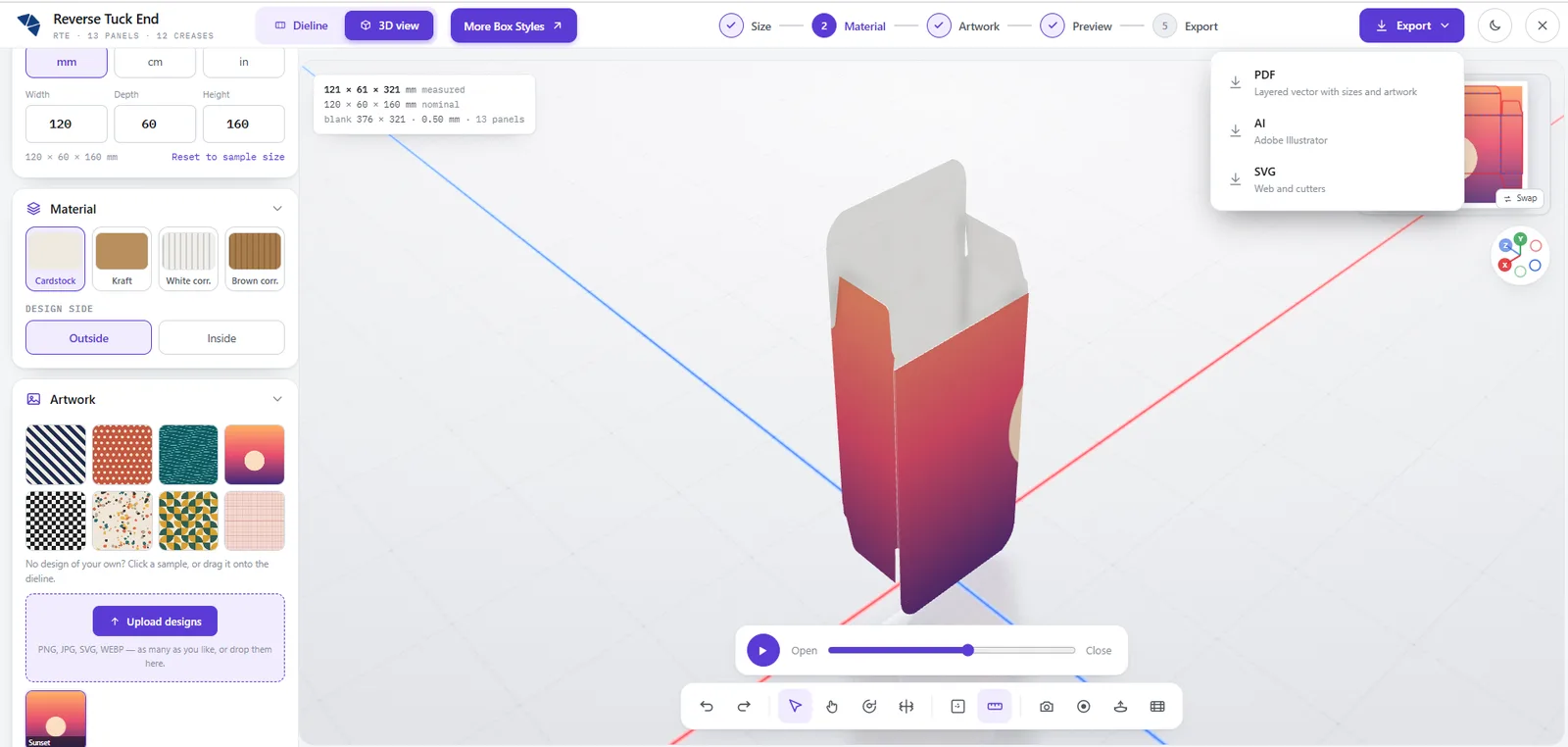
- 5 ExportSave a PNG or a video, or export PDF, AI or SVG.
Every step starts from a box style so pick the structure that suits your product before anything else.
Which Box Styles Can You Turn Into a 3D Mockup?
Each card opens the studio on this page with that style and a sample size already filled in. Type your own numbers and the flat dieline and the 3D box redraw together on screen.
The 61 styles below are sorted into six groups, so jump straight to the kind of box you are planning.
Folding cartons
17 stylesRetail cartons that ship flat and close with tucks, locks or glue.
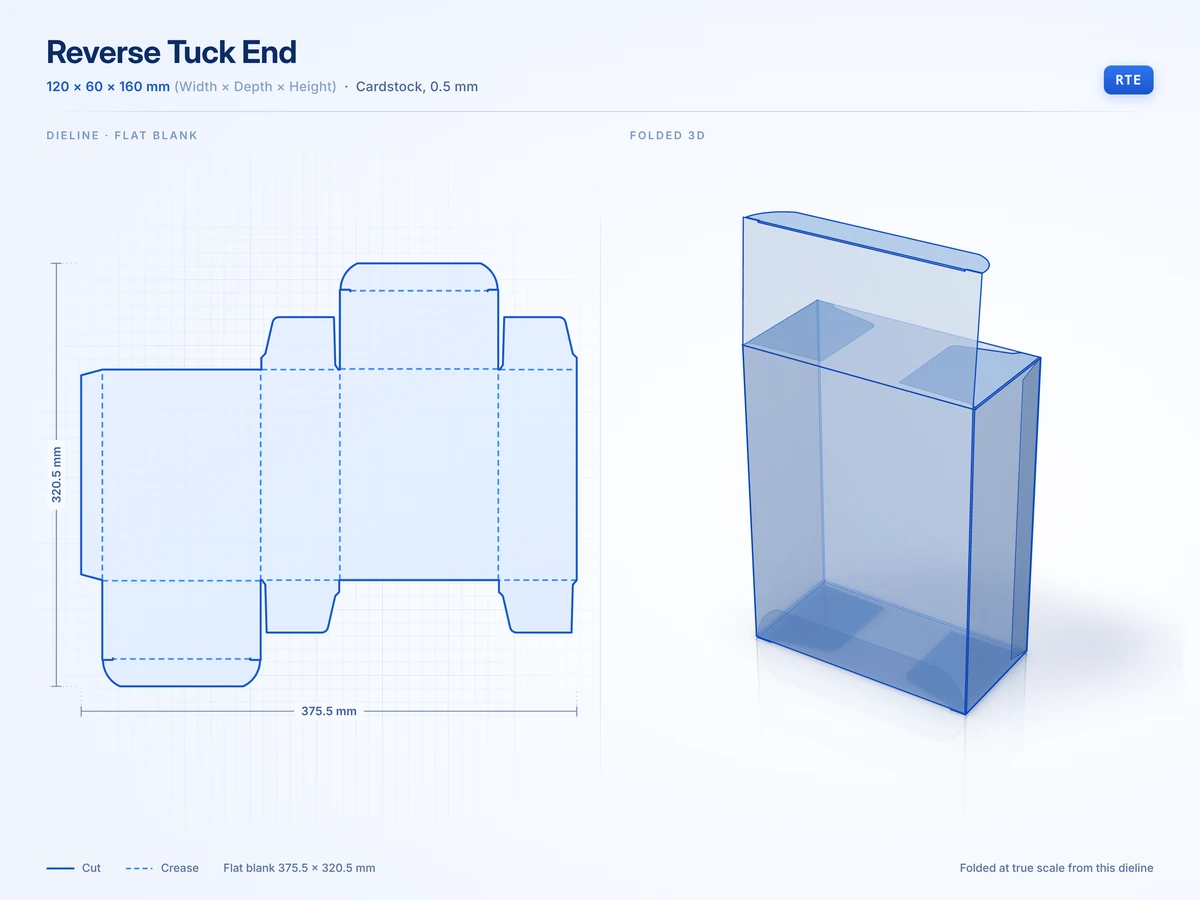 Reverse Tuck End120 x 60 x 160 mmView in 3D
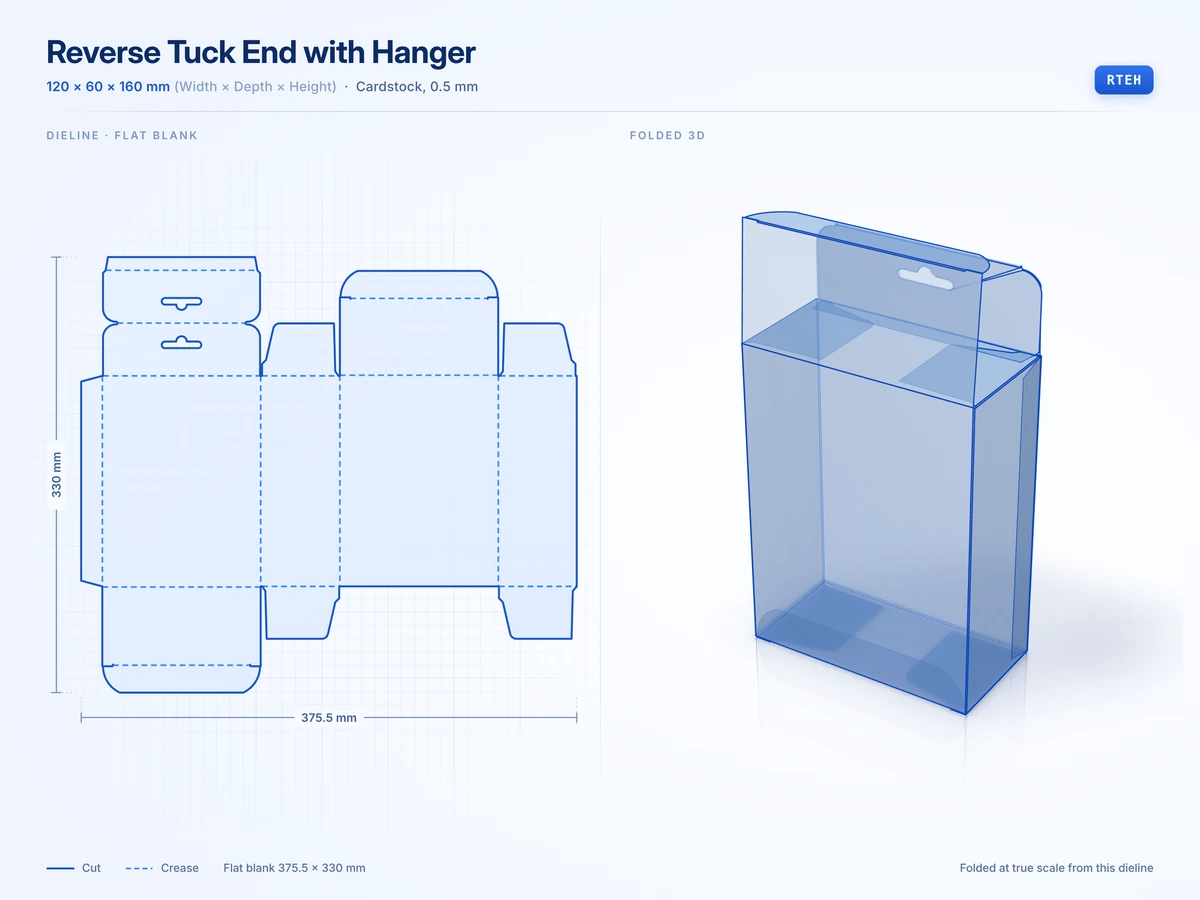 Reverse Tuck End with Hanger120 x 60 x 160 mmView in 3D
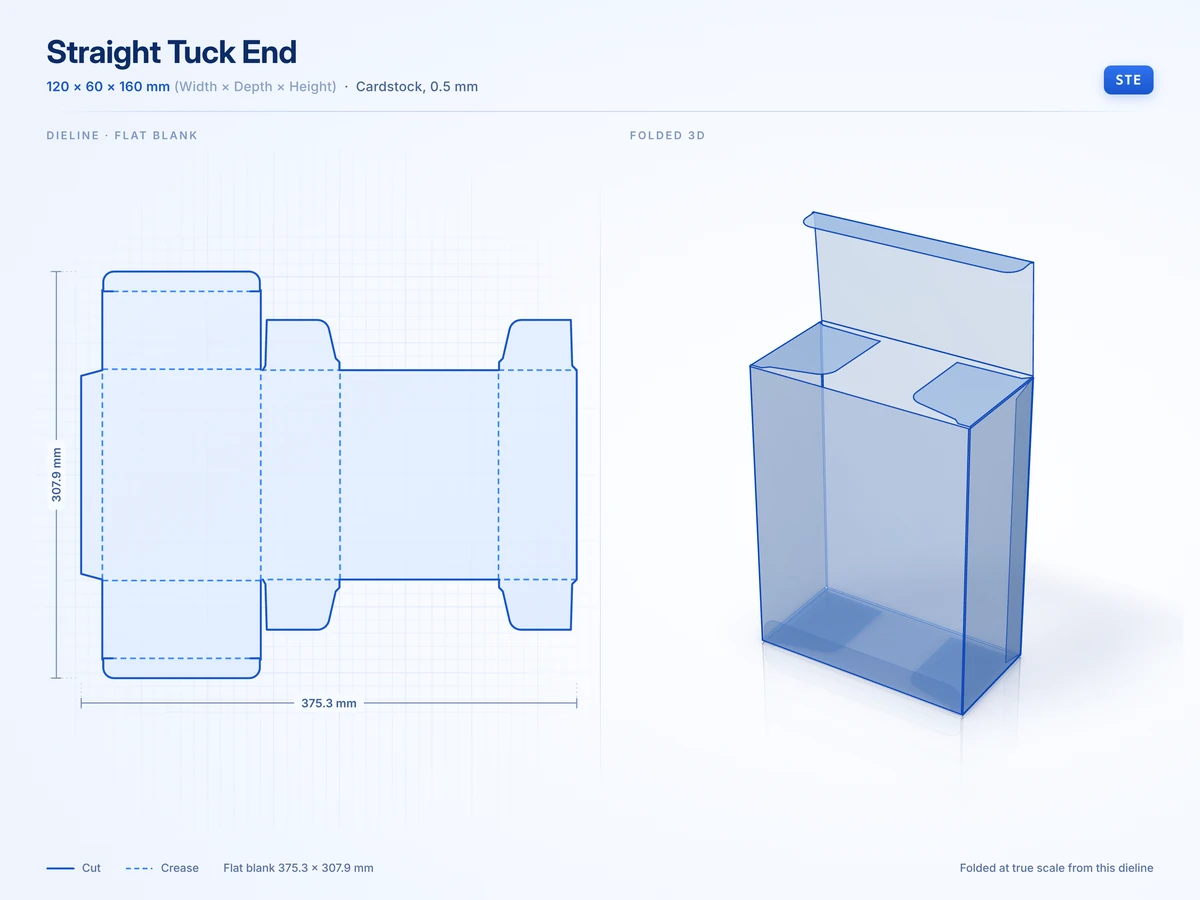 Straight Tuck End120 x 60 x 160 mmView in 3D
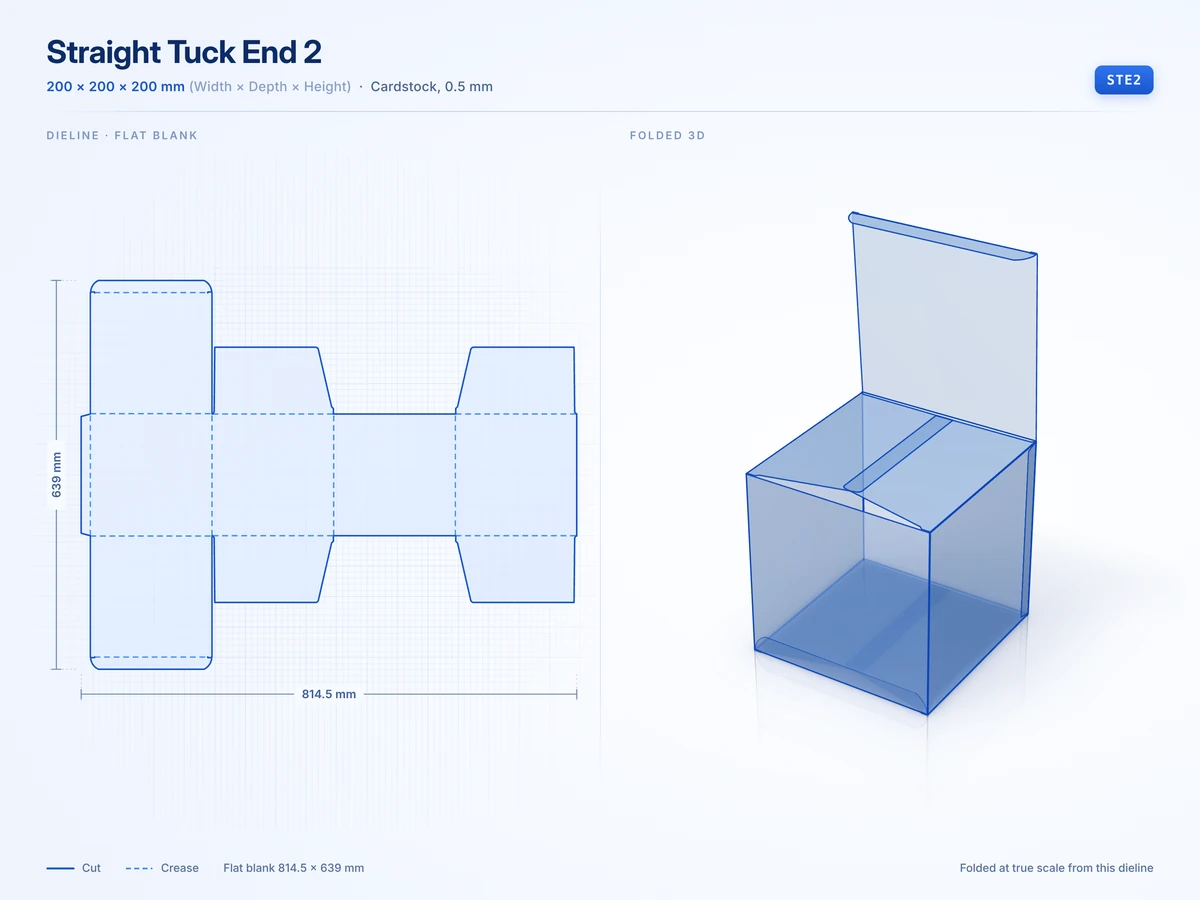 Straight Tuck End 2200 x 200 x 200 mmView in 3D
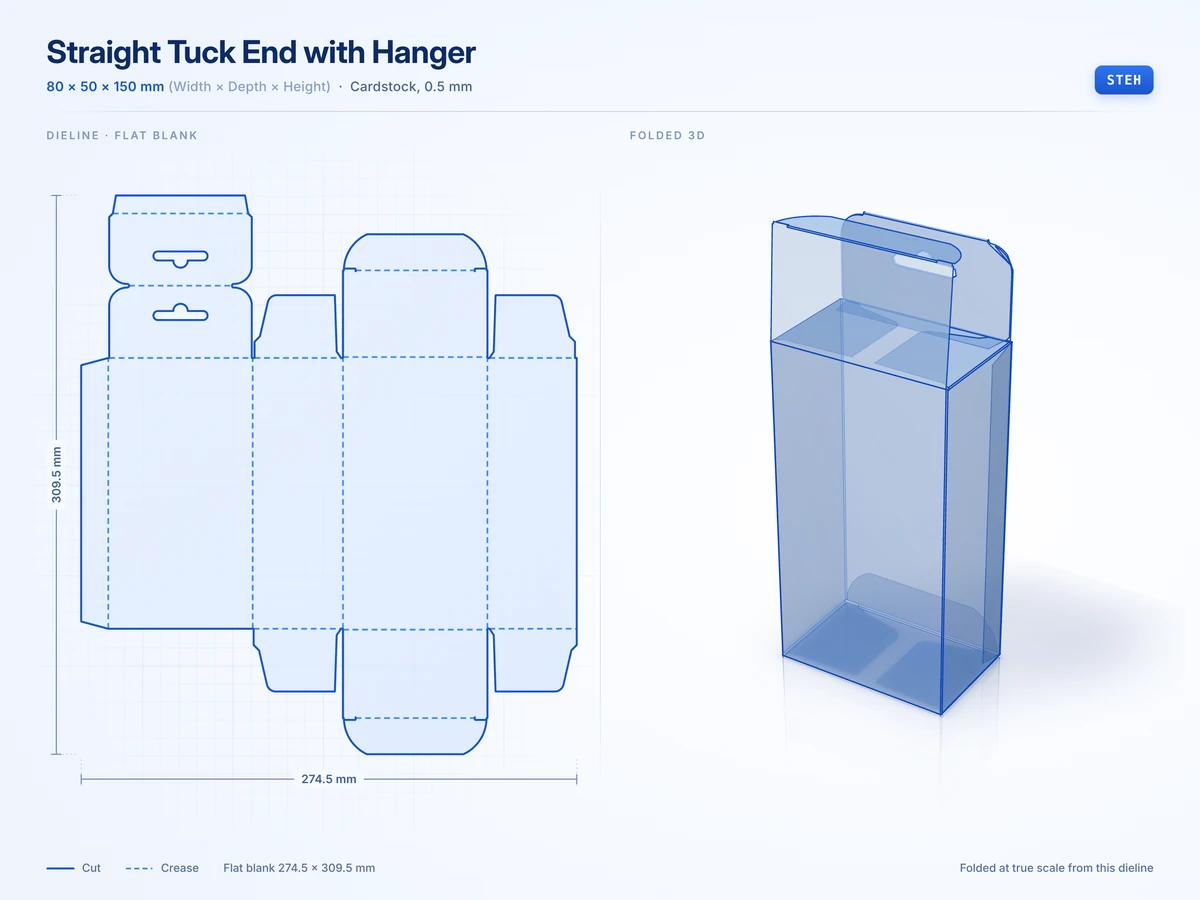 Straight Tuck End with Hanger80 x 50 x 150 mmView in 3D
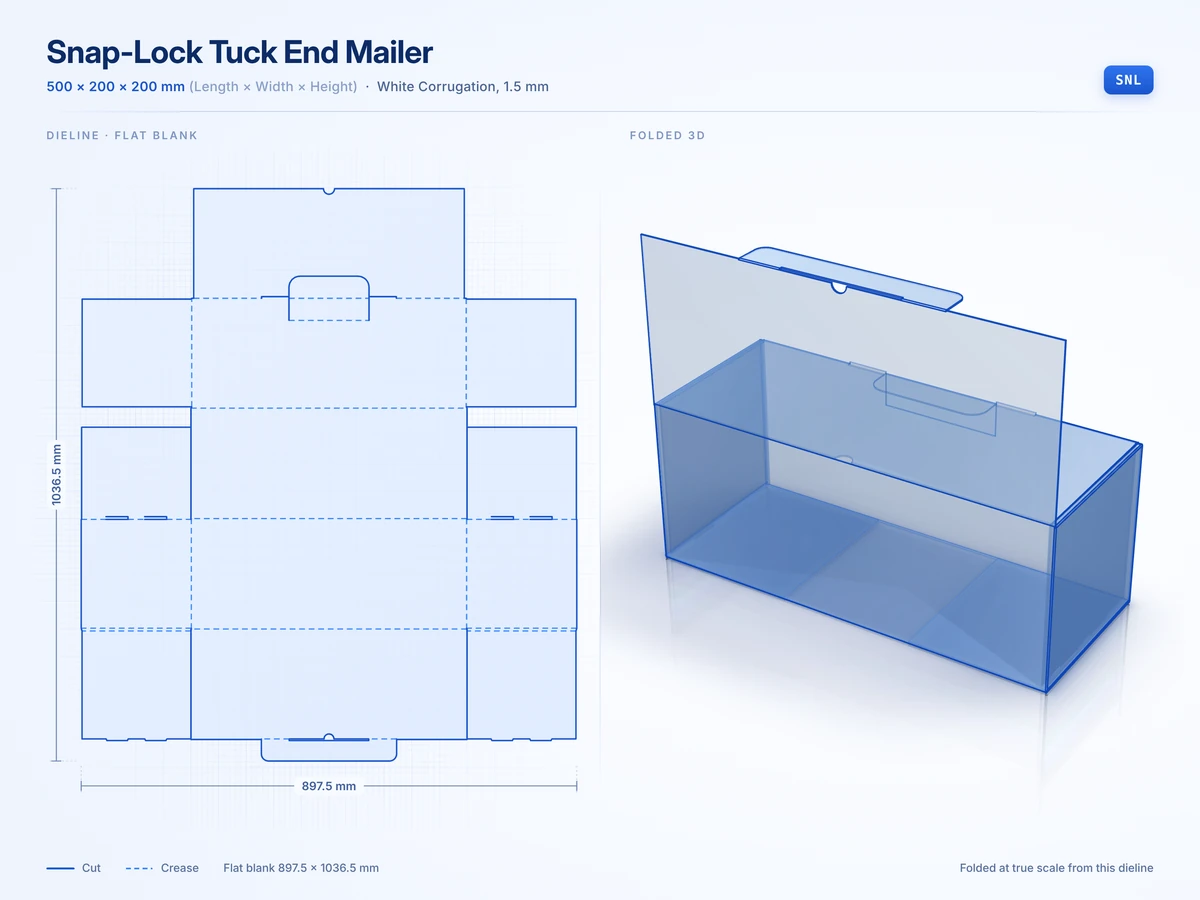 Snap-Lock Tuck End Mailer500 x 200 x 200 mmView in 3D
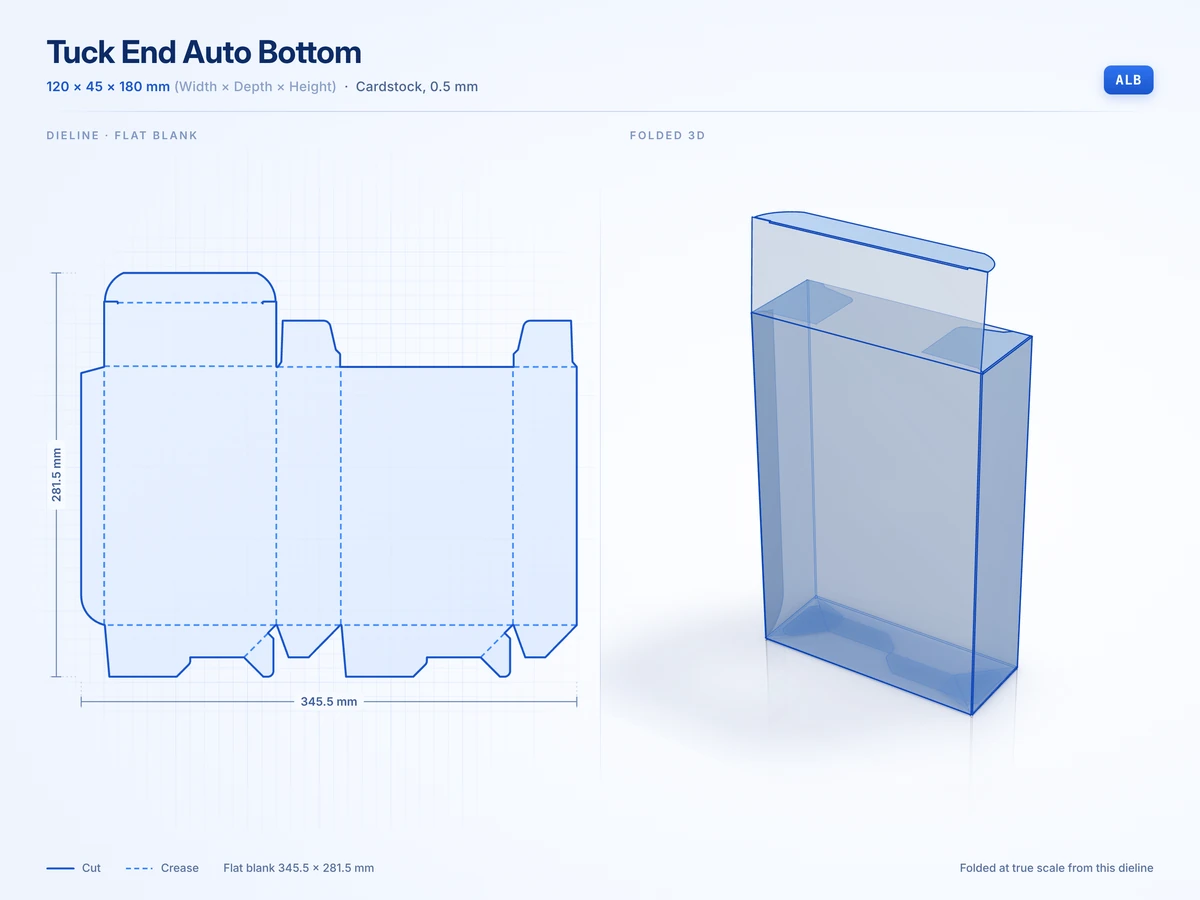 Tuck End Auto Bottom120 x 45 x 180 mmView in 3D
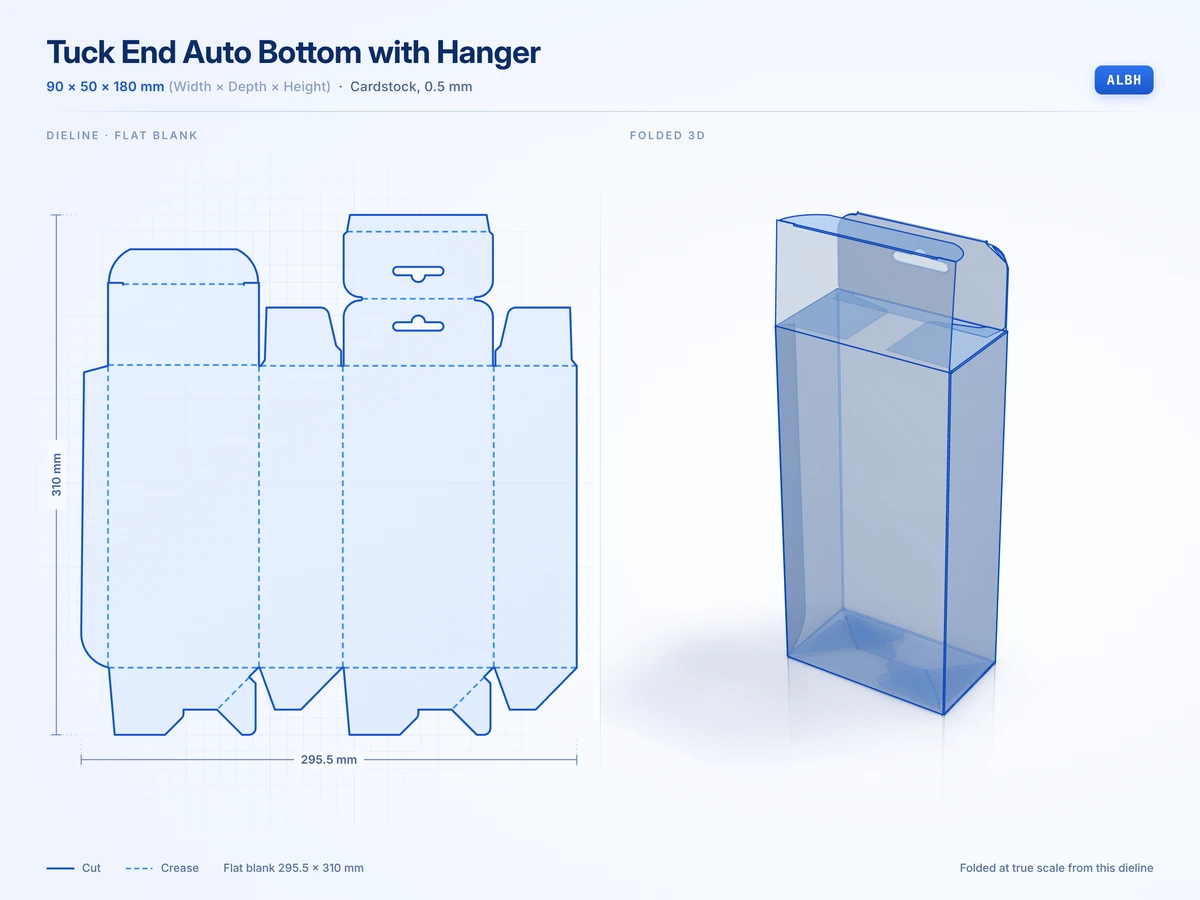 Tuck End Auto Bottom with Hanger90 x 50 x 180 mmView in 3D
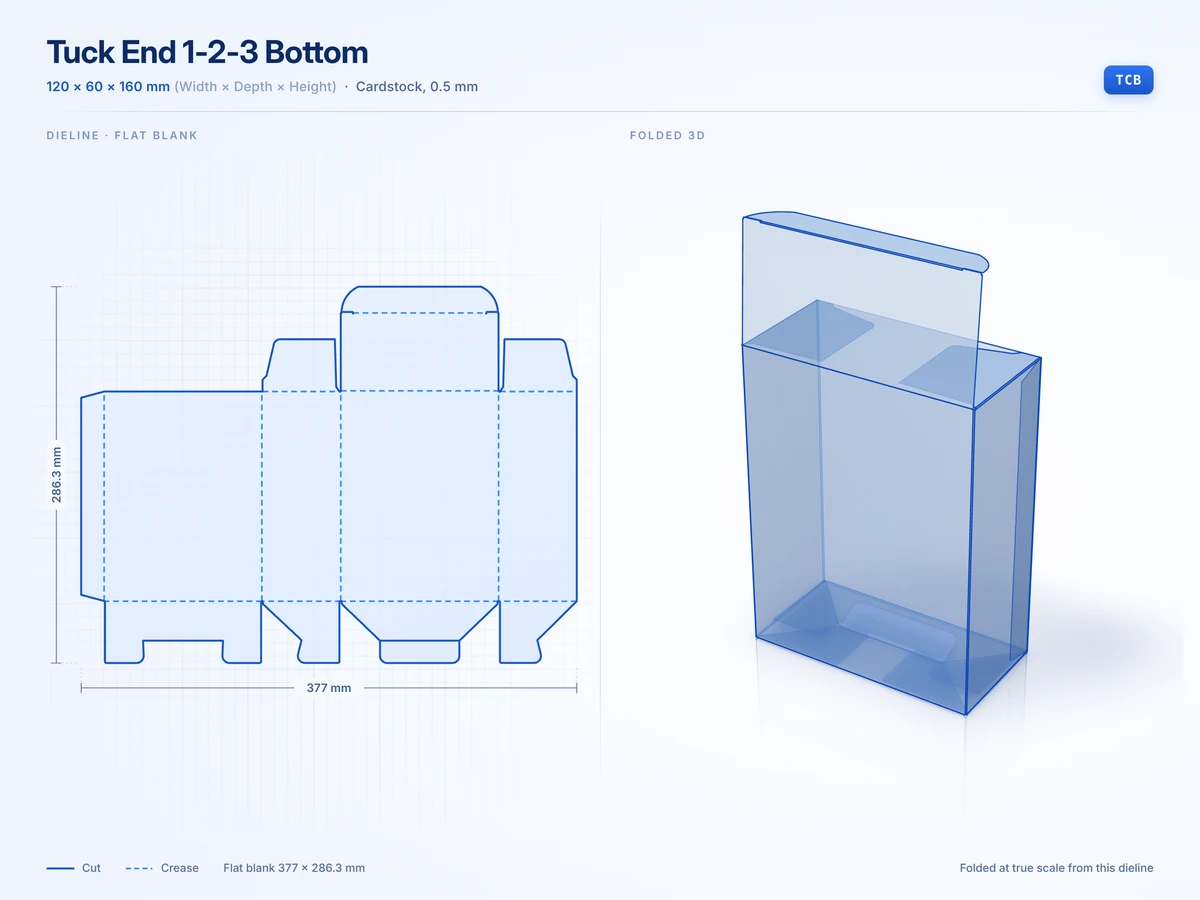 Tuck End 1-2-3 Bottom120 x 60 x 160 mmView in 3D
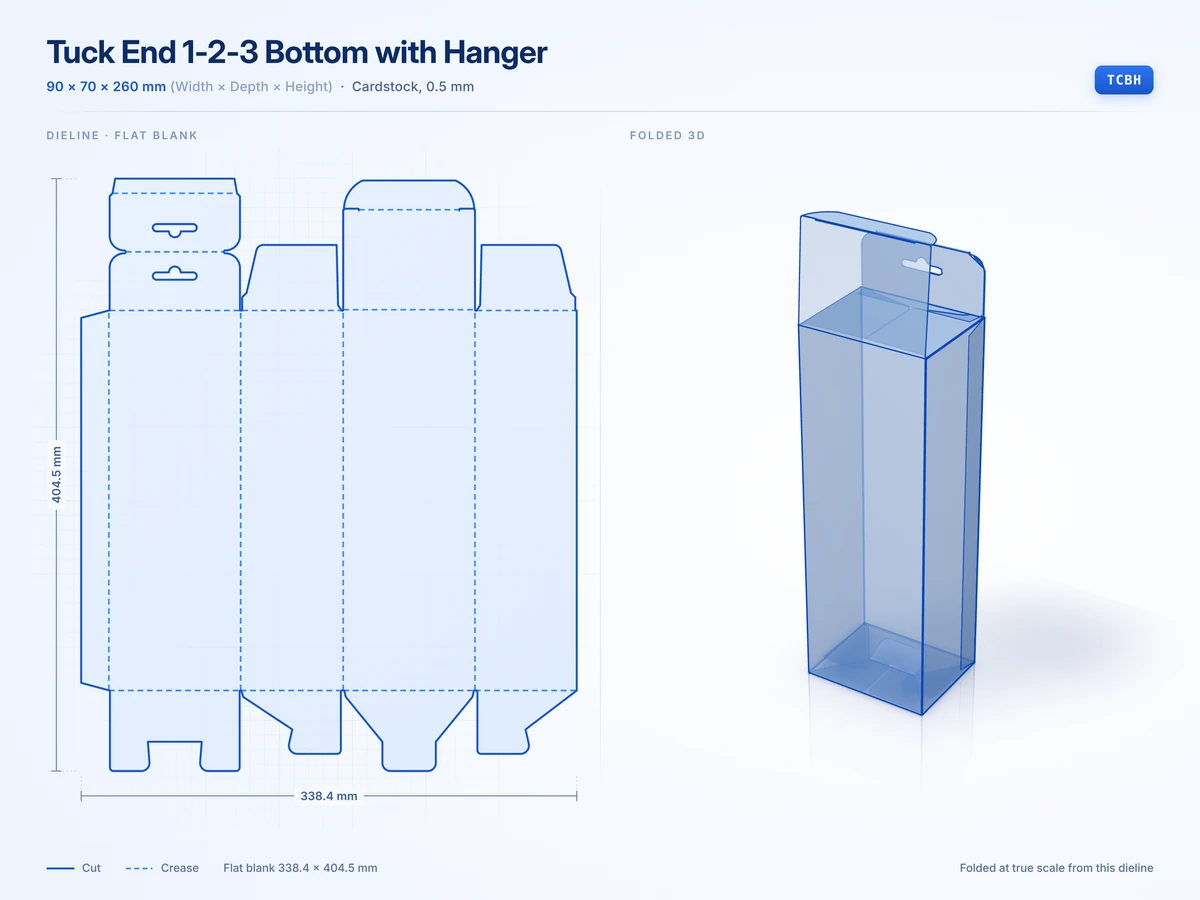 Tuck End 1-2-3 Bottom with Hanger90 x 70 x 260 mmView in 3D
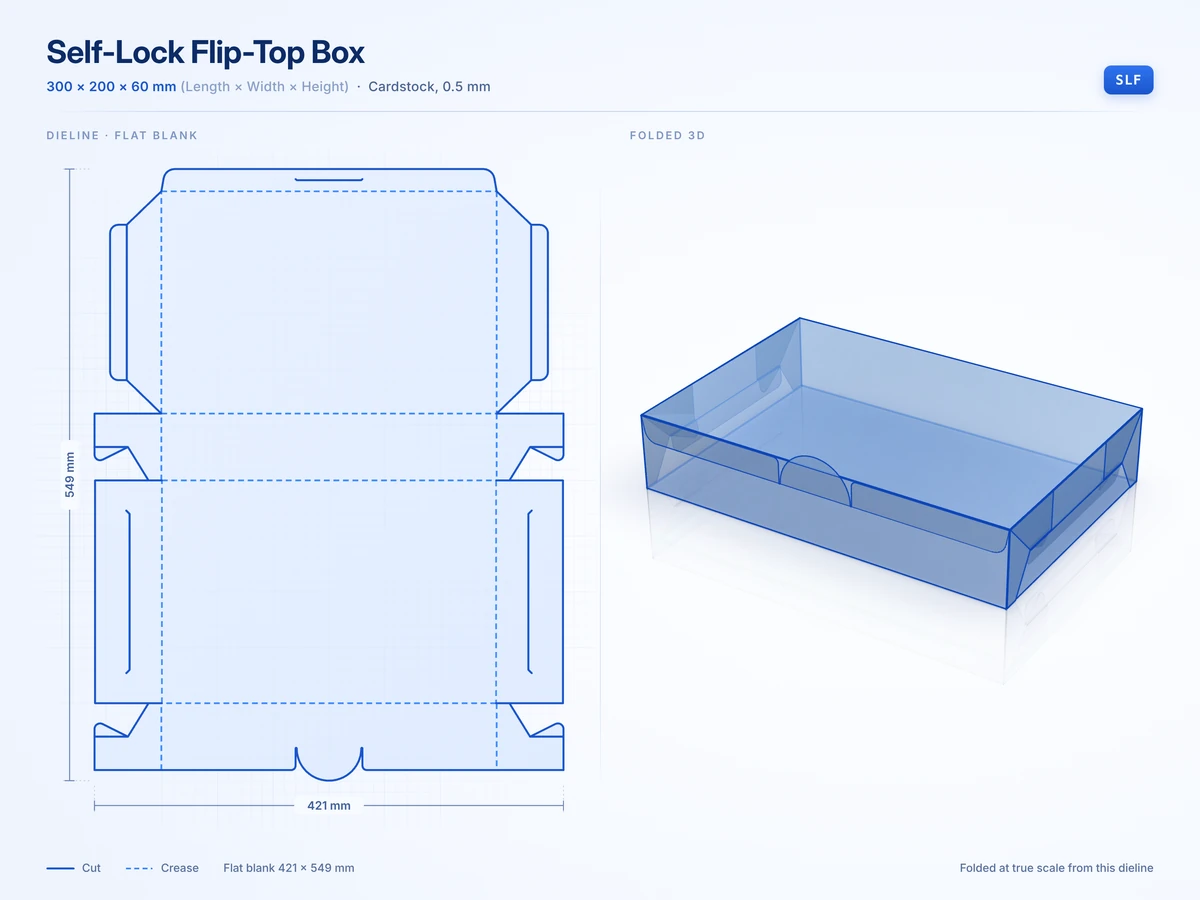 Self-Lock Flip-Top Box300 x 200 x 60 mmView in 3D
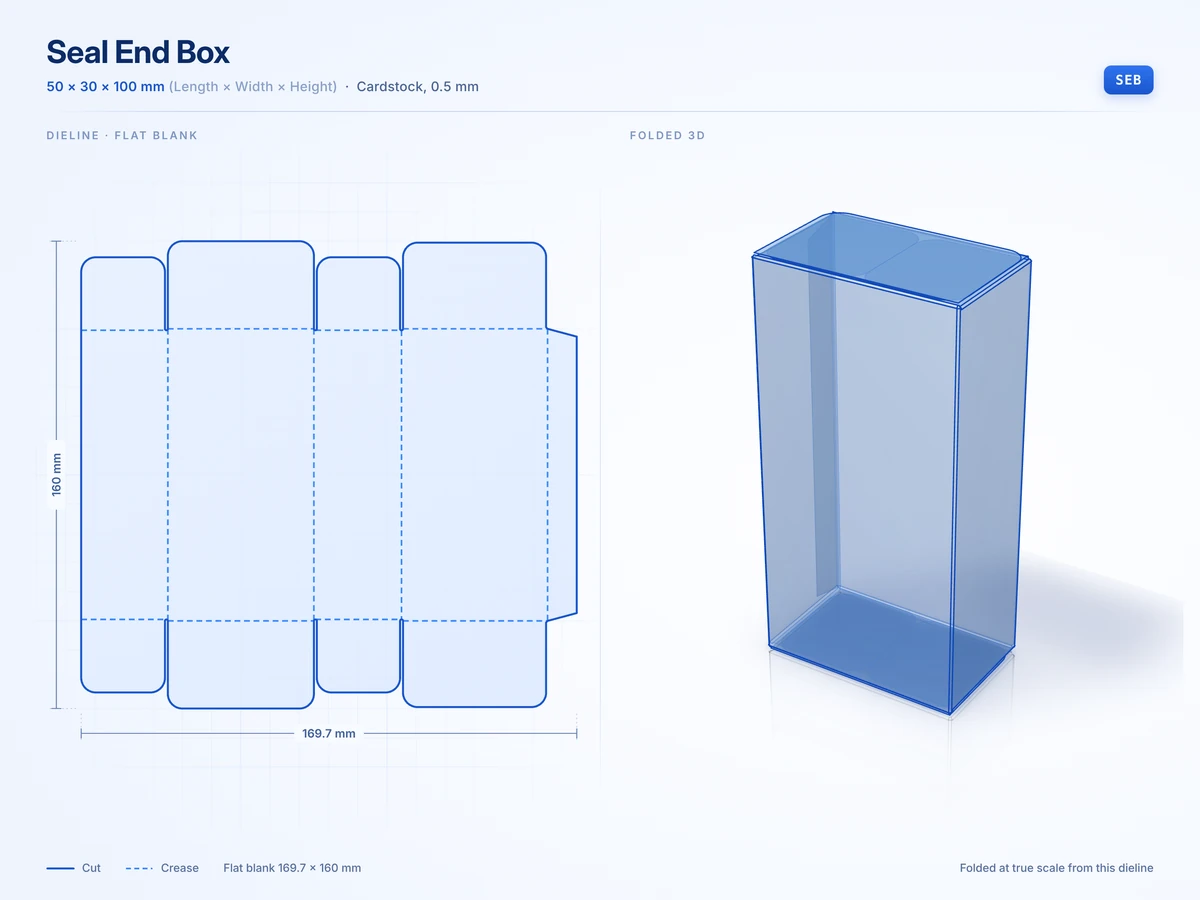 Seal End Box50 x 30 x 100 mmView in 3D
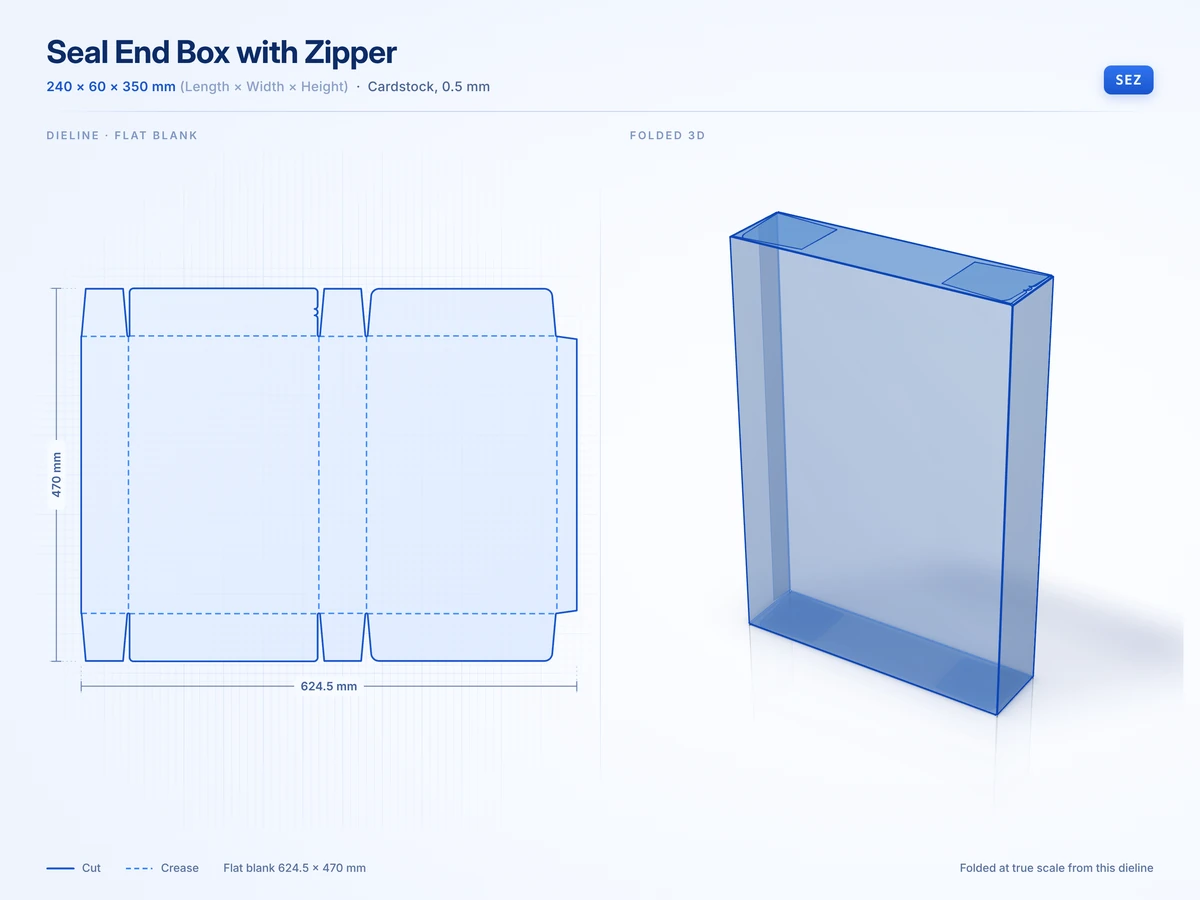 Seal End Box with Zipper240 x 60 x 350 mmView in 3D
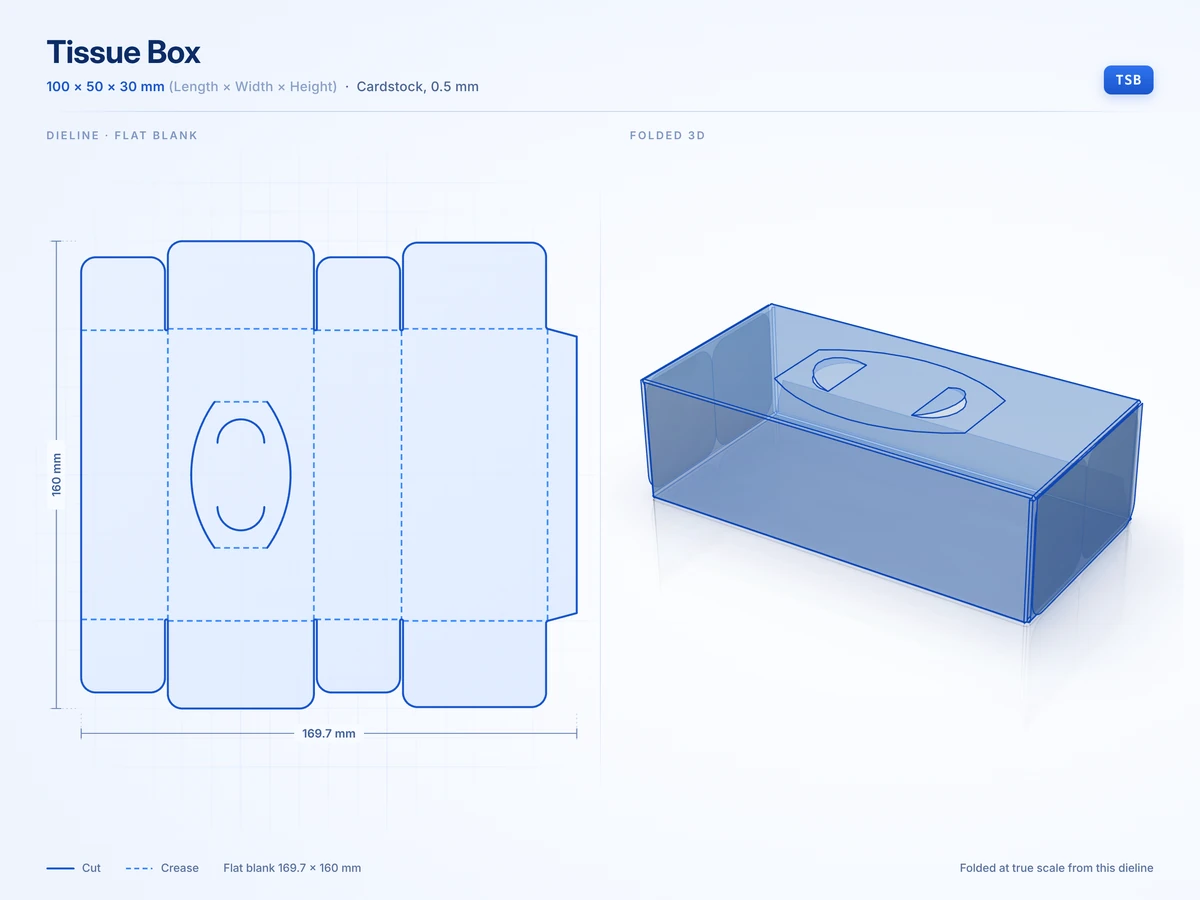 Tissue Box100 x 50 x 30 mmView in 3D
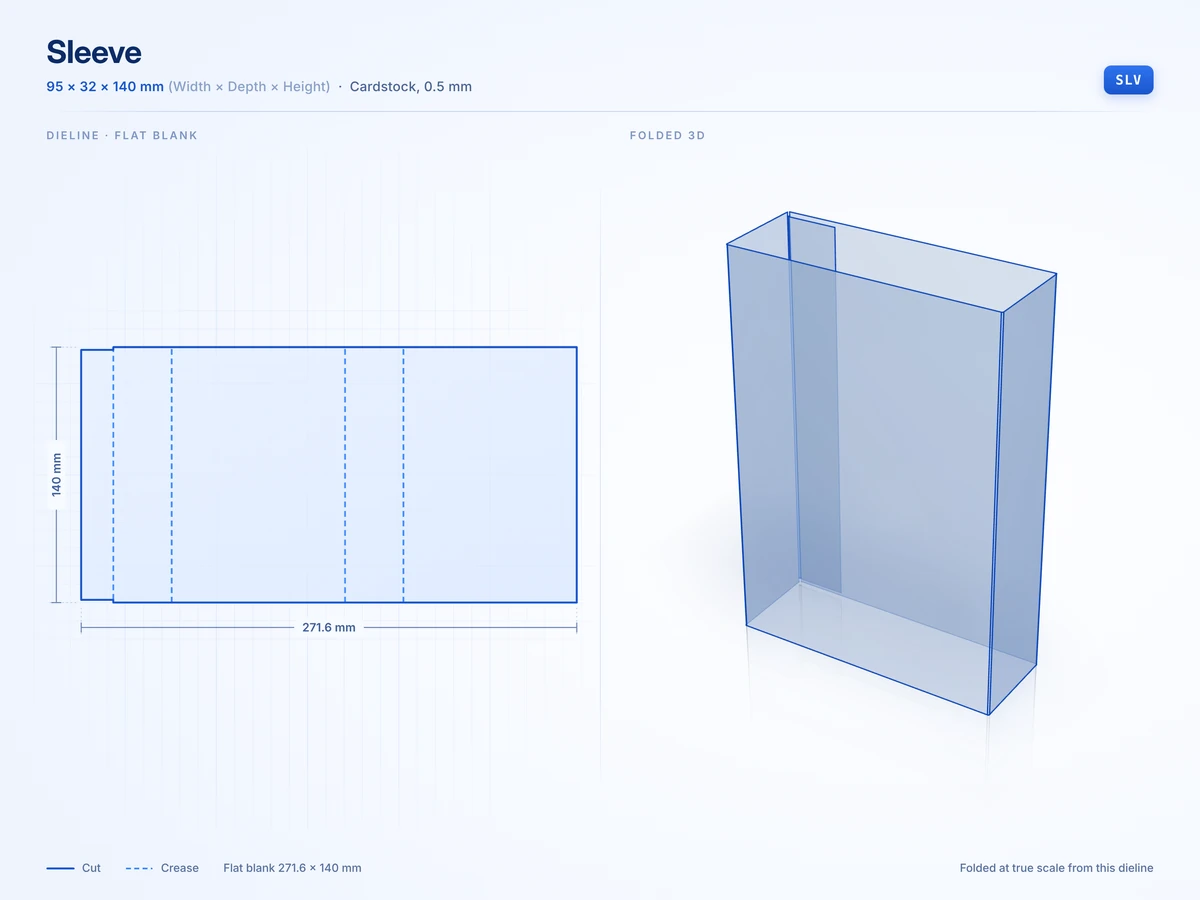 Sleeve95 x 32 x 140 mmView in 3D
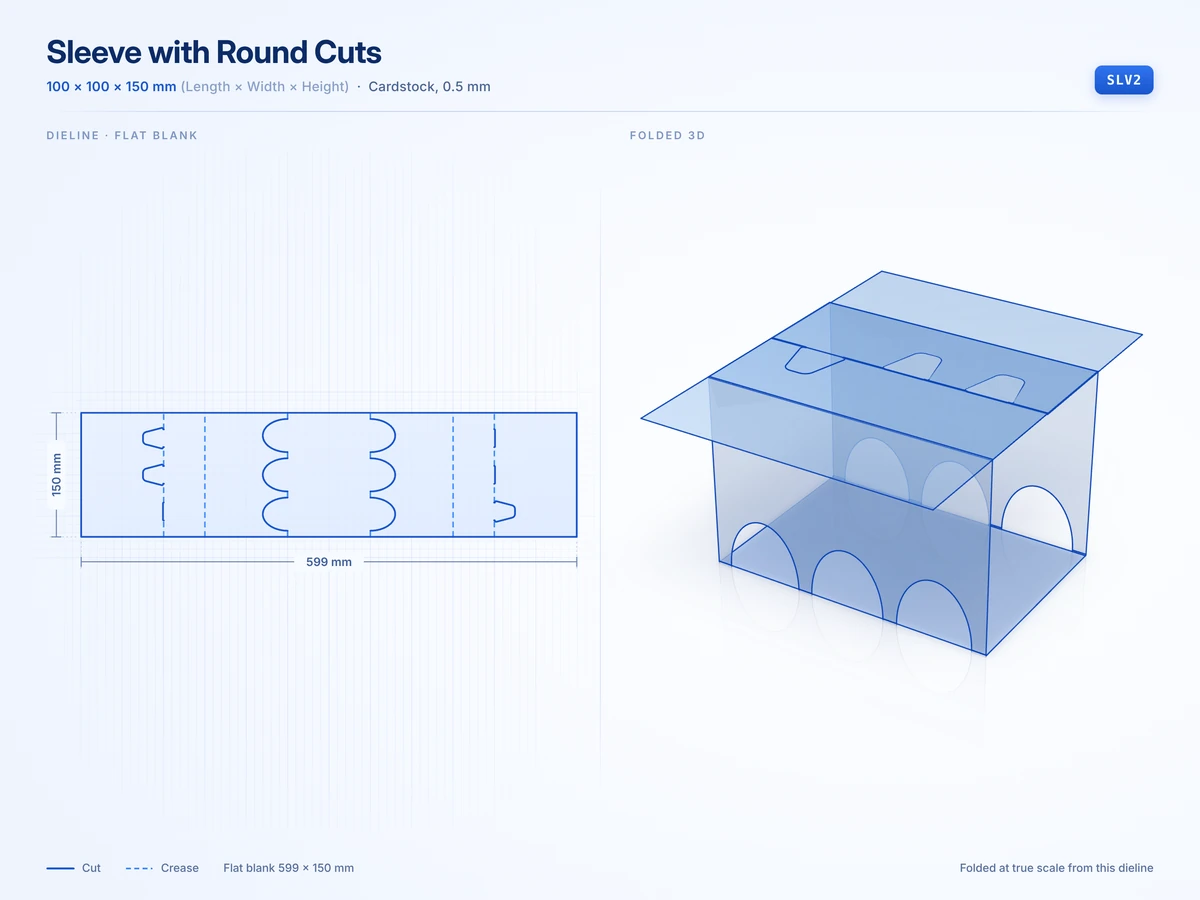 Sleeve with Round Cuts100 x 100 x 150 mmView in 3D
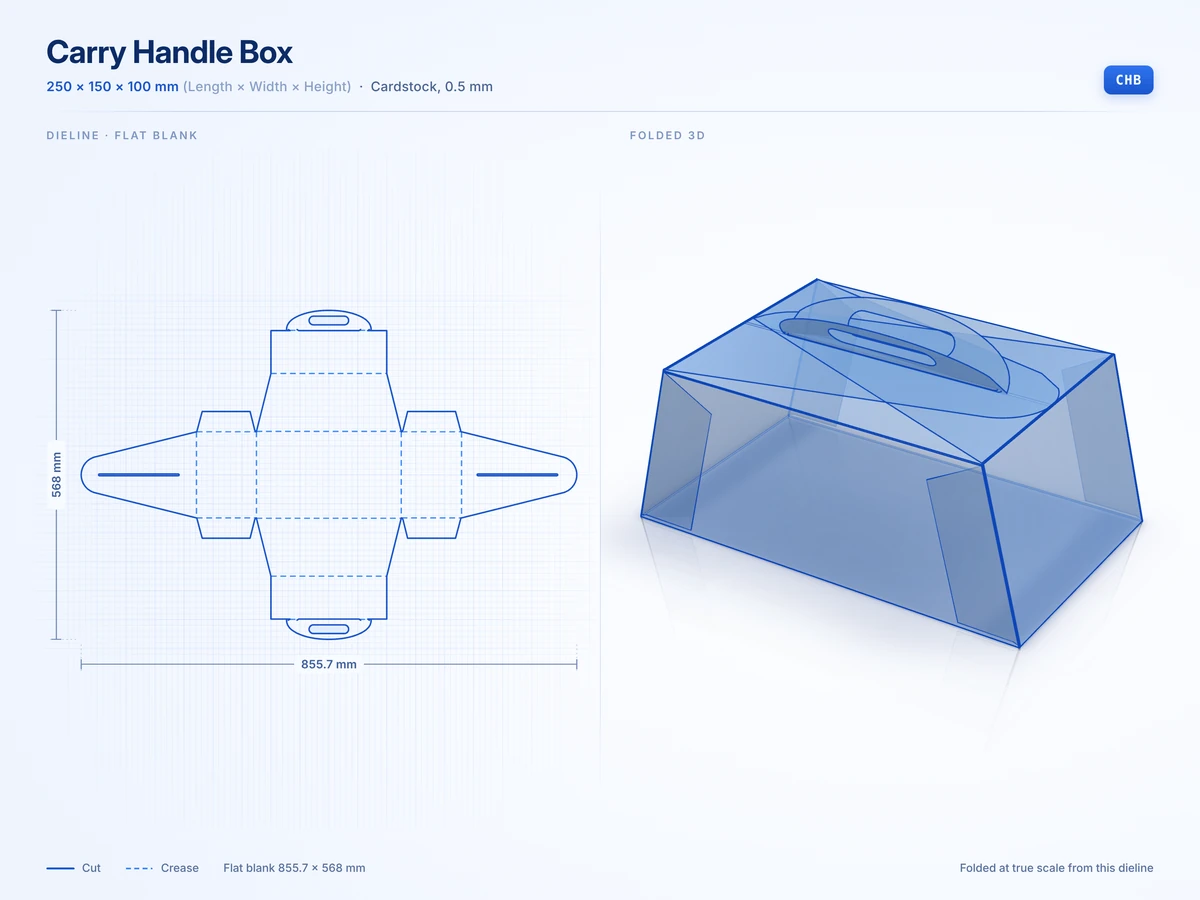 Carry Handle Box250 x 150 x 100 mmView in 3D
Mailers and shipping boxes
8 stylesBoxes that travel by courier and open straight onto the product.
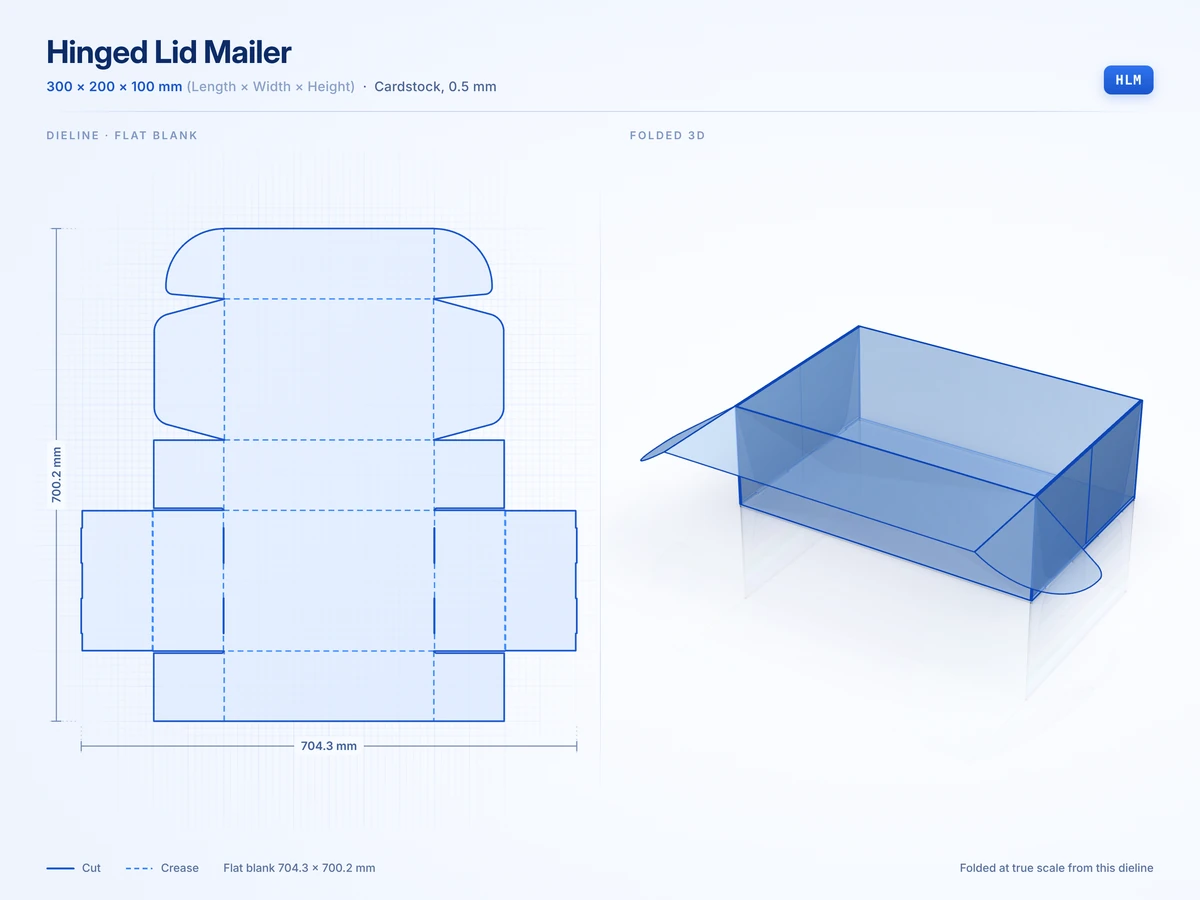 Hinged Lid Mailer300 x 200 x 100 mmView in 3D
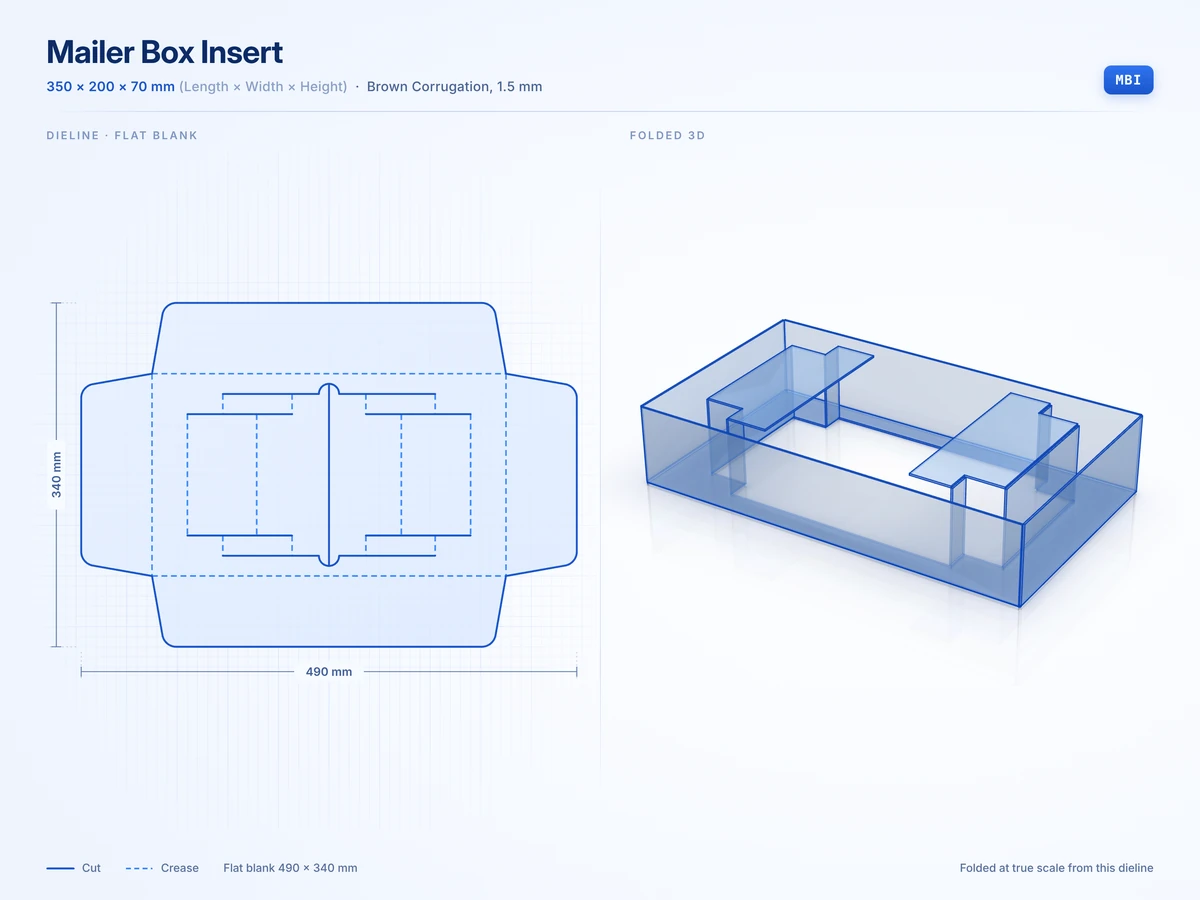
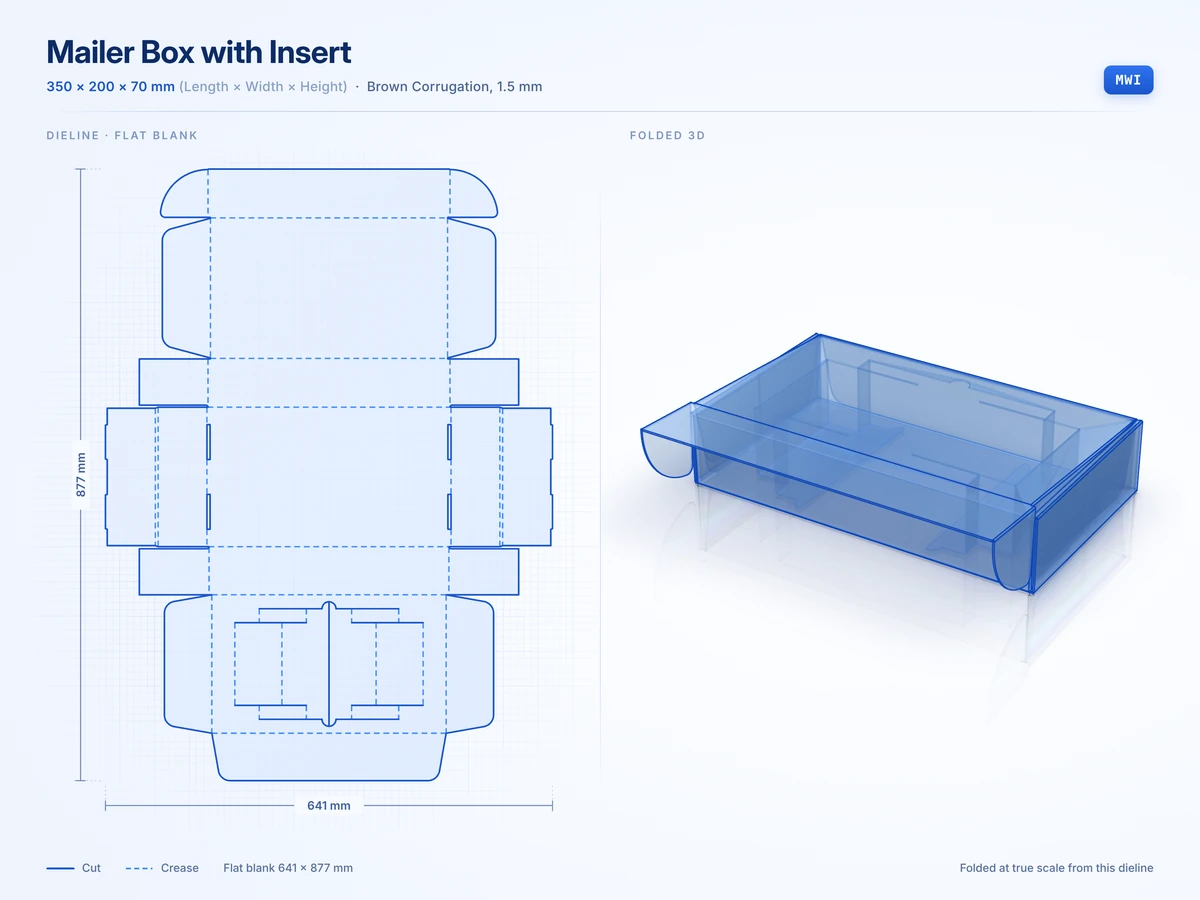 Mailer Box with Insert350 x 200 x 70 mmView in 3D
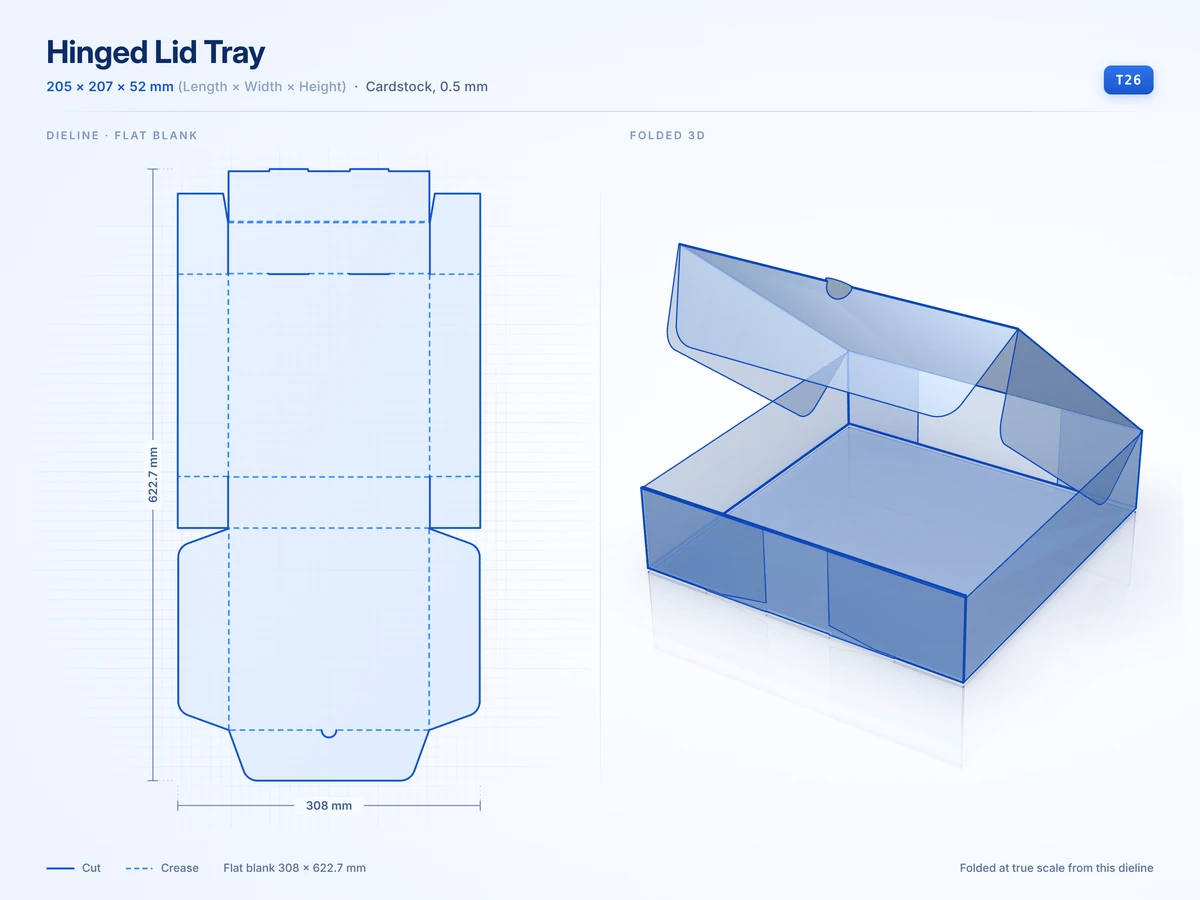 Hinged Lid Tray205 x 207 x 52 mmView in 3D
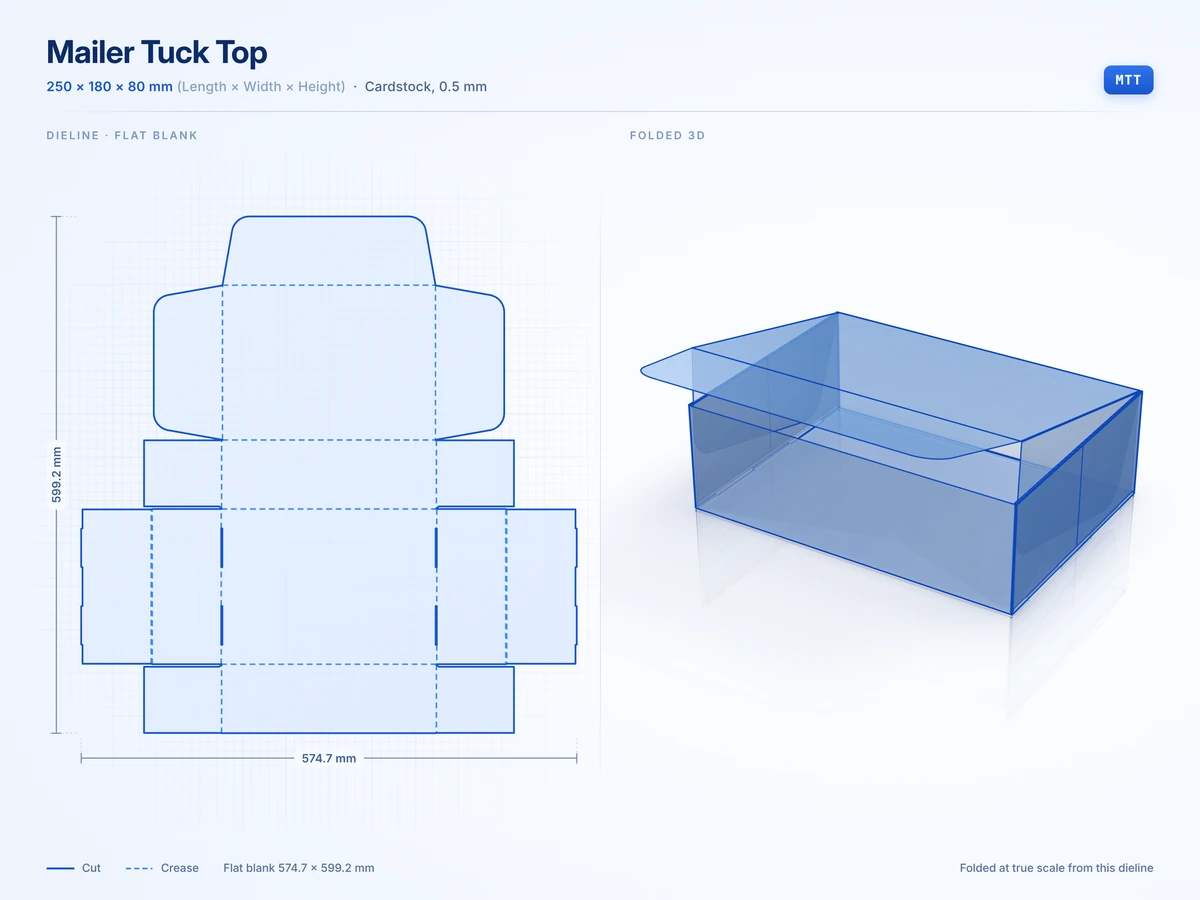 Mailer Tuck Top250 x 180 x 80 mmView in 3D
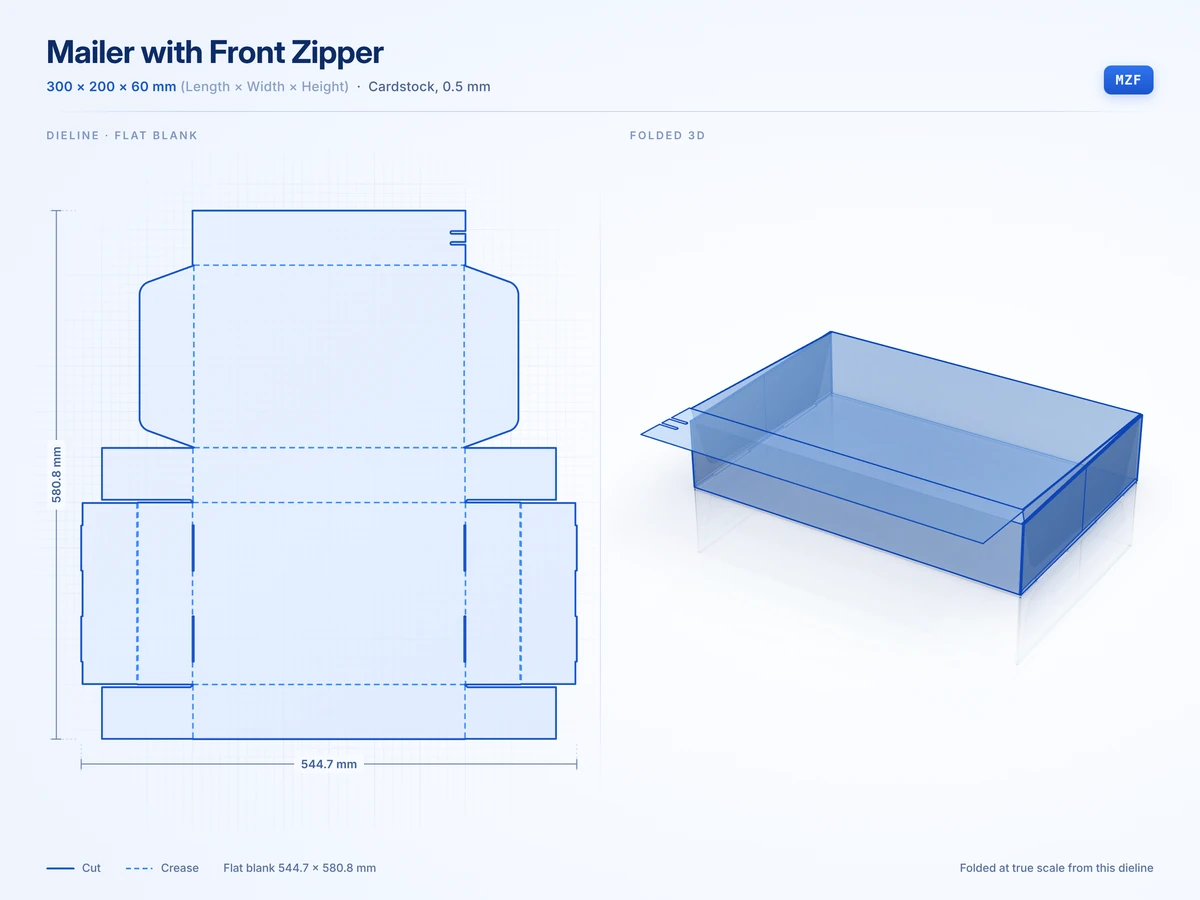 Mailer with Front Zipper300 x 200 x 60 mmView in 3D
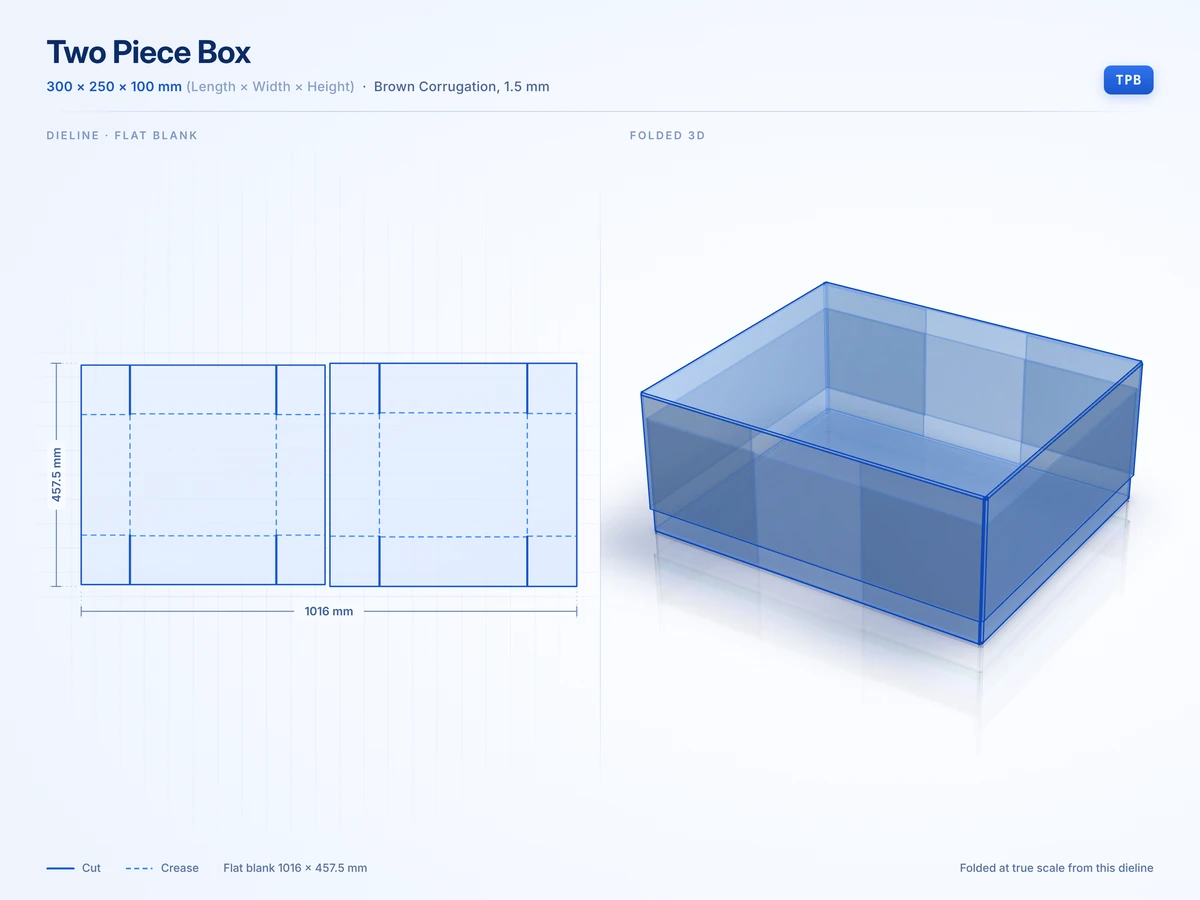 Two Piece Box300 x 250 x 100 mmView in 3D
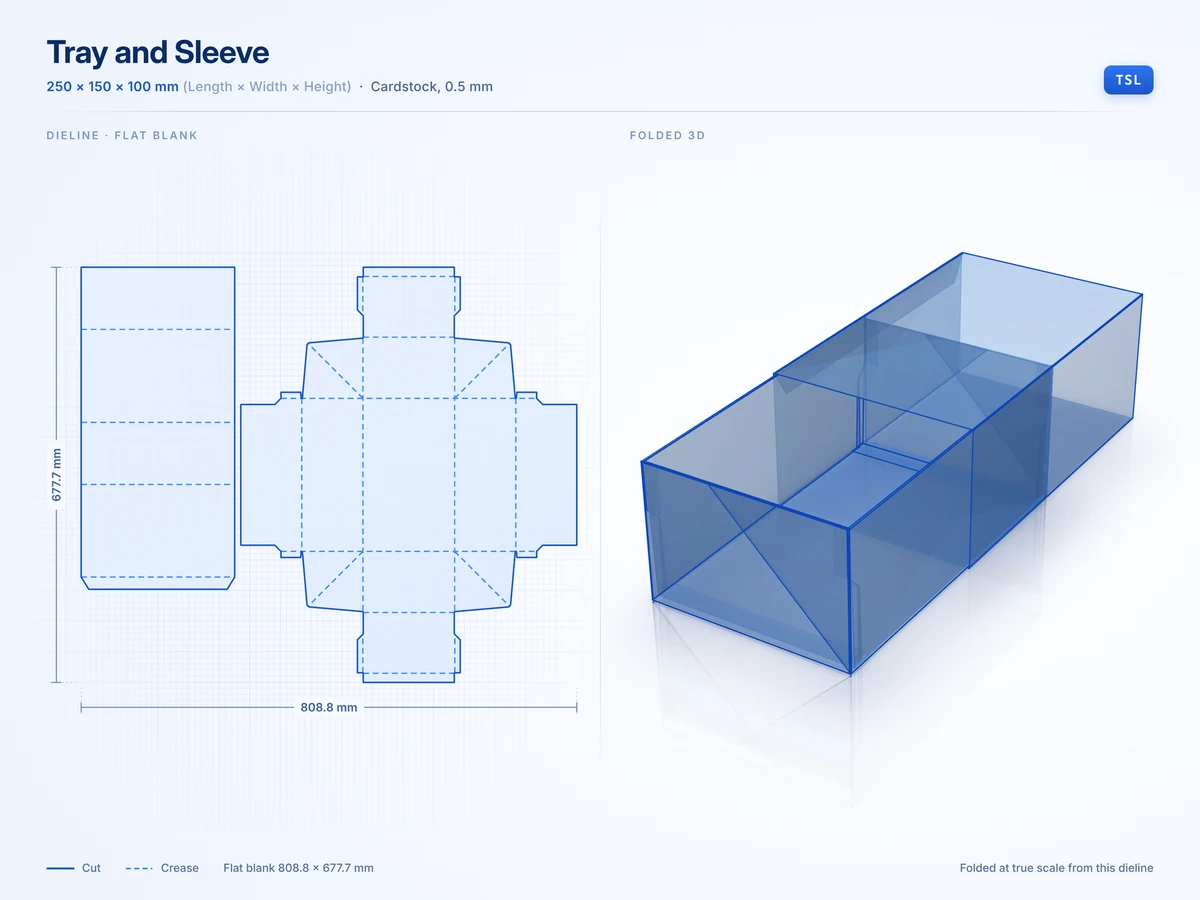 Tray and Sleeve250 x 150 x 100 mmView in 3D
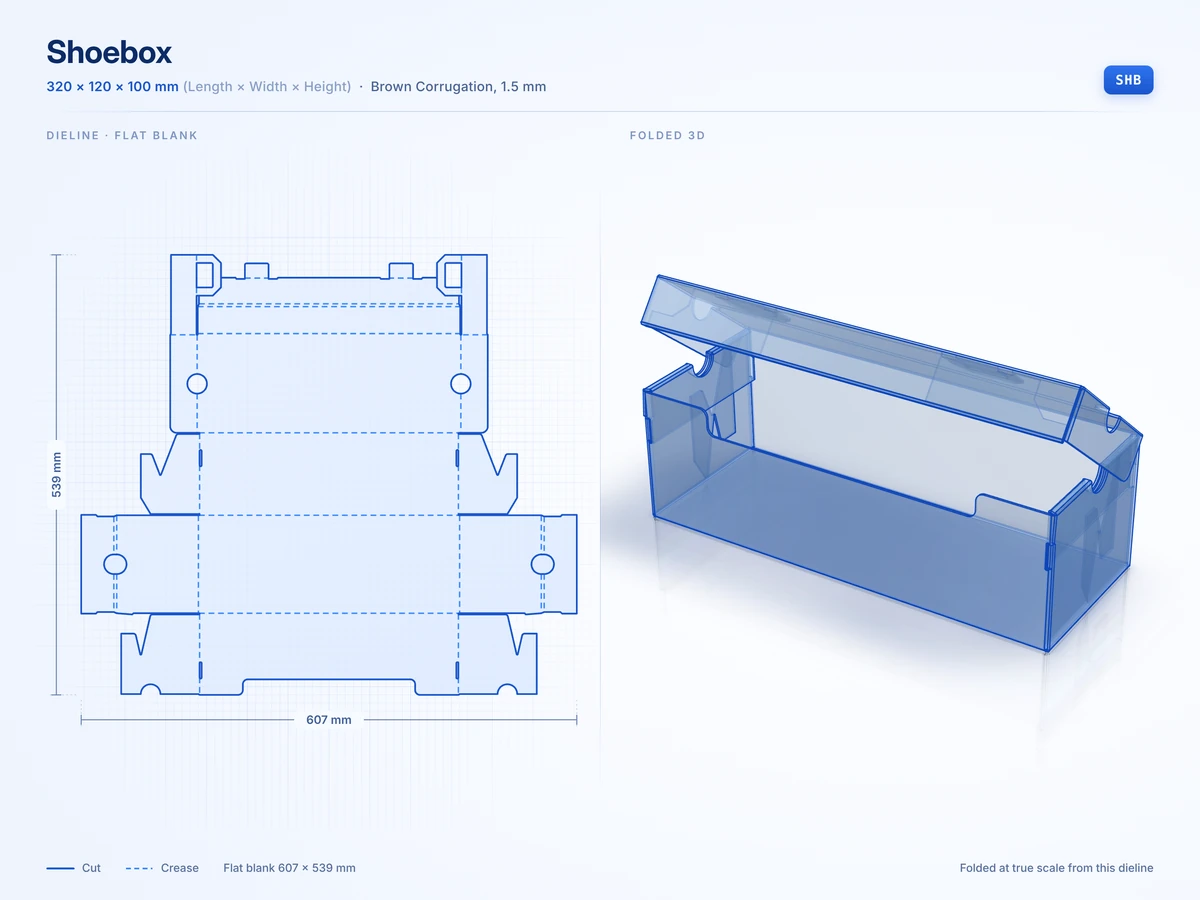 Shoebox320 x 120 x 100 mmView in 3D
Trays and inserts
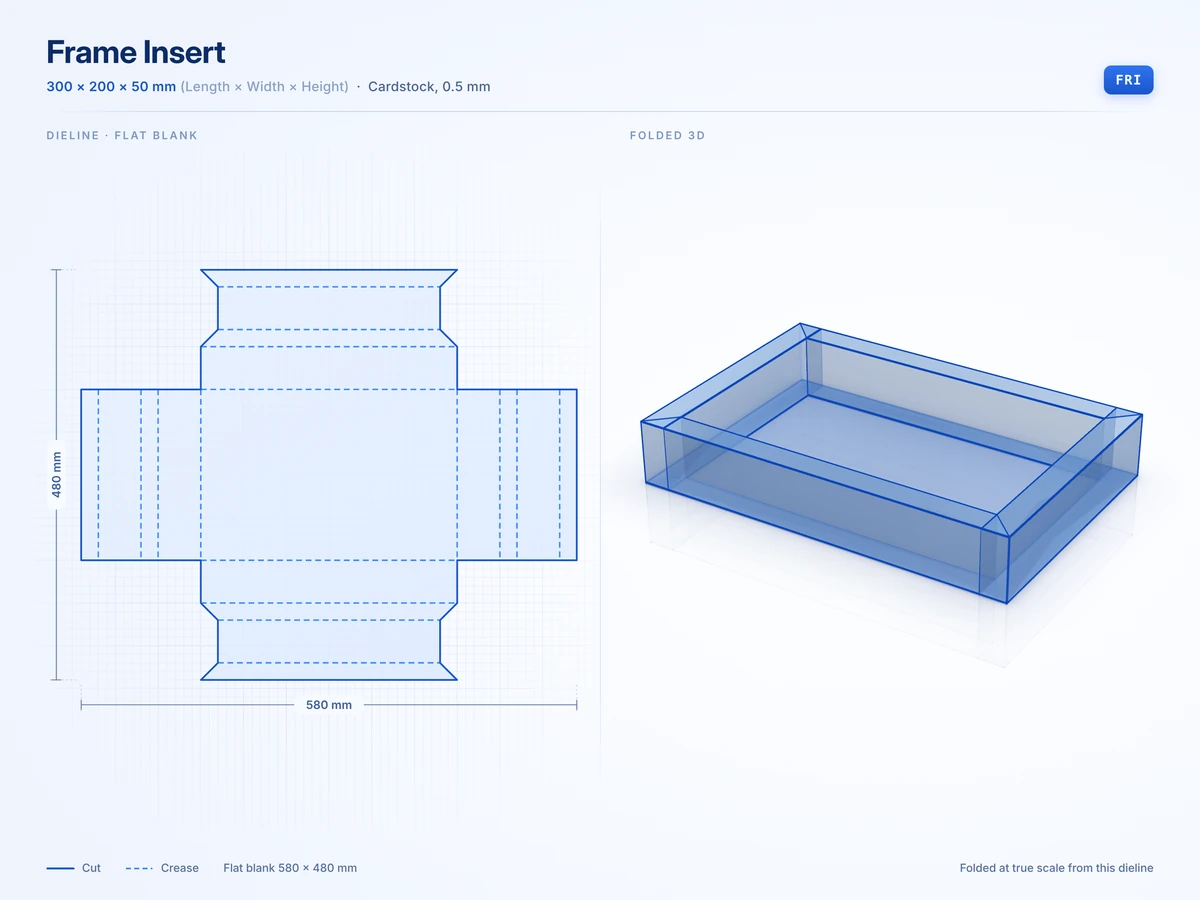
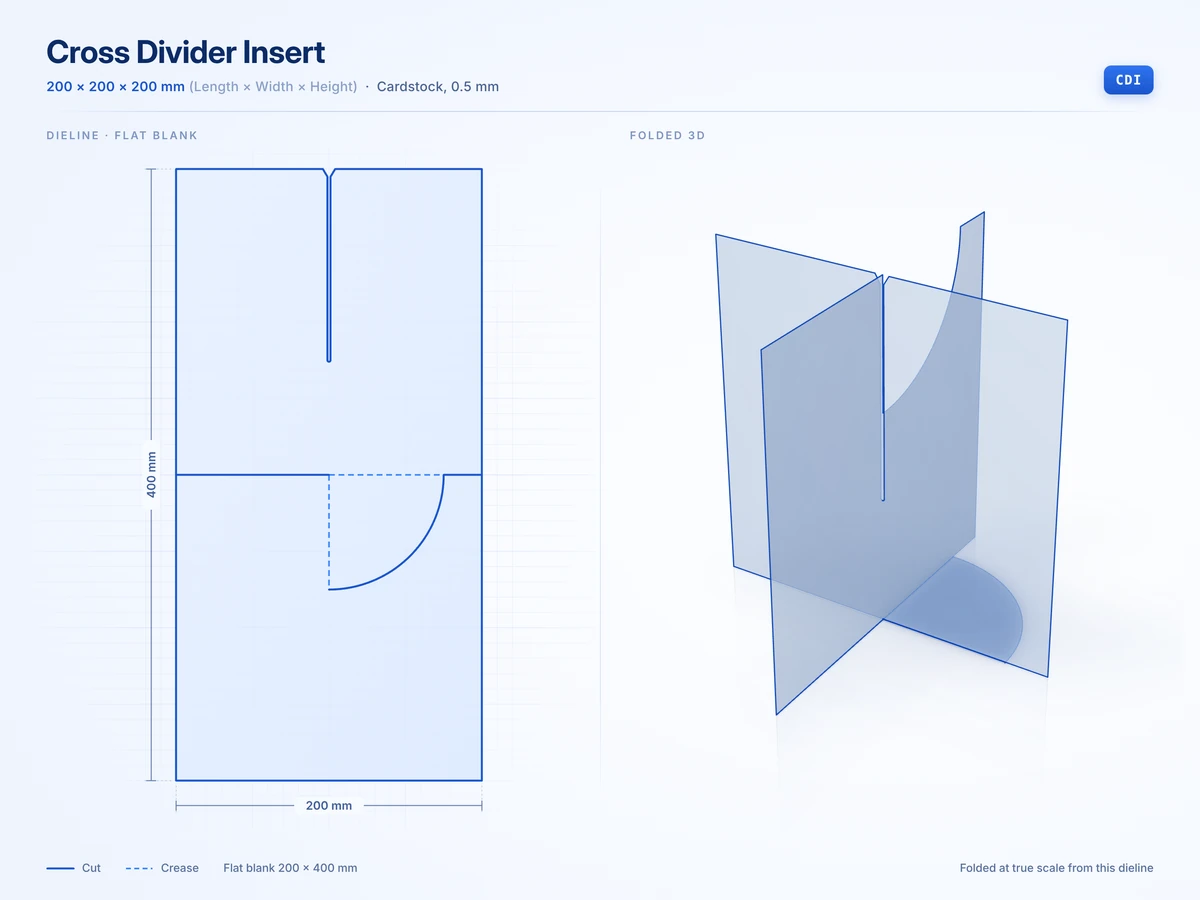
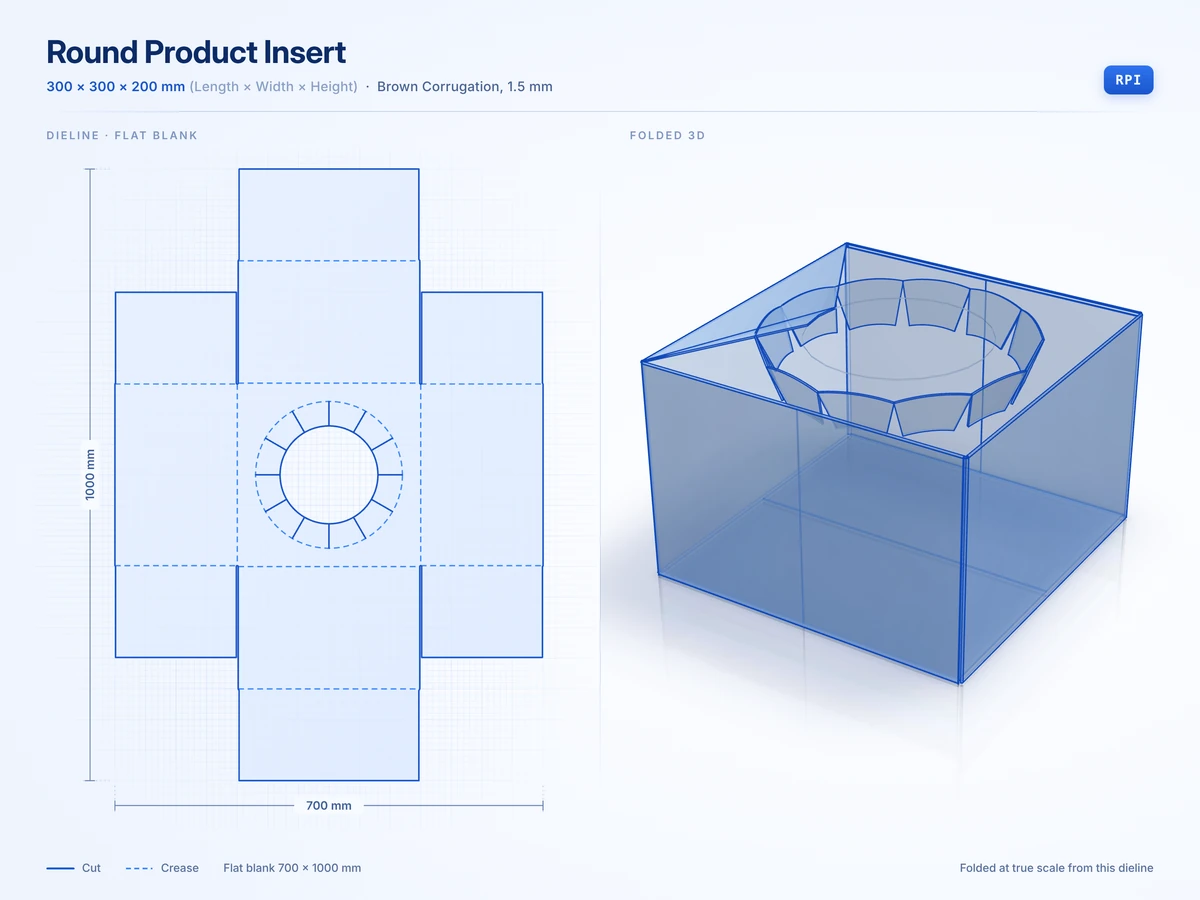
6 stylesOpen trays and the inserts that hold a product in place inside a box.
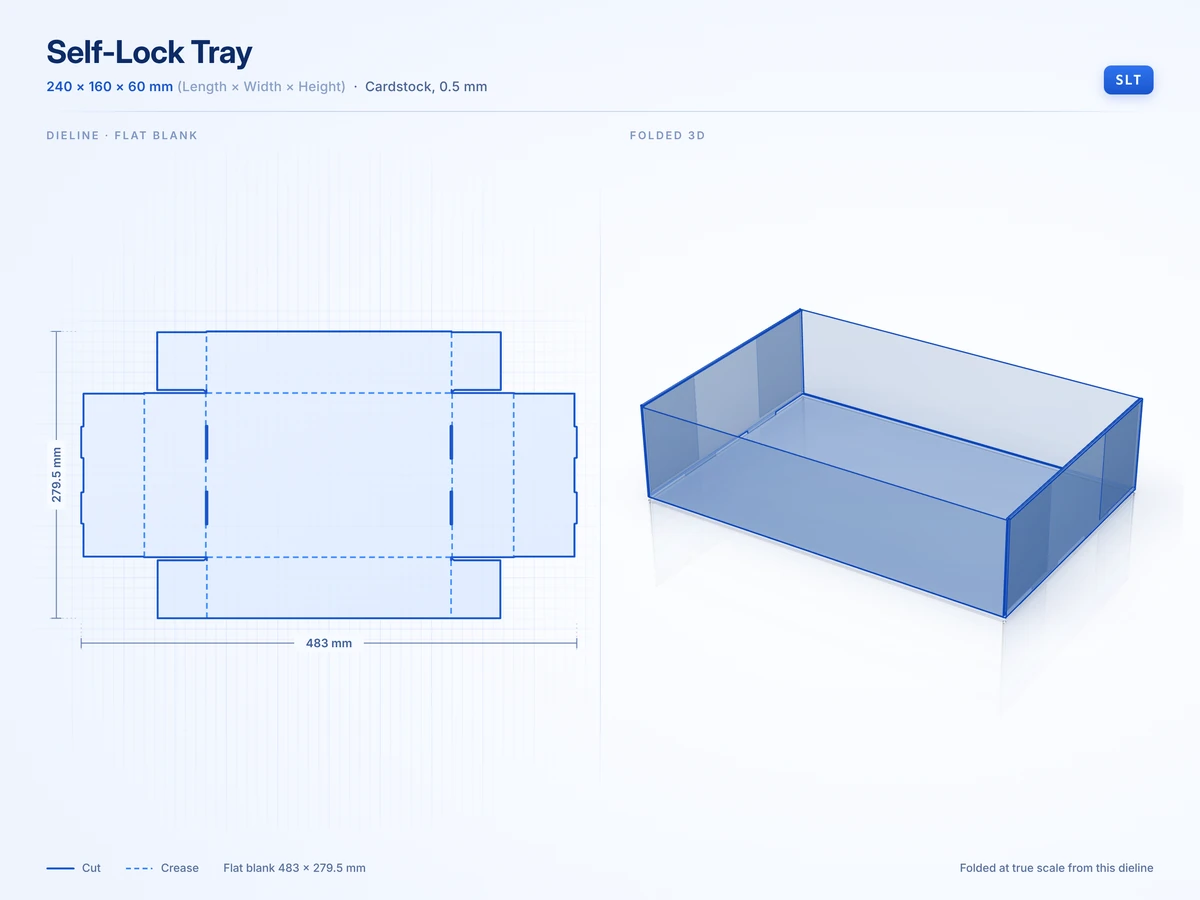
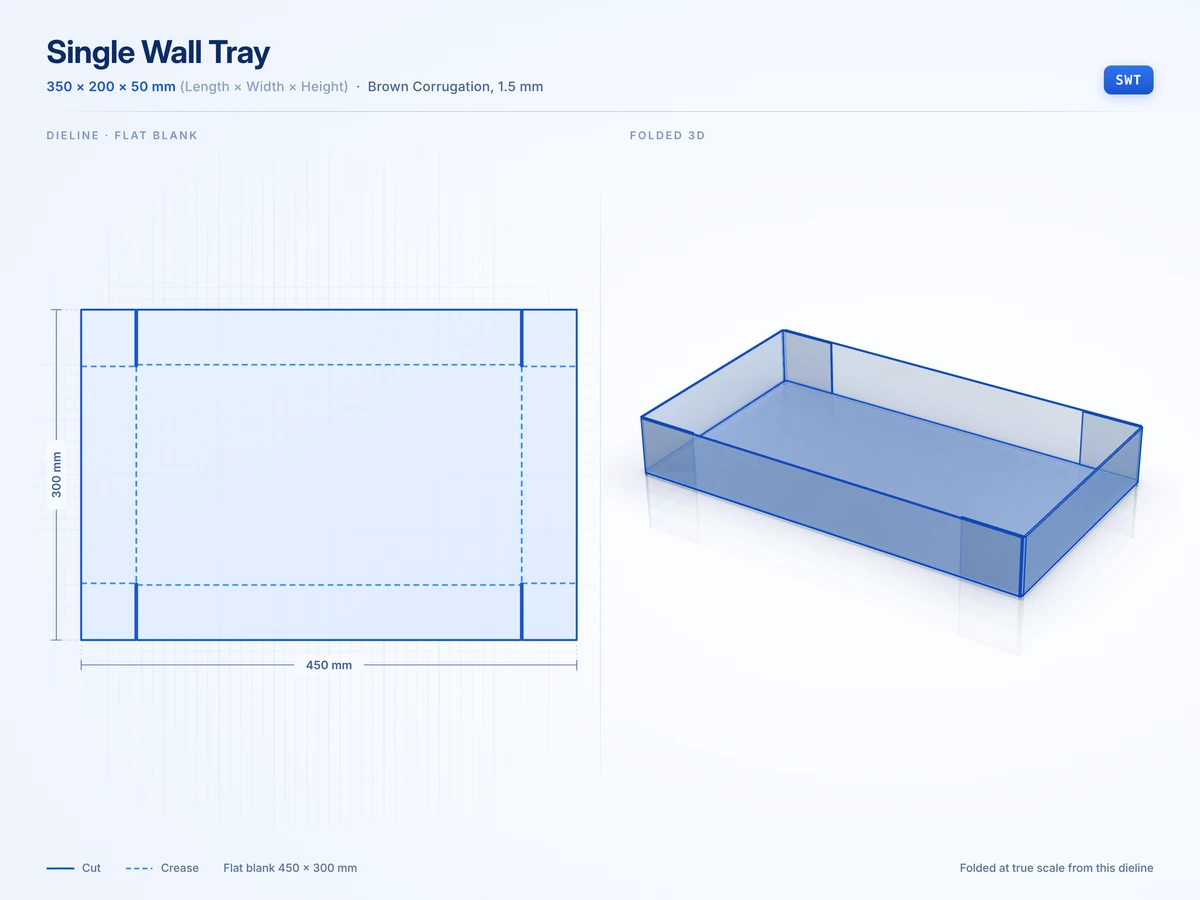
Food service and displays
13 stylesFood trays, snack boxes and counter displays that hold stock at the till.
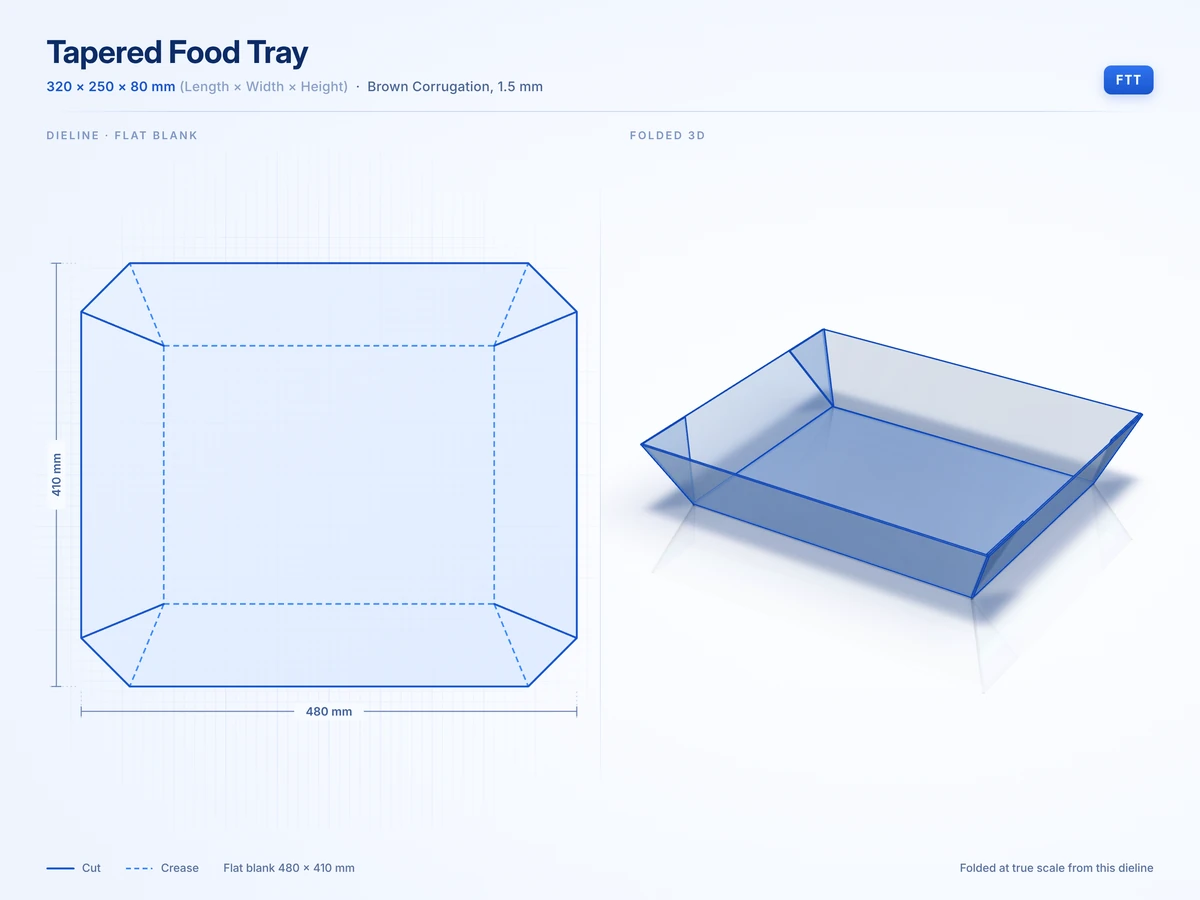 Tapered Food Tray320 x 250 x 80 mmView in 3D
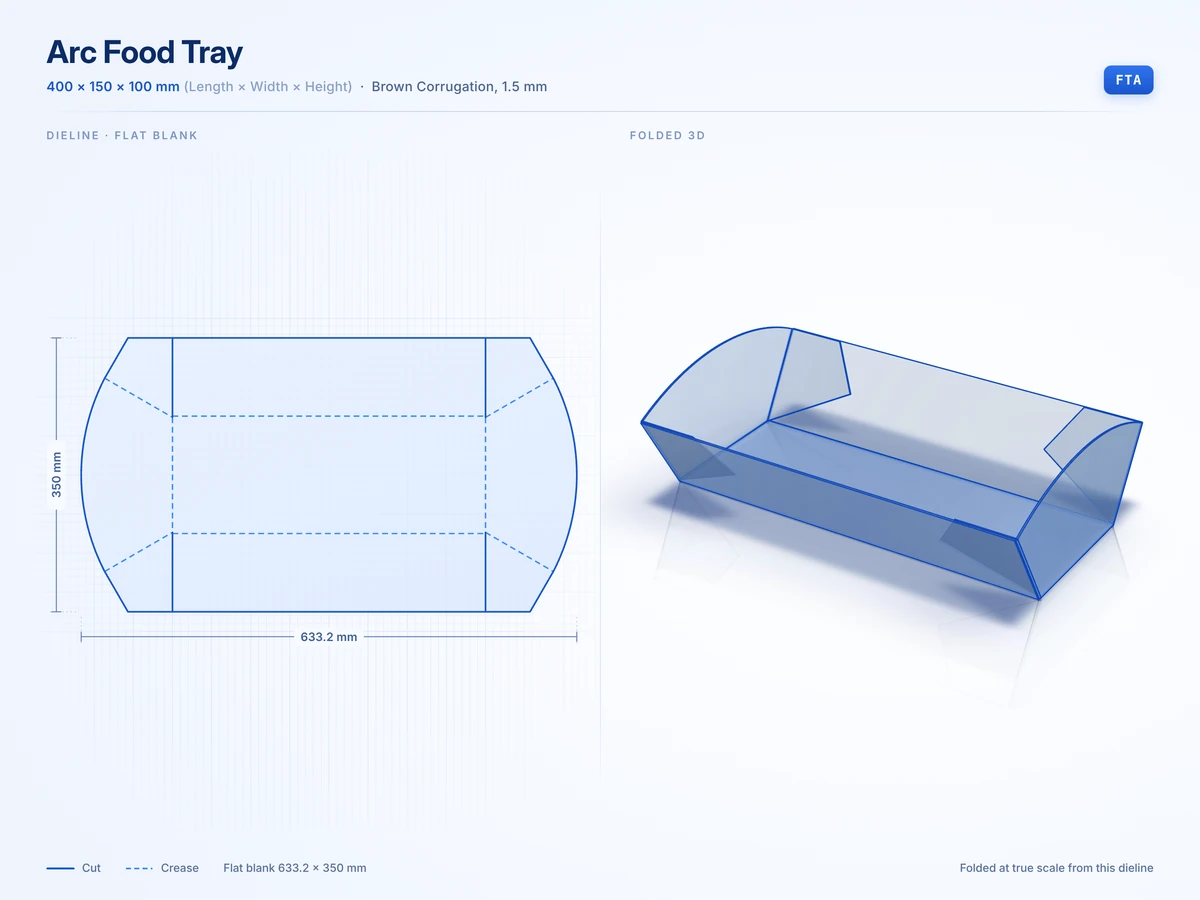 Arc Food Tray400 x 150 x 100 mmView in 3D
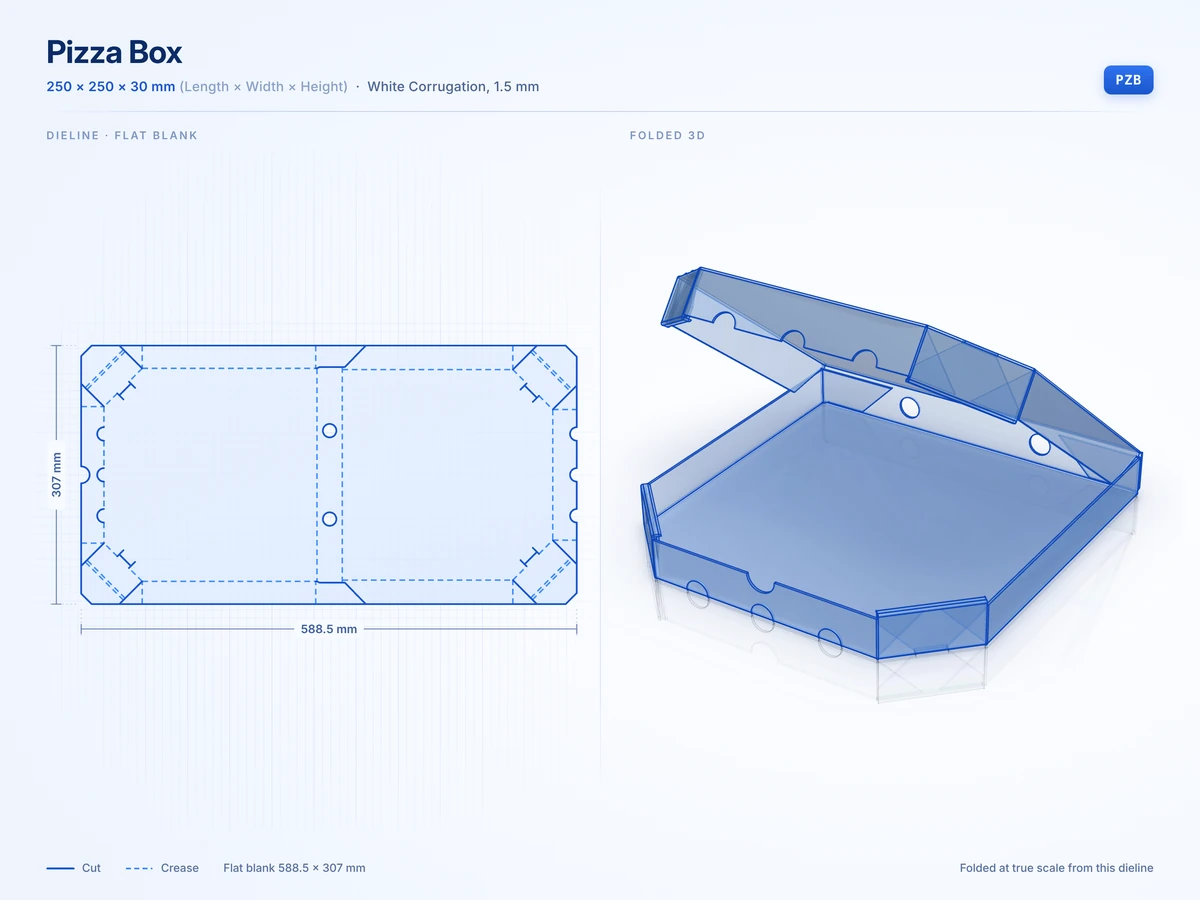 Pizza Box250 x 250 x 30 mmView in 3D
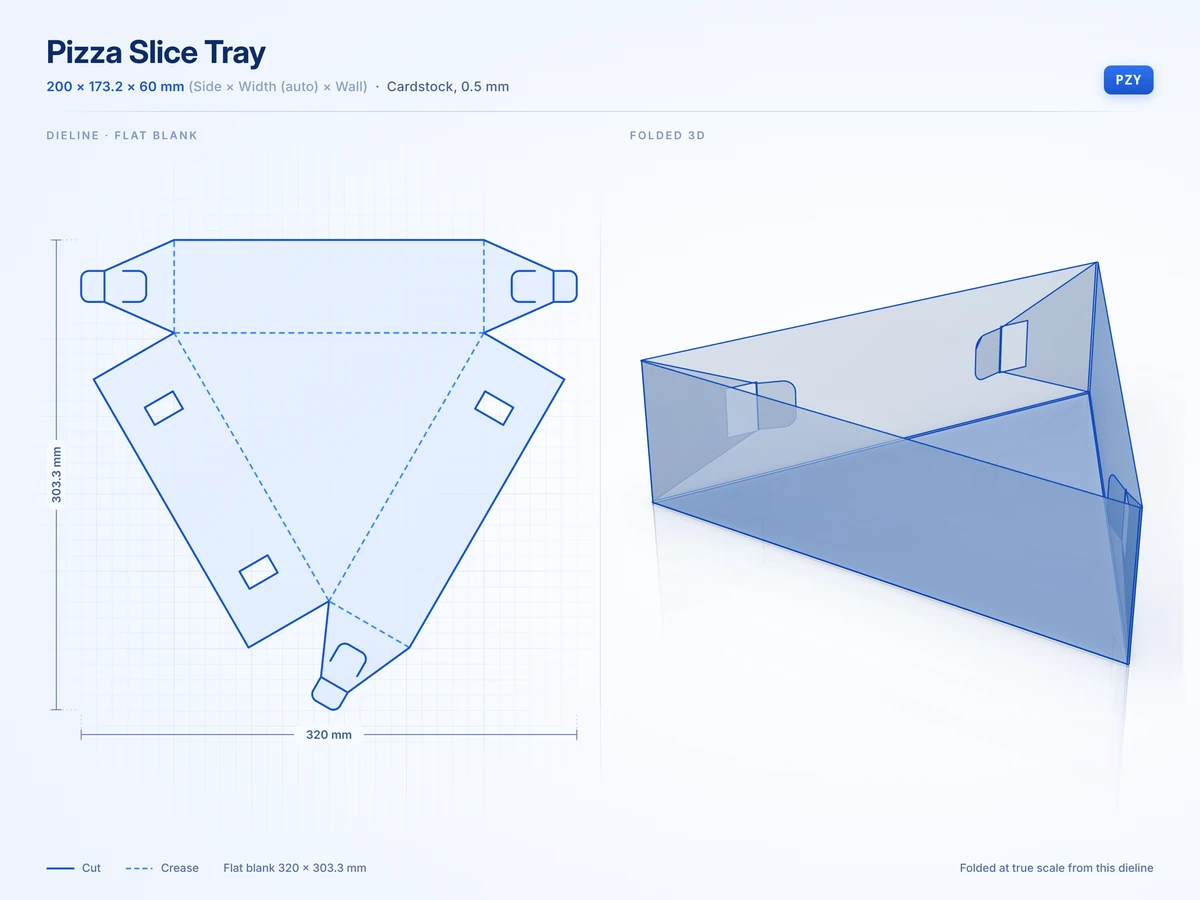 Pizza Slice Tray200 x 173.2 x 60 mmView in 3D
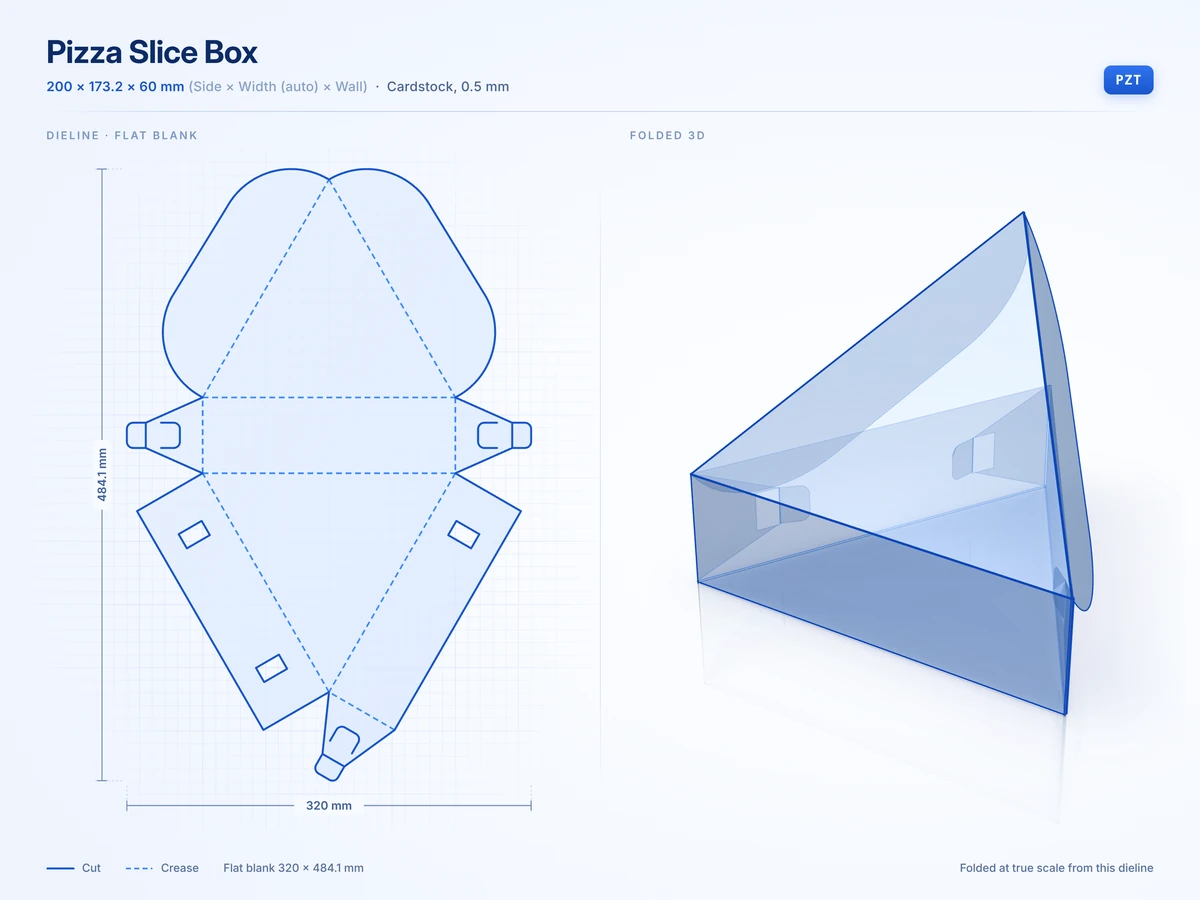 Pizza Slice Box200 x 173.2 x 60 mmView in 3D
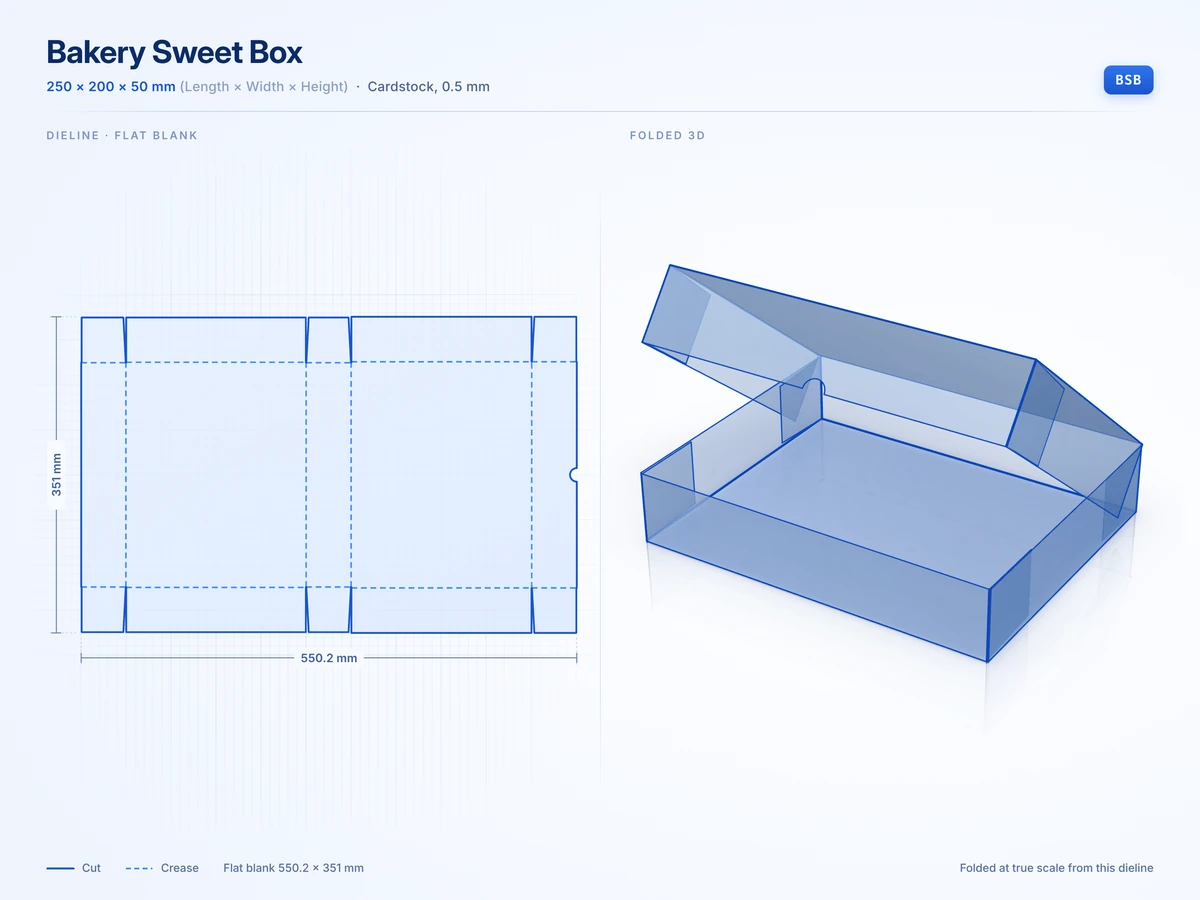 Bakery Sweet Box250 x 200 x 50 mmView in 3D
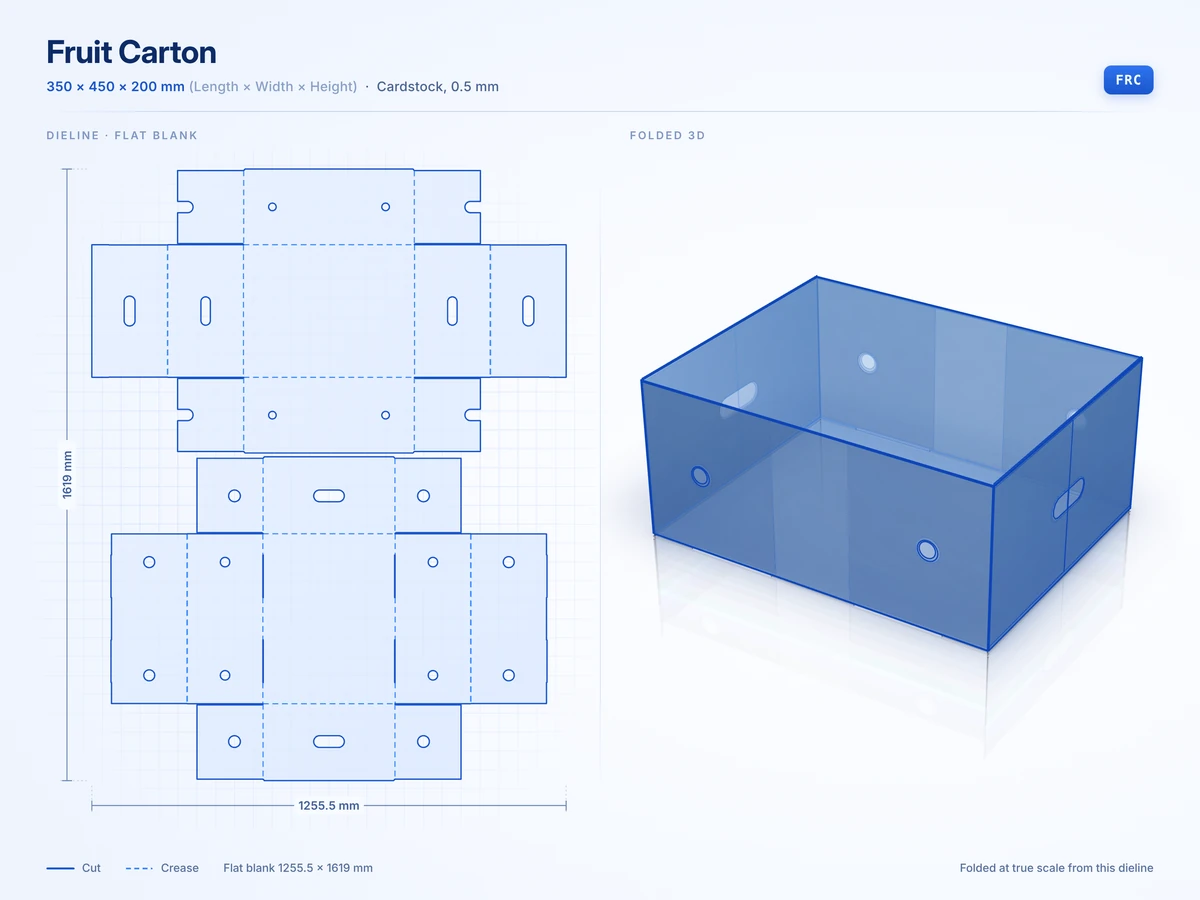 Fruit Carton350 x 450 x 200 mmView in 3D
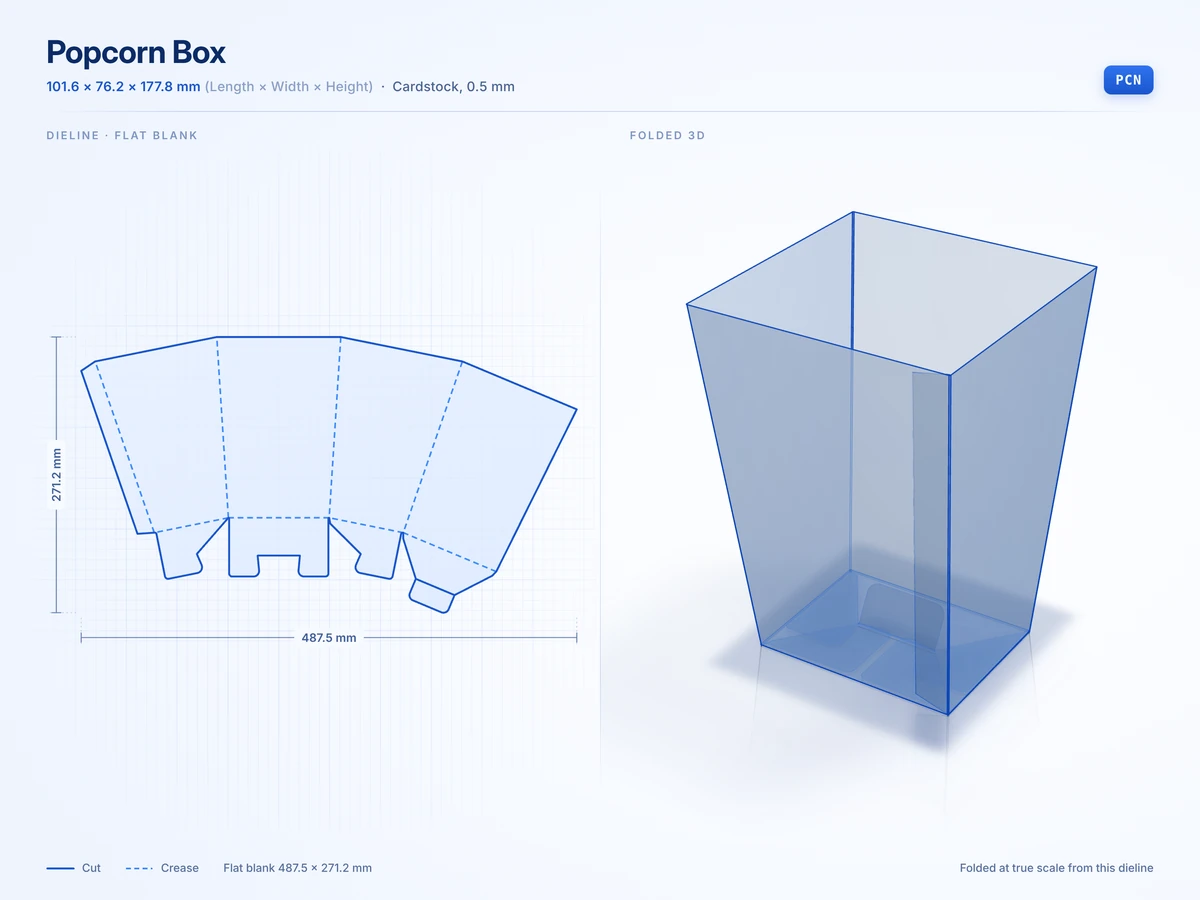 Popcorn Box101.6 x 76.2 x 177.8 mmView in 3D
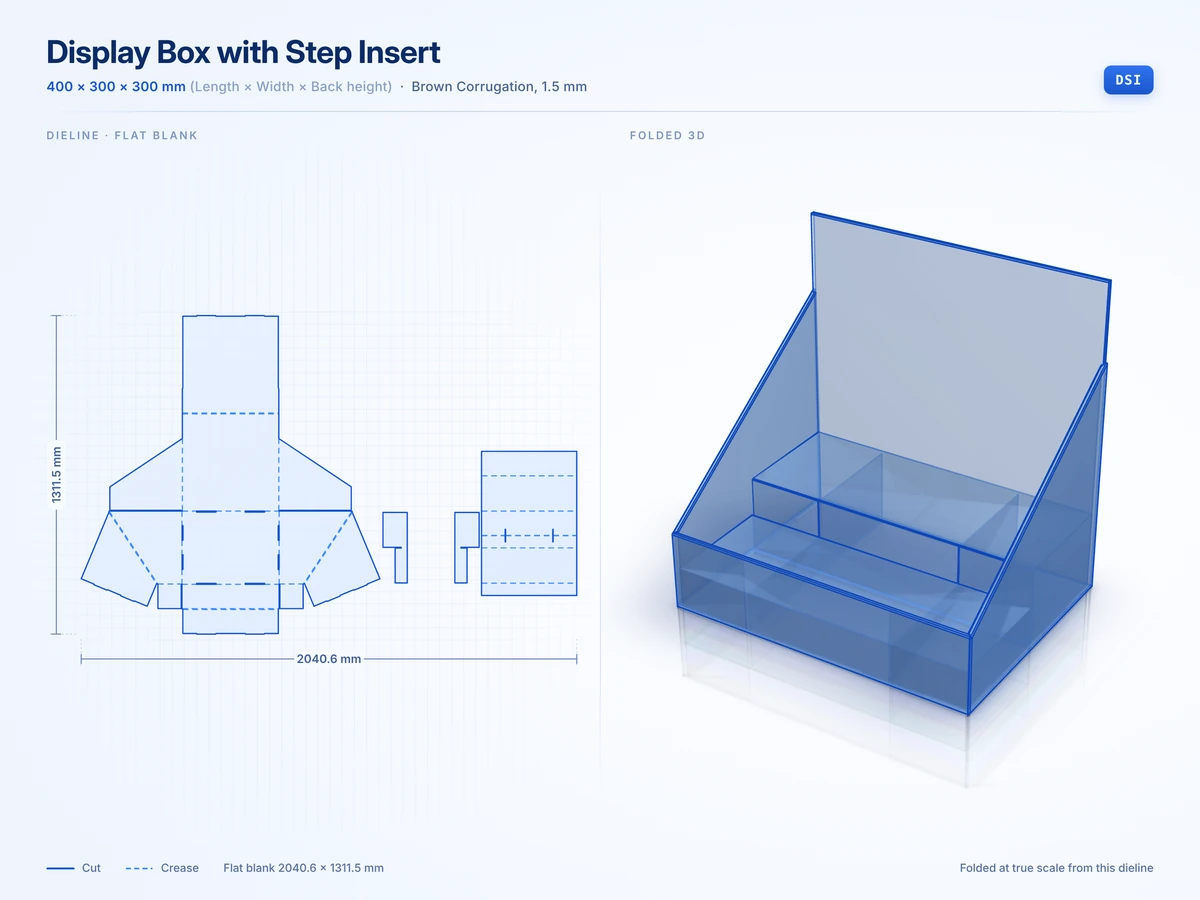 Display Box with Step Insert400 x 300 x 300 mmView in 3D
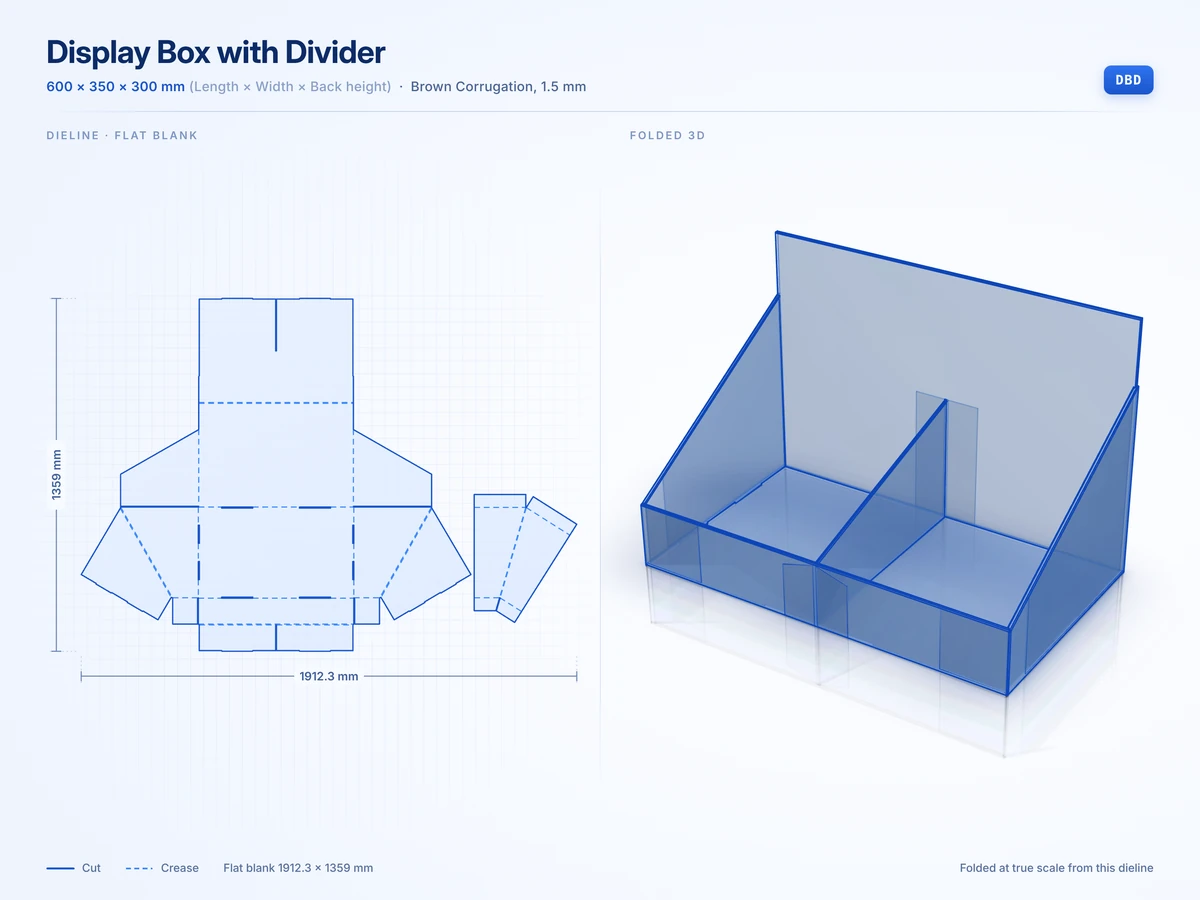 Display Box with Divider600 x 350 x 300 mmView in 3D
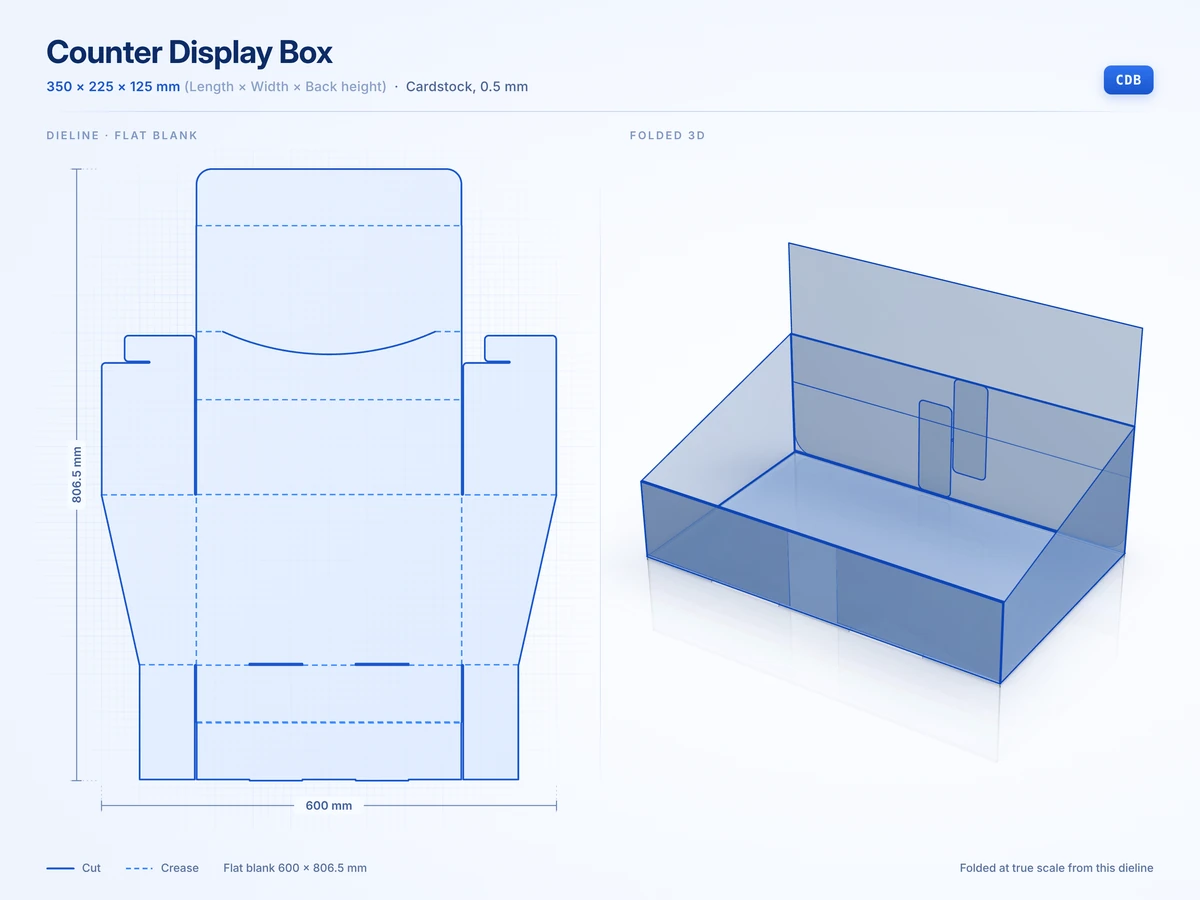 Counter Display Box350 x 225 x 125 mmView in 3D
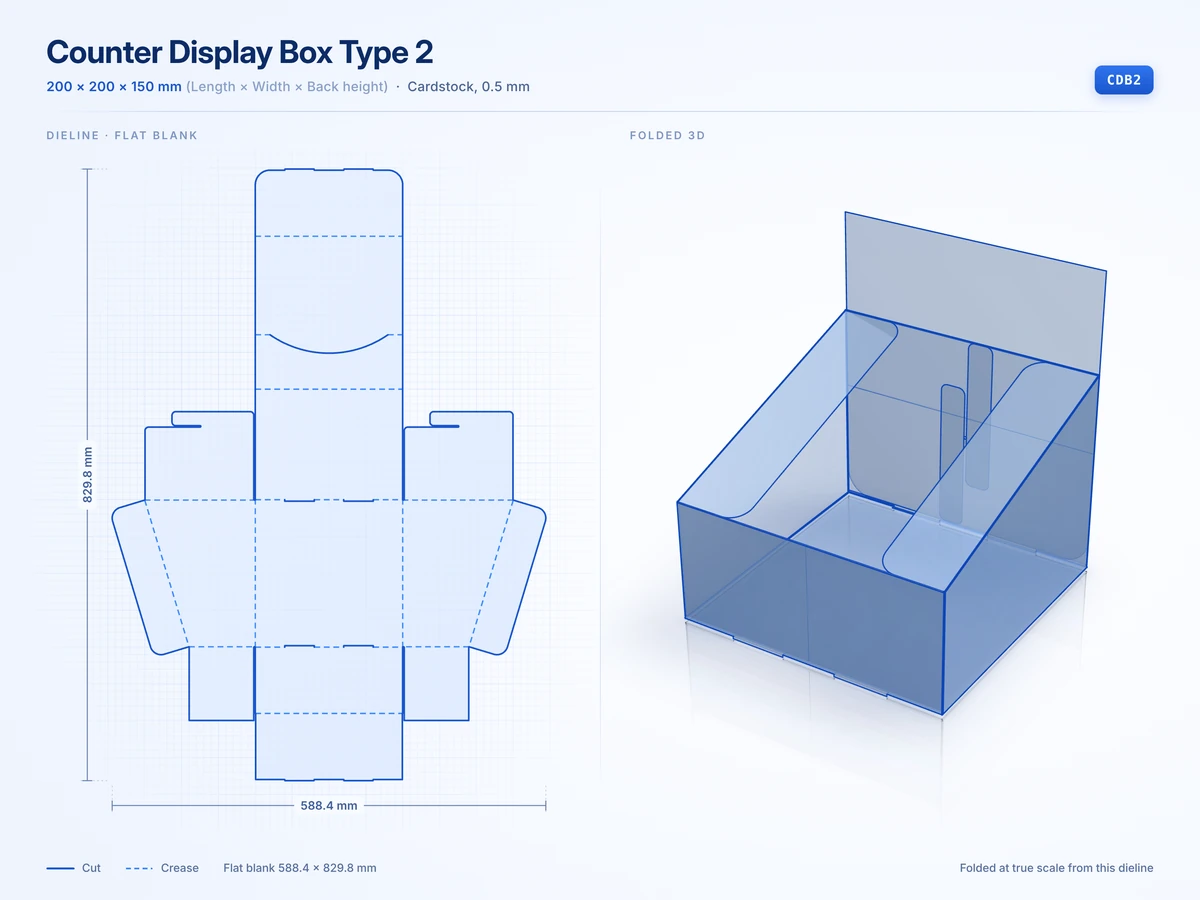 Counter Display Box Type 2200 x 200 x 150 mmView in 3D
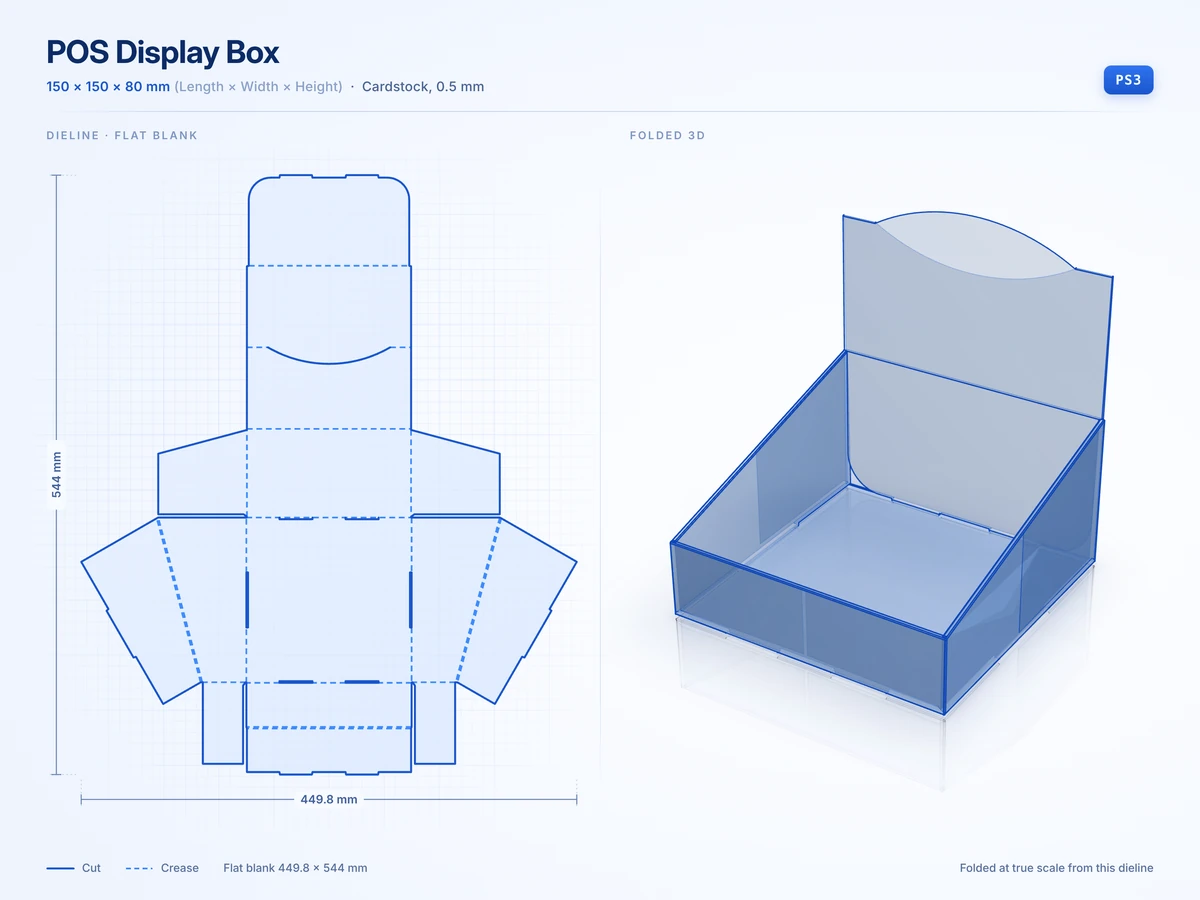 POS Display Box150 x 150 x 80 mmView in 3D
Bags, carriers and pillow packs
8 stylesCarry out packs with handles plus bags, carriers and pillow boxes for light items.
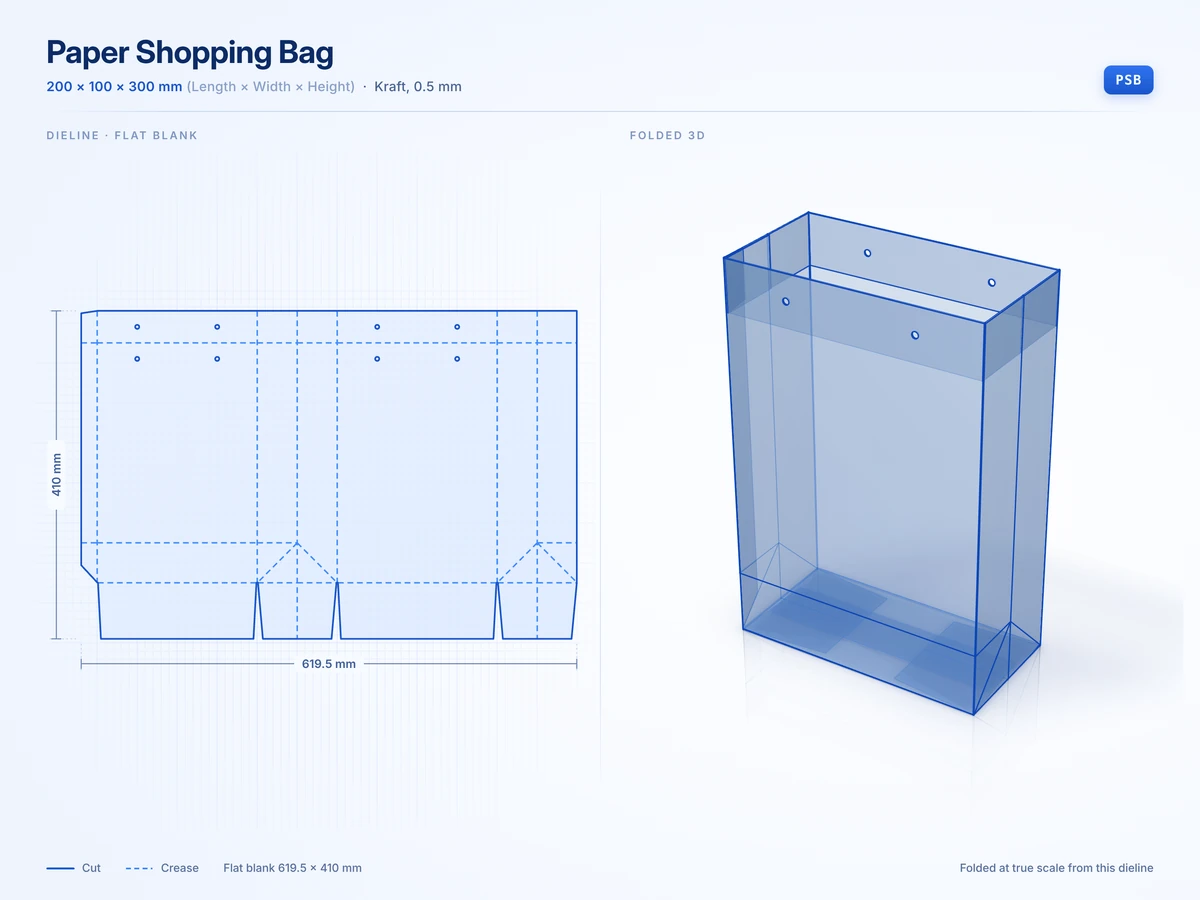 Paper Shopping Bag200 x 100 x 300 mmView in 3D
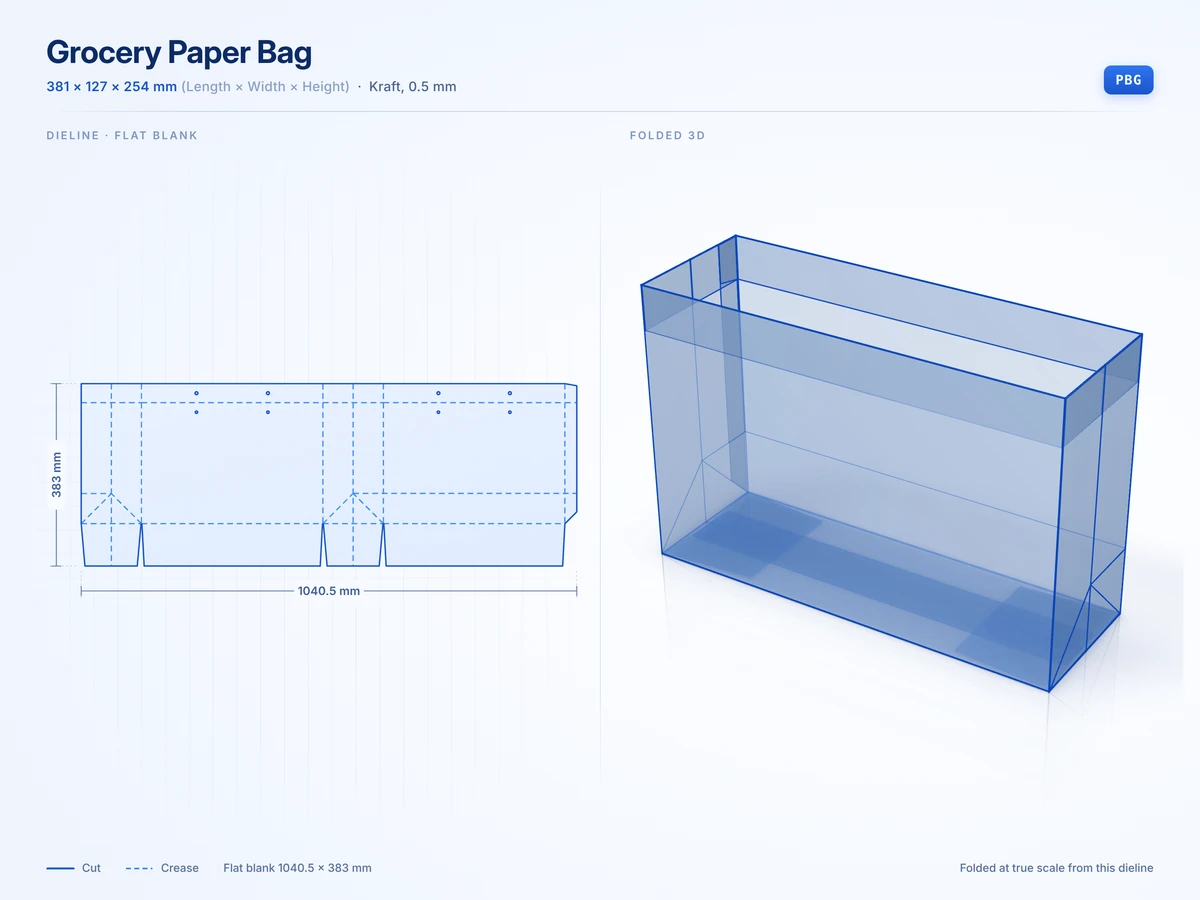 Grocery Paper Bag381 x 127 x 254 mmView in 3D
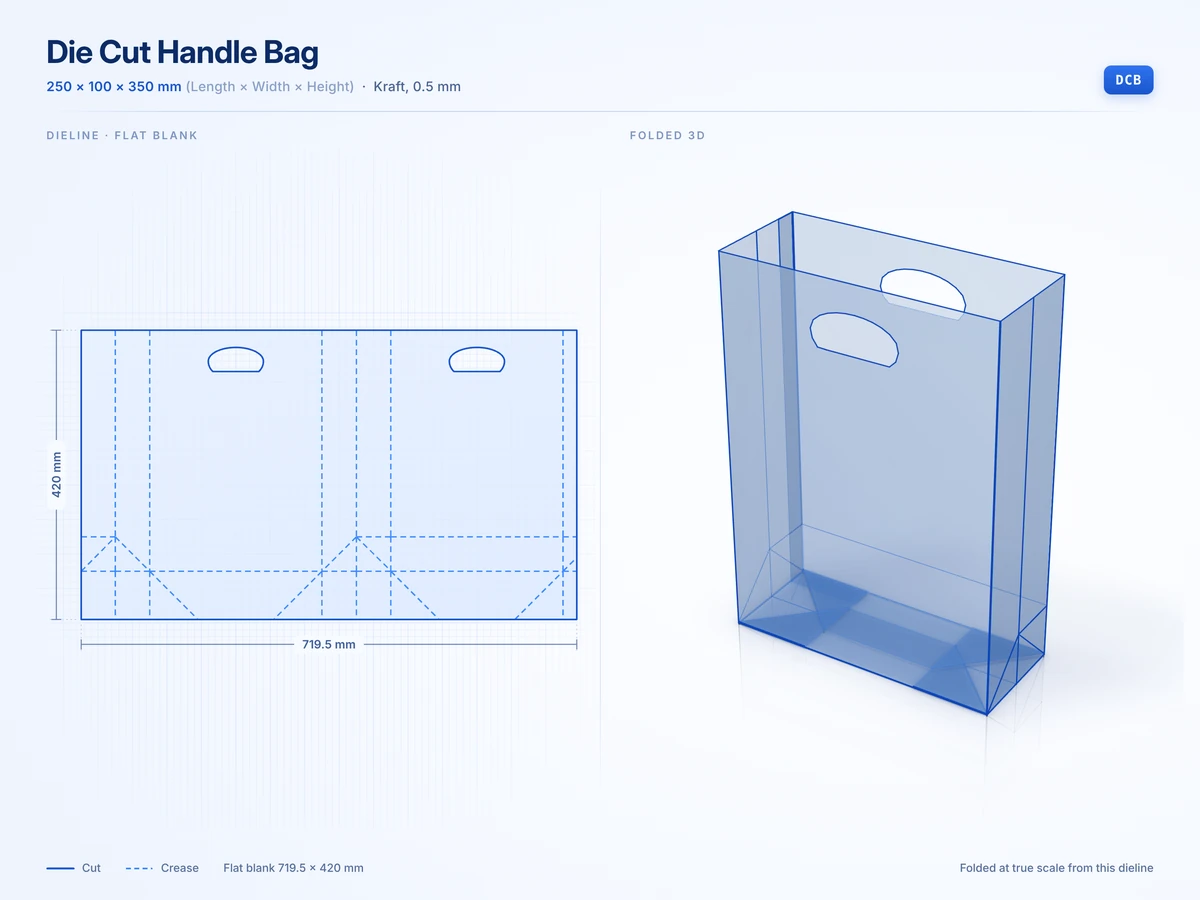 Die Cut Handle Bag250 x 100 x 350 mmView in 3D
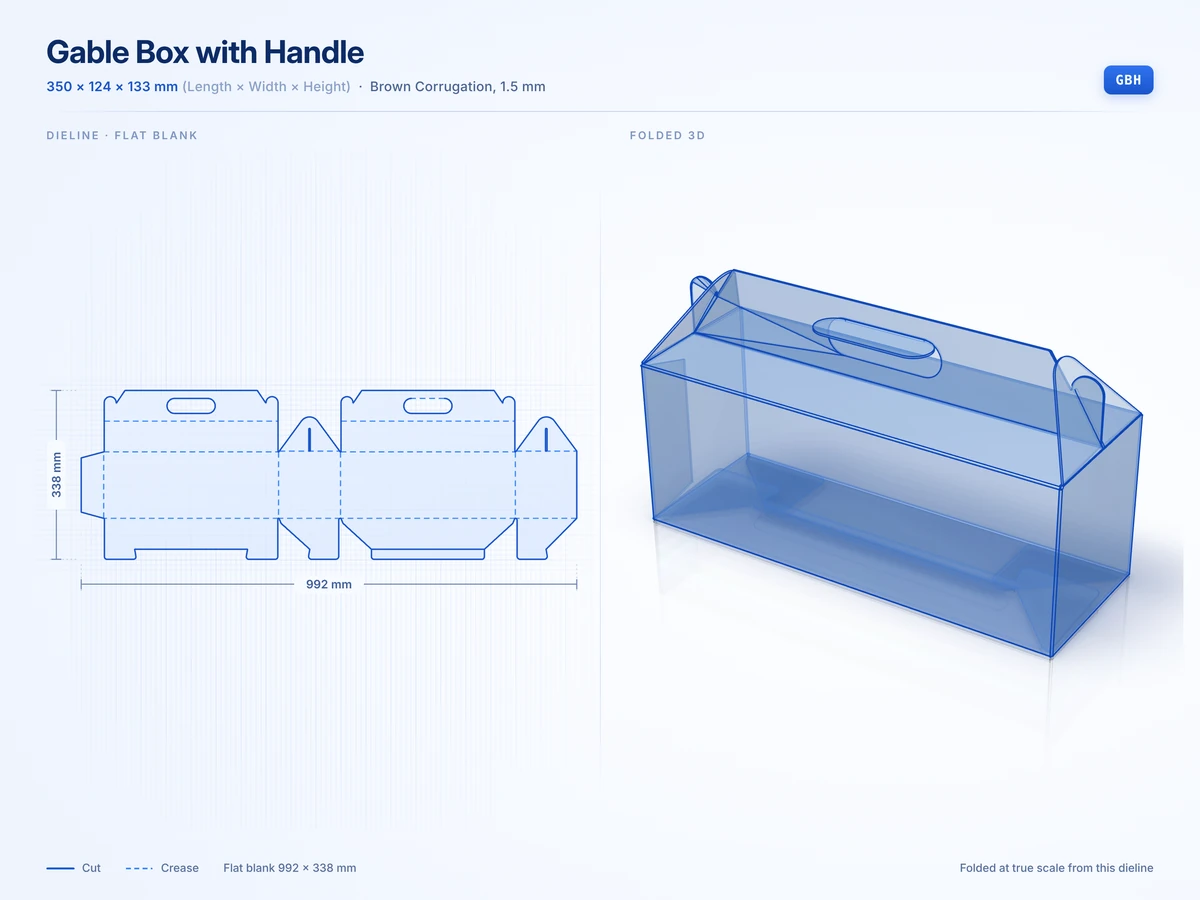 Gable Box with Handle350 x 124 x 133 mmView in 3D
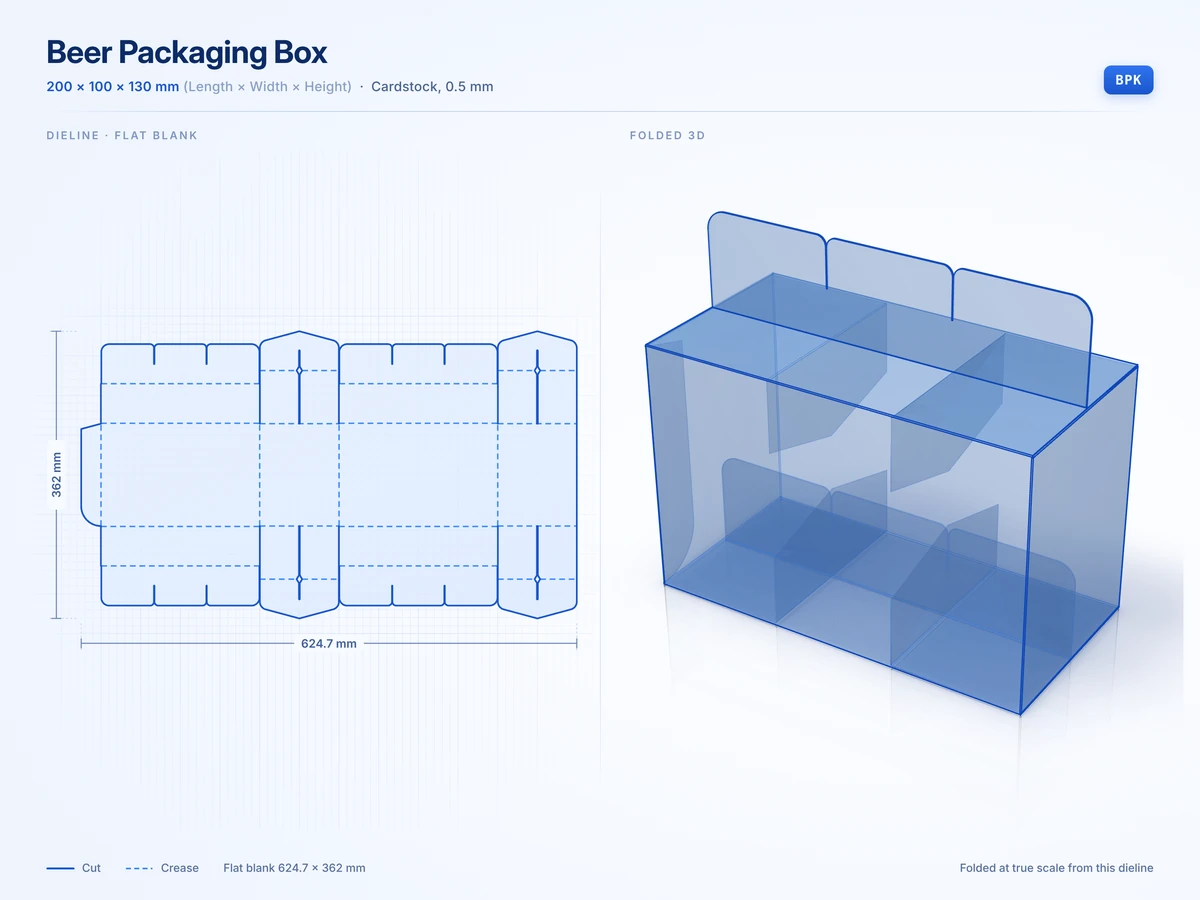 Beer Packaging Box200 x 100 x 130 mmView in 3D
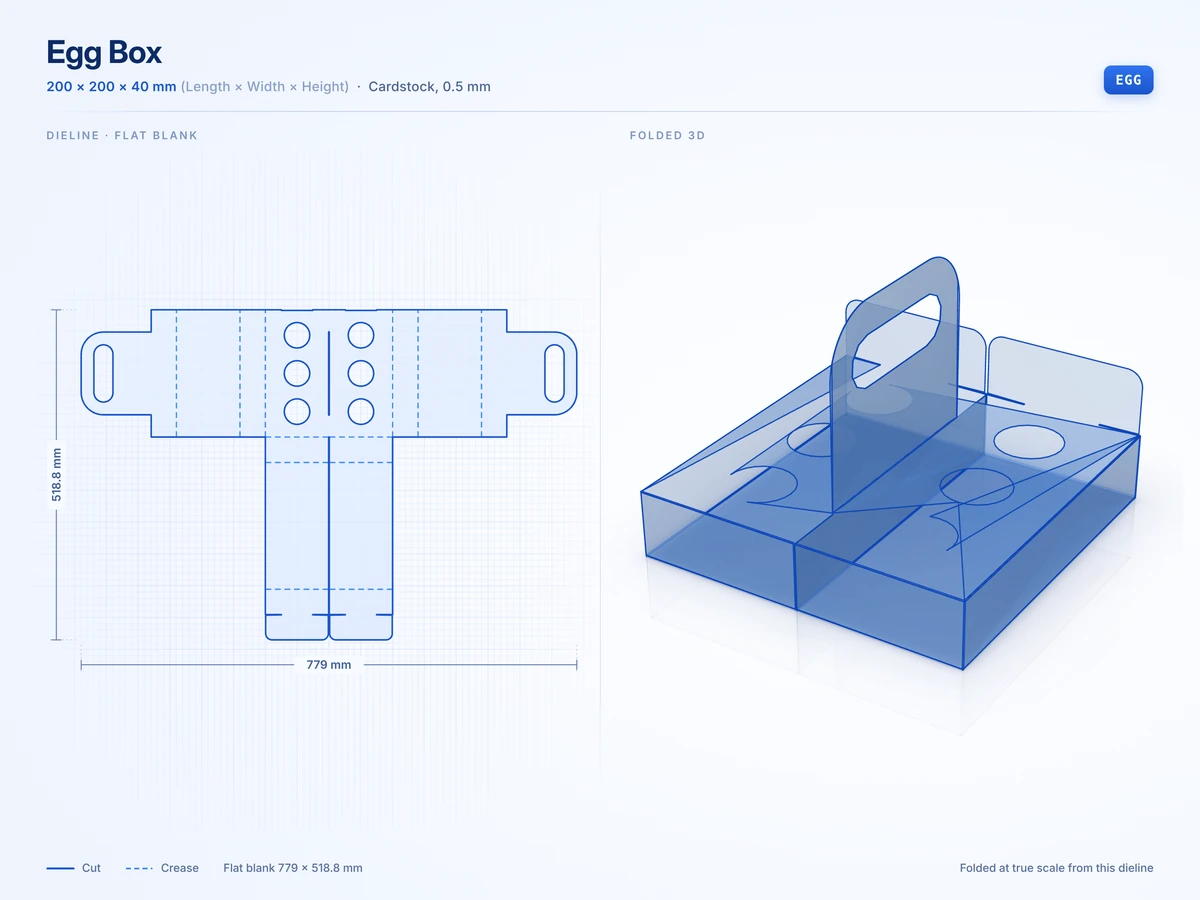 Egg Box200 x 200 x 40 mmView in 3D
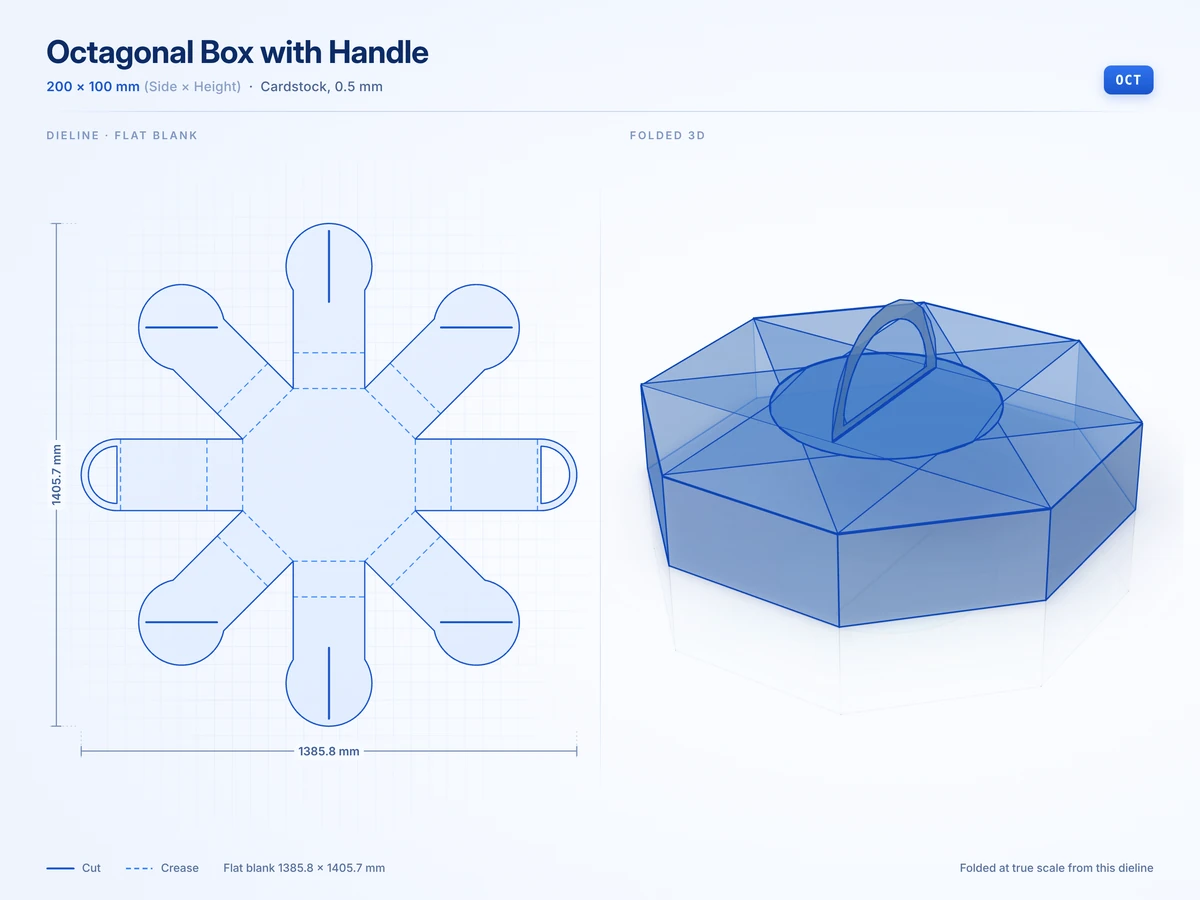 Octagonal Box with Handle200 x 100 mmView in 3D
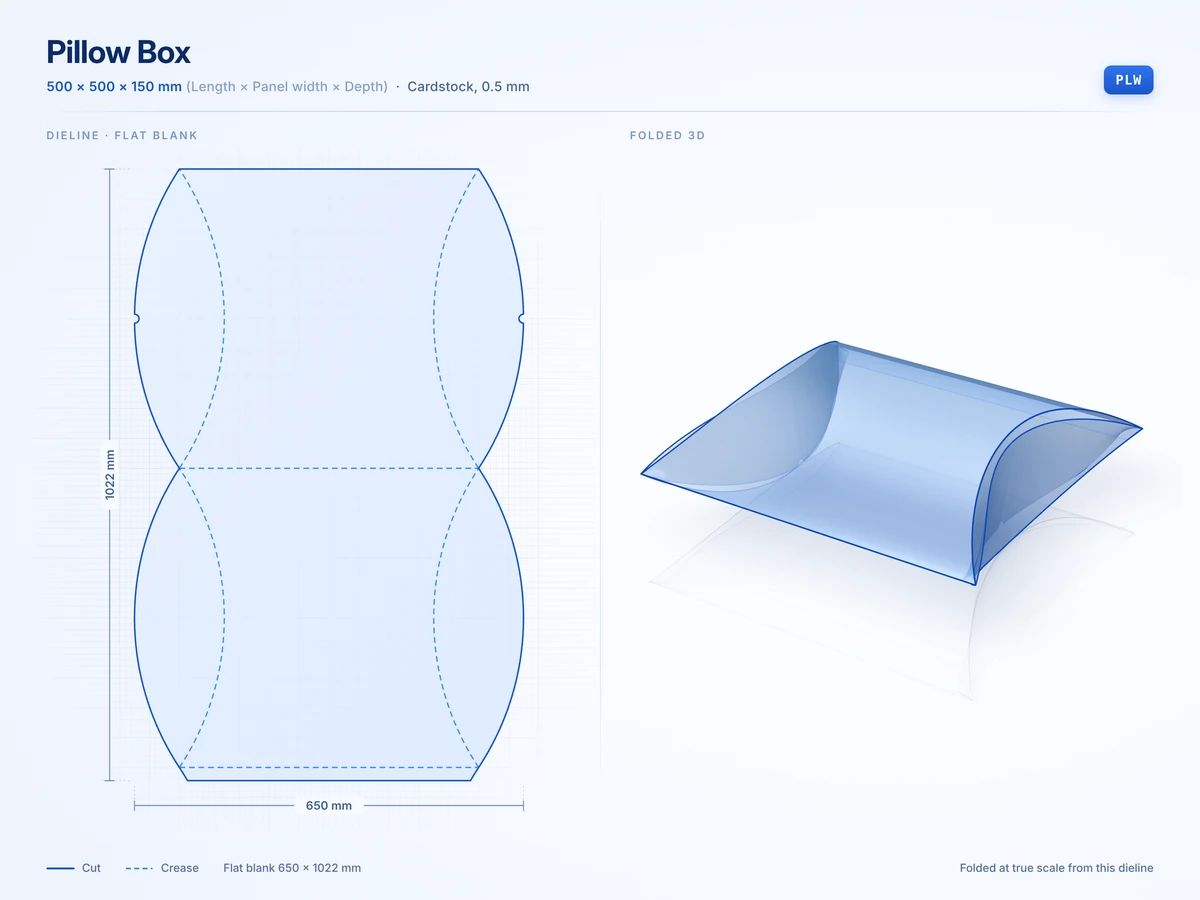 Pillow Box500 x 500 x 150 mmView in 3D
Rigid boxes
9 stylesGreyboard boxes wrapped in paper for premium gifts and launch kits.
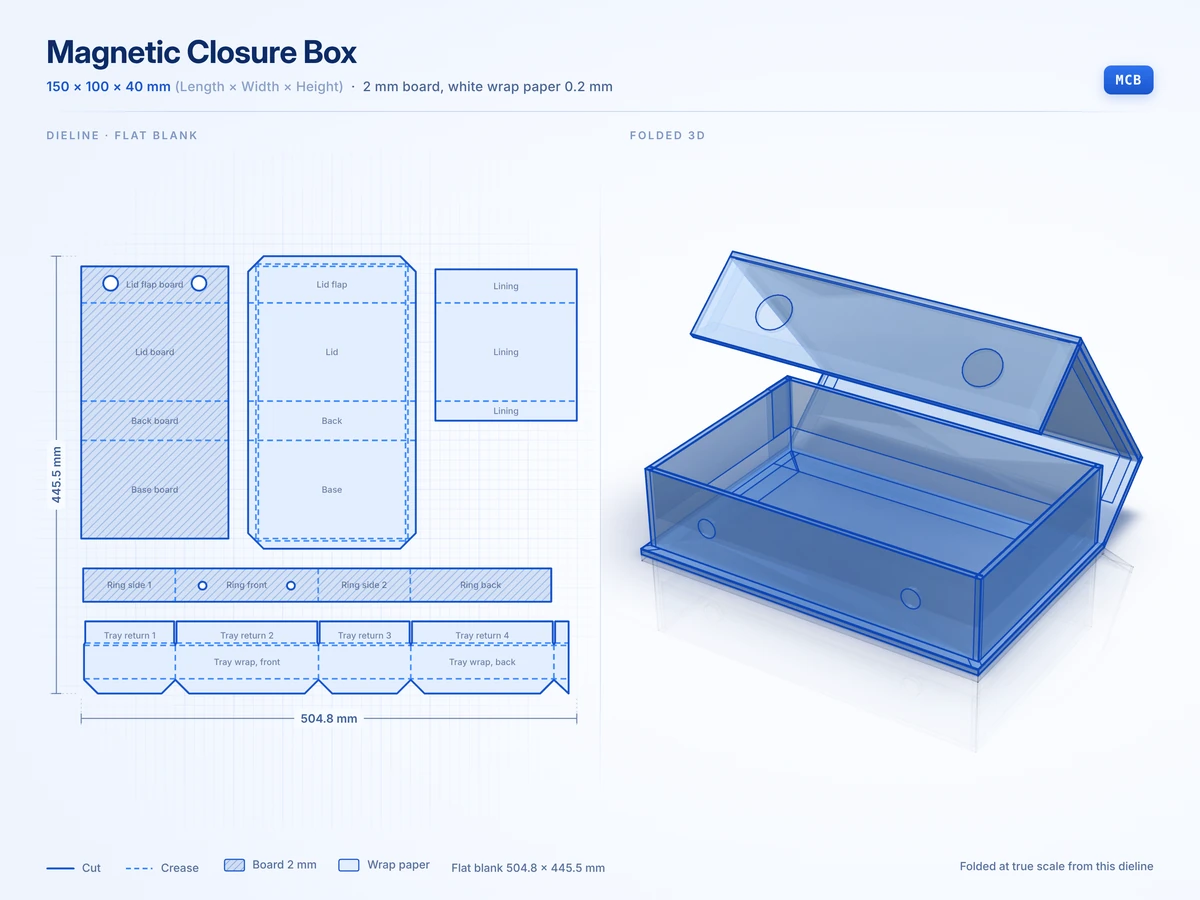 Magnetic Closure Box150 x 100 x 40 mmView in 3D
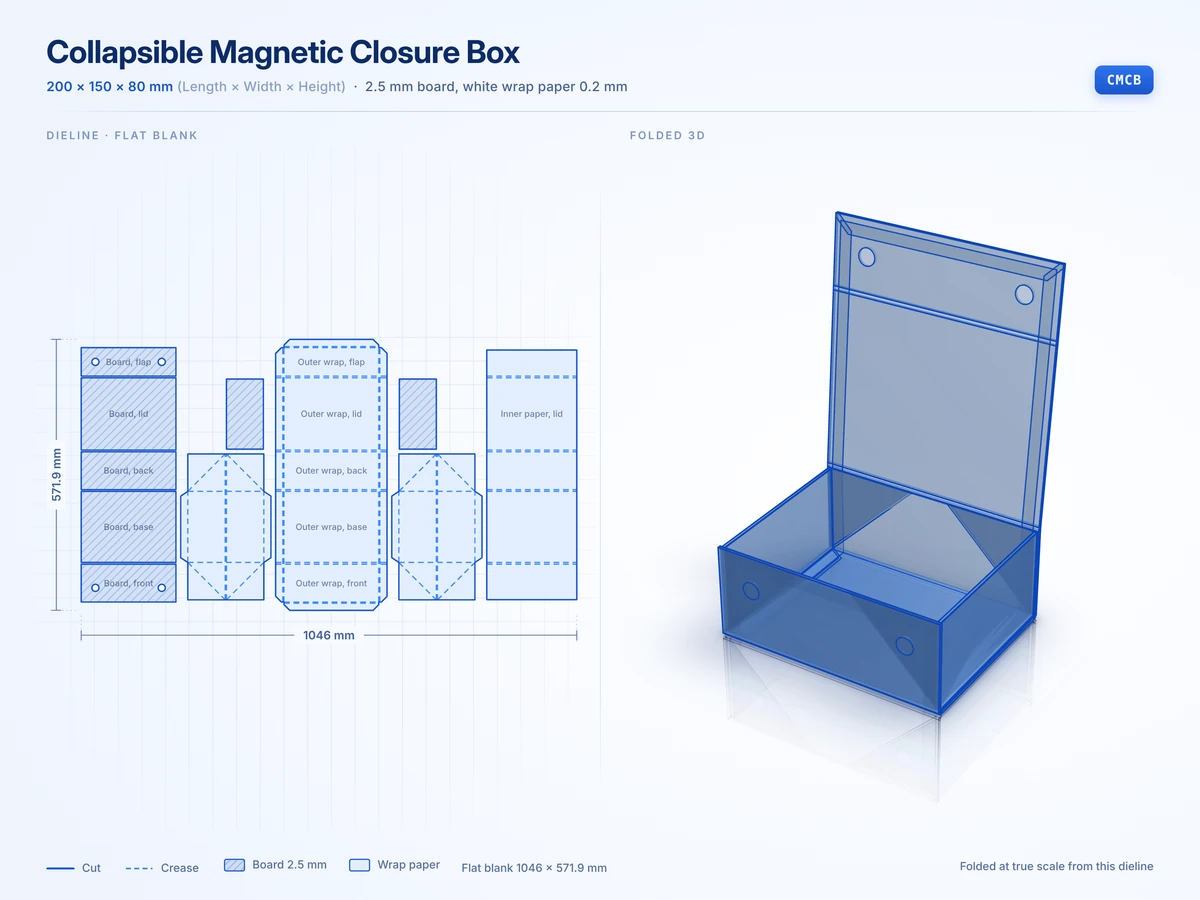 Collapsible Magnetic Closure Box200 x 150 x 80 mmView in 3D
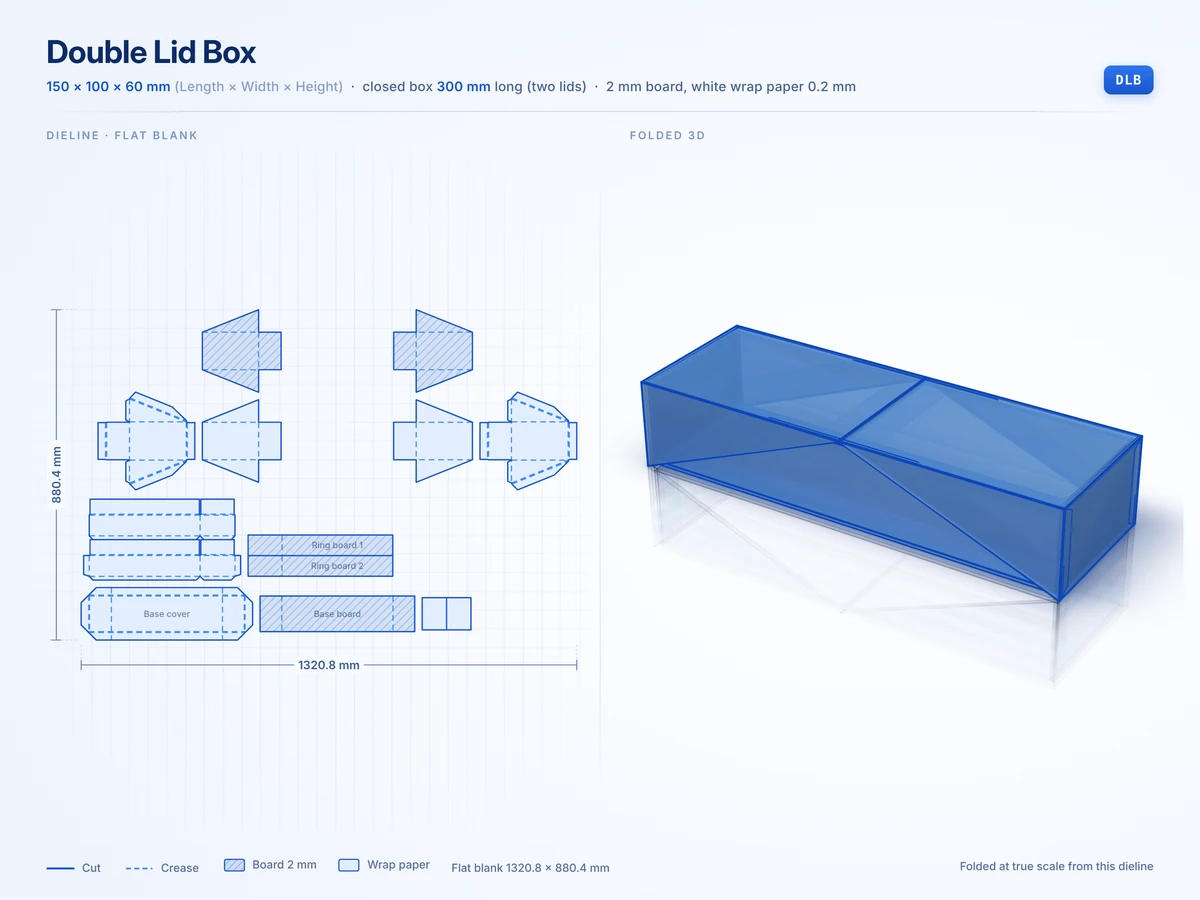 Double Lid Box150 x 100 x 60 mmView in 3D
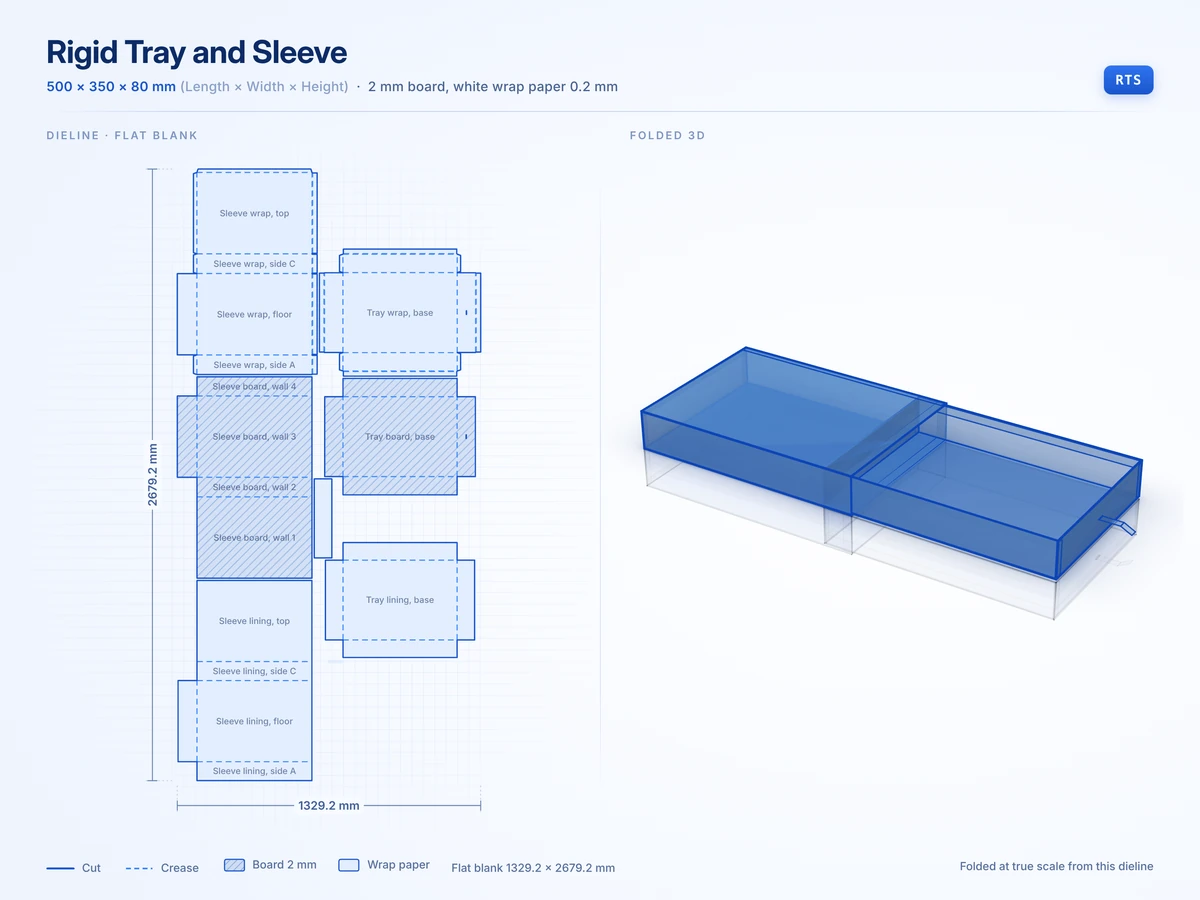 Rigid Tray and Sleeve500 x 350 x 80 mmView in 3D
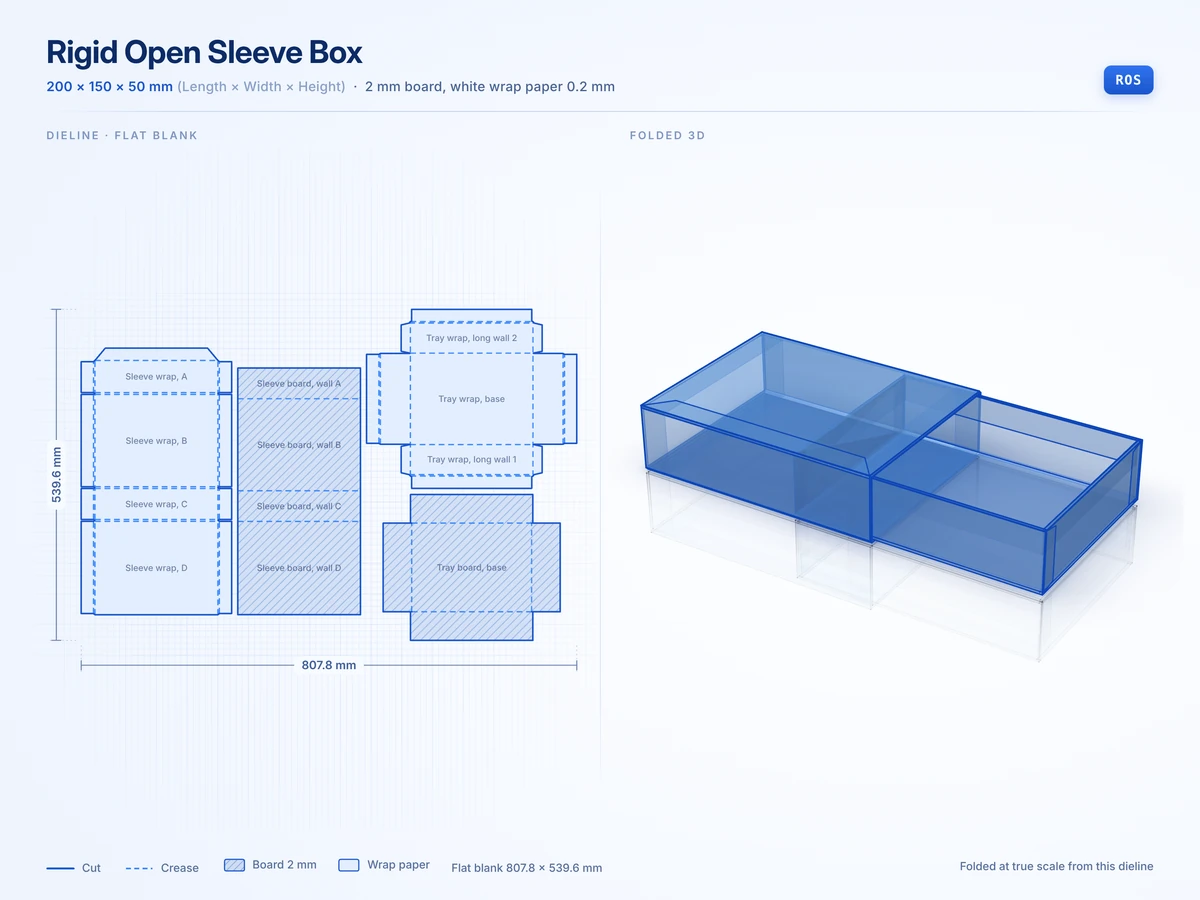 Rigid Open Sleeve Box200 x 150 x 50 mmView in 3D
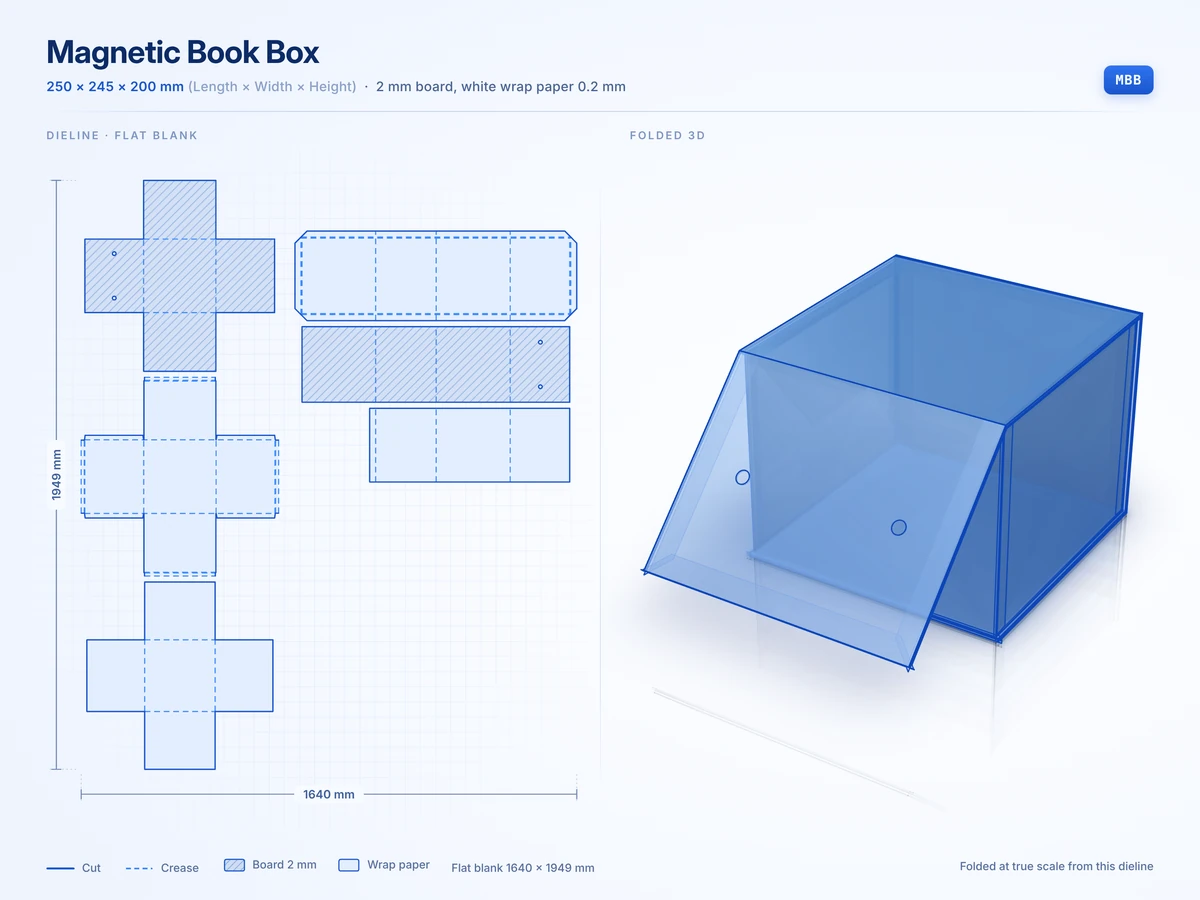 Magnetic Book Box250 x 245 x 200 mmView in 3D
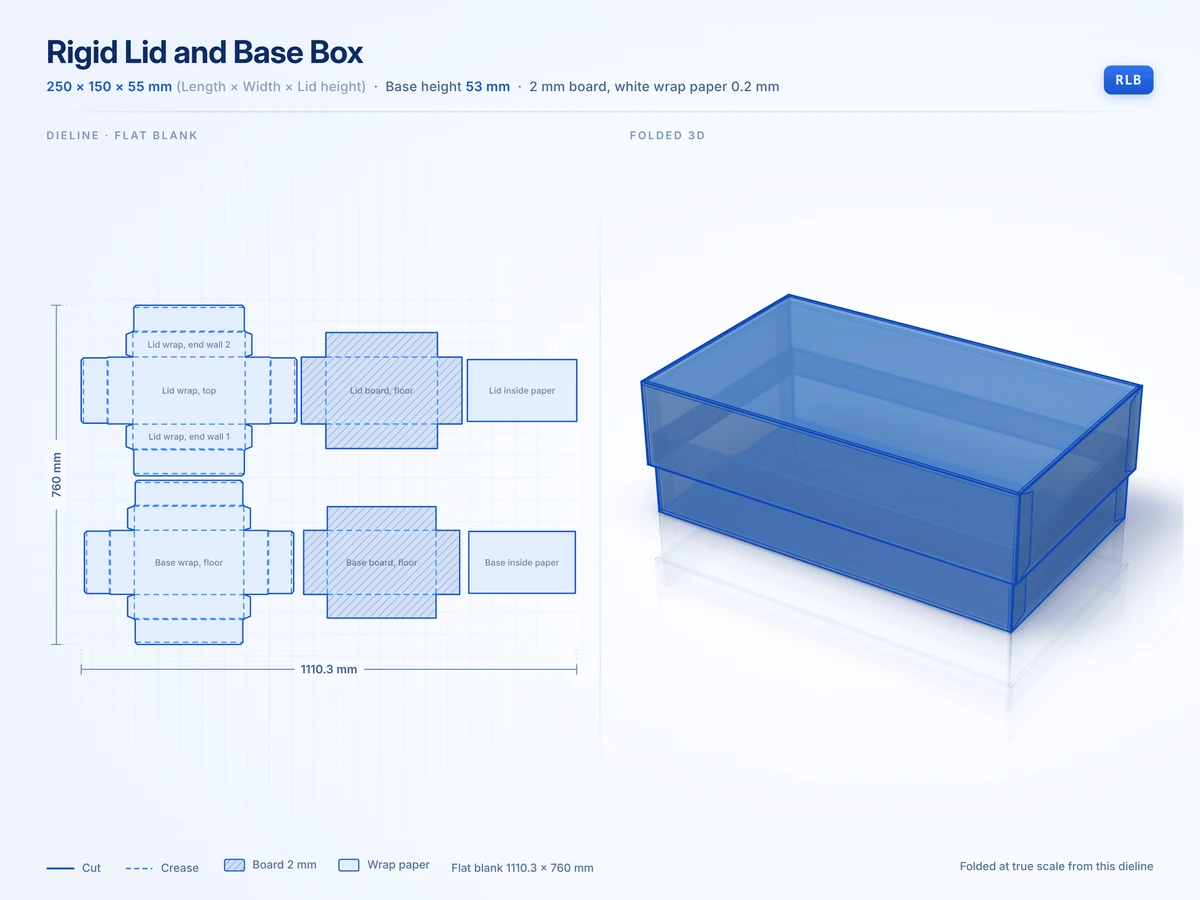 Rigid Lid and Base Box250 x 150 x 55 mmView in 3D
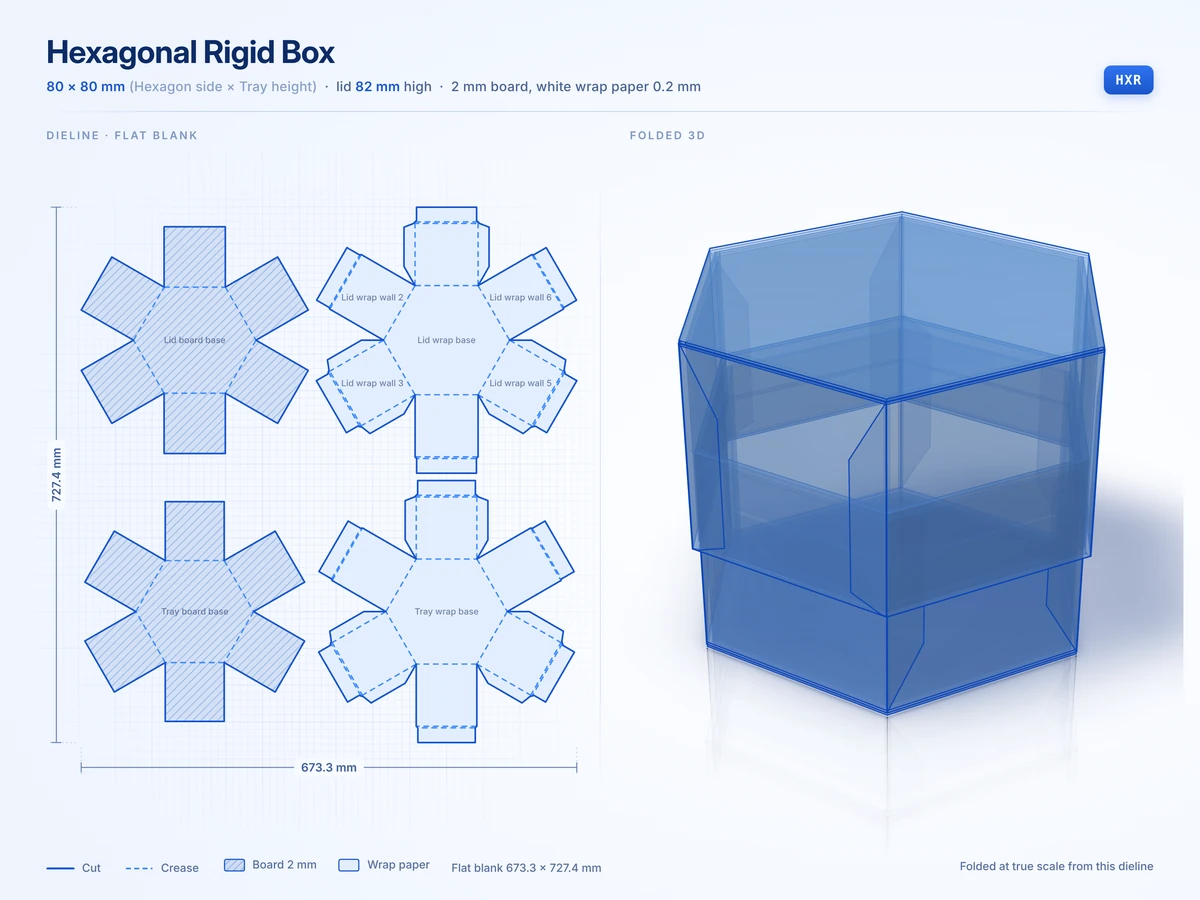 Hexagonal Rigid Box80 x 80 mmView in 3D
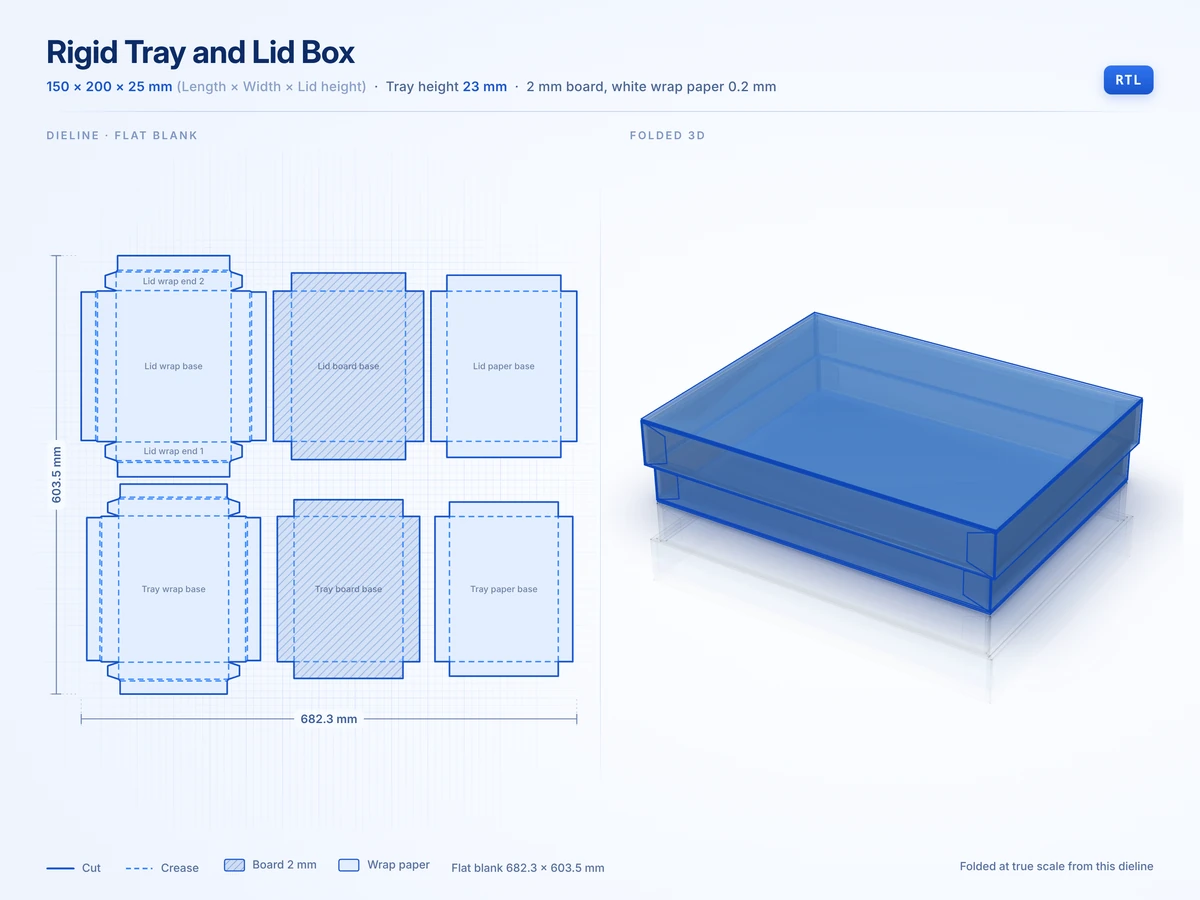 Rigid Tray and Lid Box150 x 200 x 25 mmView in 3D
Your artwork is what turns a plain white carton into a true mockup of your brand once the structure is set.
How Do You Make a Box Mockup From Your Own Artwork?
Click Upload designs and add as many PNG, JPG, SVG or WEBP files as your box needs. Drag each file onto a panel and the studio wraps it around the folds the way print wraps a real carton.
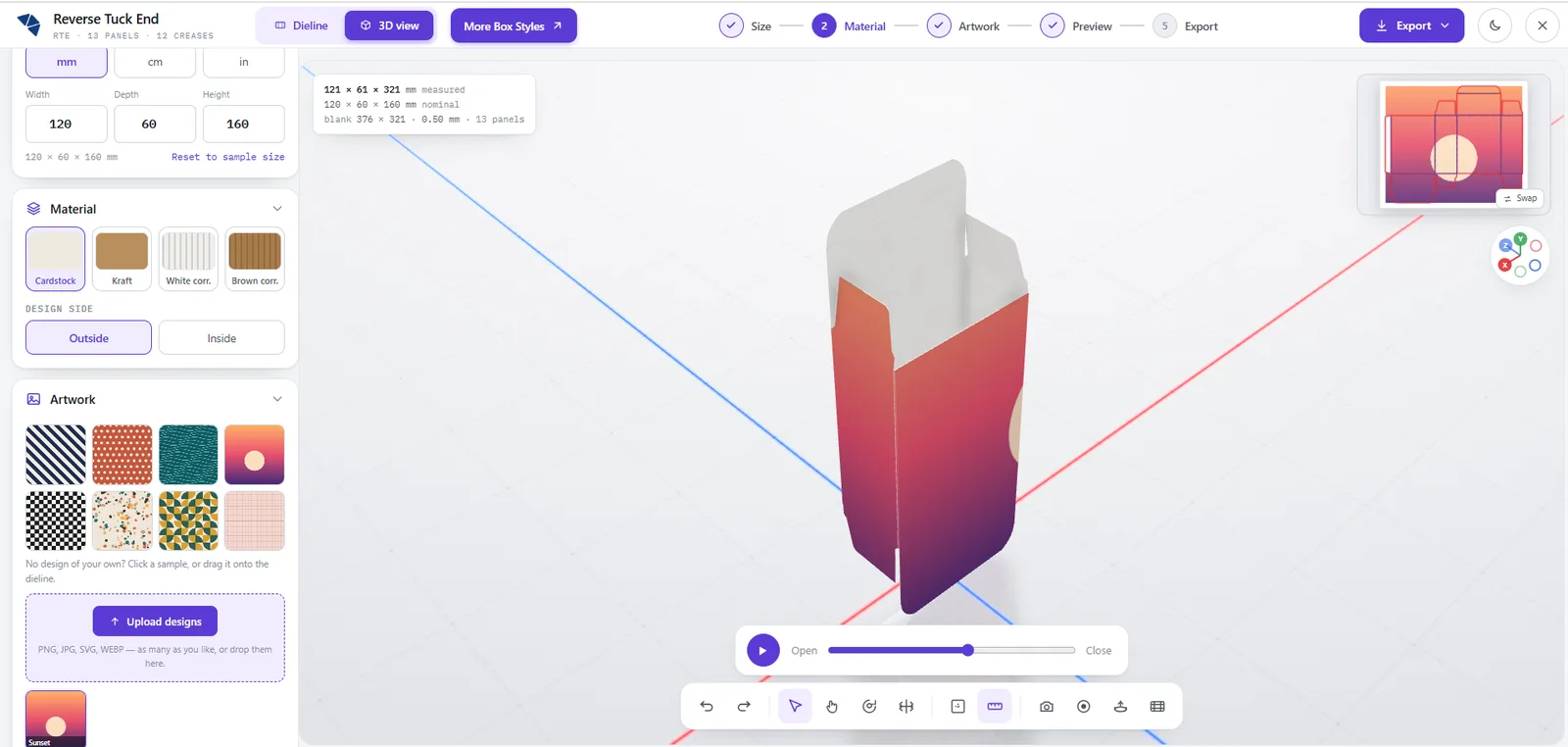
The Design side switch puts artwork inside the box for an unboxing message or a pattern under the lid. With no artwork yet you can still test a style with one of the eight sample patterns.
For a sharp mockup size each file to its panel, because the dieline labels every panel in millimeters.
When the box looks right the next step is choosing which files to take away from the studio.
What Can You Download From the Box Mockup Generator?
The studio gives you four kinds of file and each one does a different job for your launch.
| Download | Format | Best use |
|---|---|---|
| Mockup image | PNG | Listings, pitch decks and social posts before stock exists |
| Fold video | WebM | Showing a buyer how the box opens |
| Print file | Layered vector PDF with sizes and artwork | Sending to us for a quote and a proof |
| Design file | AI or SVG | Editing in Illustrator or cutting samples on a plotter |
Before you send a file anywhere it helps to know how closely the 3D box matches the carton that comes off the press.
How Accurate Is a 3D Box Mockup Compared With the Real Box?
The 3D box folds from the same dieline the studio draws, so every panel and tuck sits where the cutting die will put it.
The info panel compares the size you typed with the size of the folded box once board thickness is added.
| Measurement | Value |
|---|---|
| Size you typed | 120 x 60 x 160 mm |
| Folded box as measured | 121 x 61 x 161 mm |
| Flat blank before folding | 376 x 321 mm |
| Board thickness | 0.50 mm cardstock |
| Panels and creases | 13 panels and 12 creases |
That extra millimeter per side is the board wrapping around your product and it grows with thicker kraft or corrugated board.
A mockup you can trust is ready to become an order and the route to a printed box is short.
How Do You Turn Your 3D Box Mockup Into a Printed Order?
Export the PDF and send it through our quote form with your quantity, board and finish. Our prepress team checks it against your dieline and replies with a price and a proof.
- Minimum order of 100 boxes per size and design
- Production in 8 to 10 business days after dieline approval
- A plain sample in 3 to 5 business days or a printed one in 7 to 10
- No setup or tooling fees and free shipping across the United States
Read our artwork guidelines for bleed and color settings before you export the final print file from the studio.
If you only need a flat file the free dieline generator draws these same styles without the 3D step. Our structural packaging design team builds a new structure for any product that no standard style fits.